
HomeBlogSafe WhatsApp Contact Extraction 2026: Export Groups Without Password Exposure or Data Leakage
Safe WhatsApp Contact Extraction 2026: Export Groups Without Password Exposure or Data Leakage
2026-10-09
5 min read
Nabil Wassim
Tutorial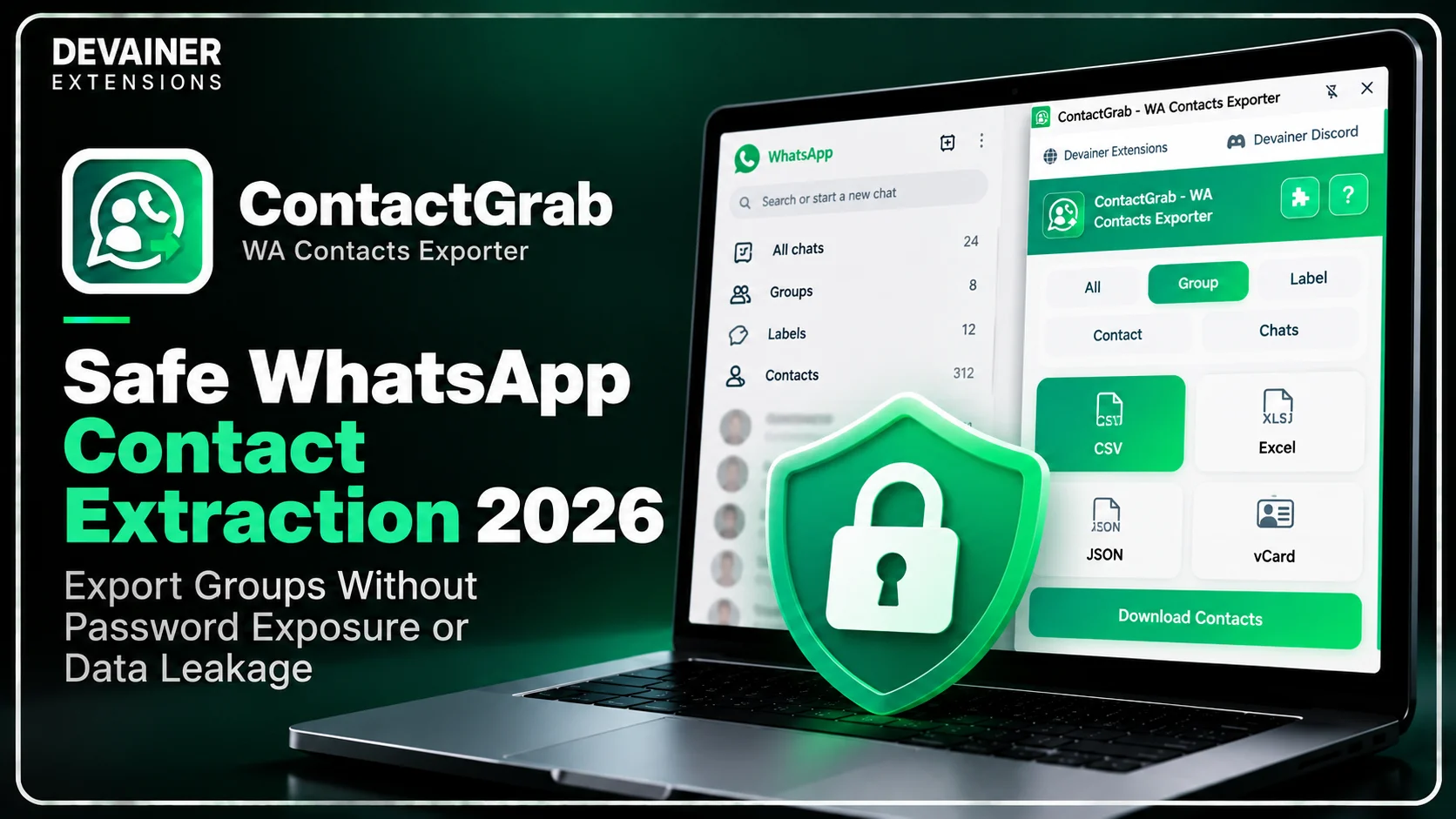
Master safe WhatsApp contact extraction 2026! Export group numbers, custom labels, and address books securely with zero server tracking using ContactGrab.
Safe WhatsApp Contact Extraction 2026: Export Groups Without Password Exposure or Data Leakage
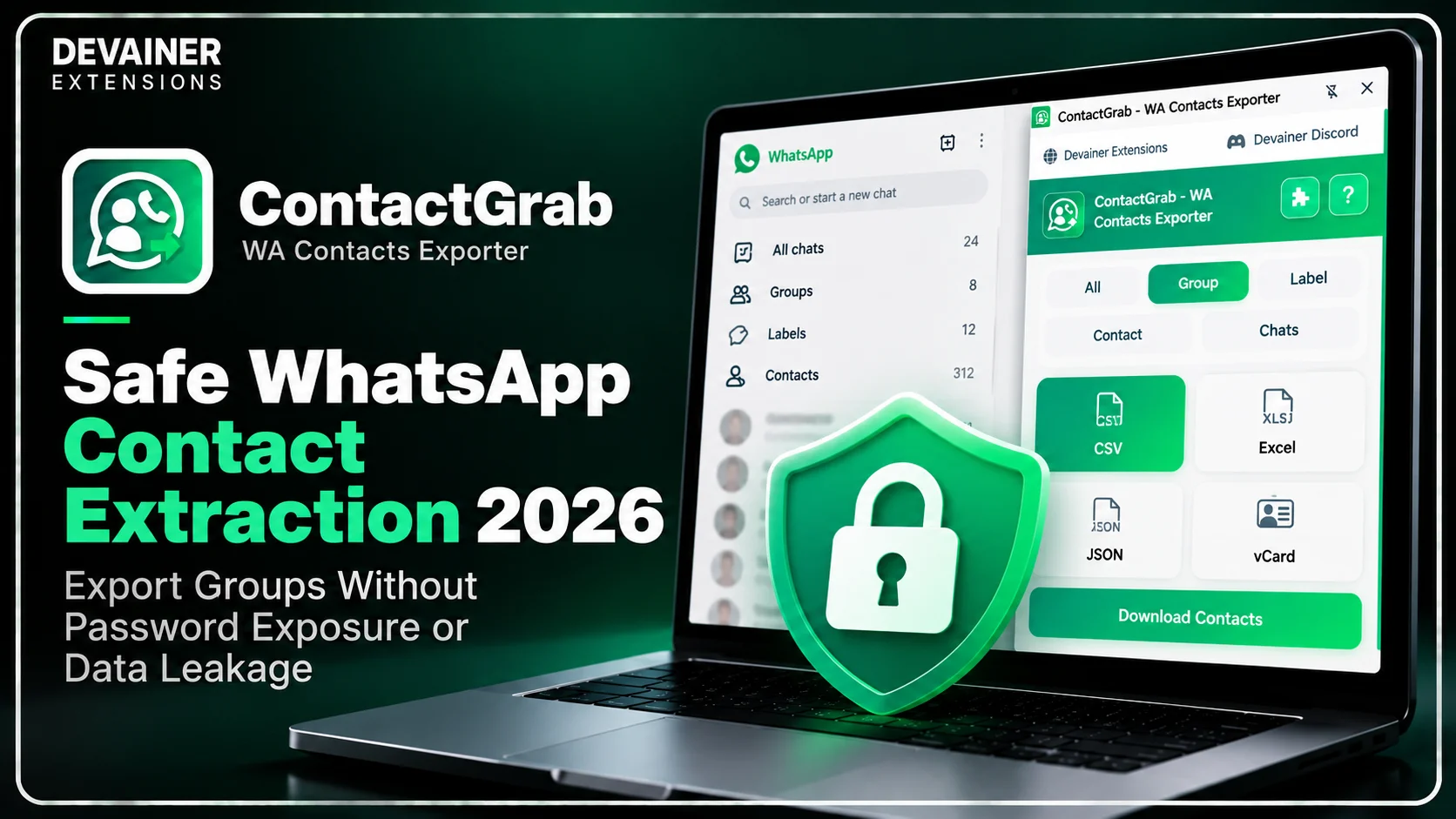
Executing safe WhatsApp contact extraction 2026 has emerged as an essential data compliance and cybersecurity requirement for corporate business leads, IT directors, and digital agencies in 2026. As WhatsApp remains the dominant conversational hub for global client interaction, maintaining complete control over customer phone lists and internal group databases is critical. However, traditional cloud-based scraping services introduce severe corporate security vulnerabilities by transmitting private phone books and client interaction logs to central third-party servers.
For enterprise organizations and growing small businesses, using unverified cloud lookup platforms risks exposing sensitive client records to data breaches.
When business teams extract contacts using local, browser-based management tools, they process client information natively while guaranteeing absolute data confidentiality.
In this comprehensive 2026 cybersecurity guide, we will analyze the technical flaws of cloud scrapers, evaluate the architectural advantages of client-side execution, and outline a practical 3-step extraction blueprint powered by ContactGrab - WA Contacts Exporter.
The Hidden Cybersecurity Risks of Cloud Contact Scrapers
To understand why traditional web scrapers place corporate client data in immediate danger, IT managers must evaluate how third-party platforms handle user sessions behind the scenes. The technical architecture used by legacy SaaS extraction tools violates basic corporate data protection standards.
1. Remote Database Storage and Third-Party Data Leakage
Legacy cloud platforms require users to route their chat data or session permissions through external web dashboards. Submitting contact lists to third-party databases means your client phone numbers get stored on remote servers, exposing your business to data breaches and unauthorized access.
If a third-party SaaS vendor suffers a security breach, your proprietary client databases and lead contacts could be leaked to competitive markets.
2. Session Token Hijacking and Account Compromise
Cloud scrapers attempt to access chat history by capturing active browser session tokens. Broadcasting session authentication tokens to external cloud servers violates basic messaging security guidelines.
Automated fraud systems actively cross-reference session access patterns, flagging profiles that share login permissions with commercial server farms.
The Strategic Importance of Local Data Ownership in 2026
In 2026, international data protection standards require commercial enterprises to enforce strict access controls over customer personal information. Preserving local data ownership ensures full compliance with privacy laws while building client trust.
1. Absolute Control Over Proprietary Lead Databases
When sales teams collect phone numbers from private networking groups, that information represents high-value corporate intellectual property.
Using local extraction tools ensures that client contact data remains exclusively on your local work station, completely protected from external commercial exploitation.
2. Protecting Confidential Business Networks
Corporate executives and real estate investors regularly form private groups to discuss commercial deals.
Extracting contacts locally prevents external scanning bots from mapping your company's executive relationships or client networks.
The Local Architecture Solution: How ContactGrab Guarantees Safety
Eliminating remote security risks requires moving away from cloud scrapers completely. ContactGrab - WA Contacts Exporter was engineered around an Uncompromising Data Privacy Architecture designed for zero data leakage.
1. 100% Client-Side Local Execution with Zero Server Uploads
ContactGrab runs 100% locally inside your active desktop browser session. Your customer phone numbers, contact names, and chat metadata are never uploaded, stored, or transmitted to external servers.
Because all parsing logic executes entirely within your open browser tab, your client database remains completely private and fully protected against cloud data breaches.
2. 5 Targeted Extraction Sources in One Click
ContactGrab allows administrative teams to capture complete contact records across five distinct operational sources. The extension extracts contacts from All Saved Contacts, Groups, Custom Labels, Address Book contacts, and active Chat threads seamlessly.


This comprehensive extraction power allows businesses to organize client databases locally without paying expensive monthly subscription fees.
3. Multi-Format Export Options (CSV, Excel, JSON, vCard)
Exporting data safely requires flexible file structures compatible with local corporate storage. ContactGrab supports direct exports to Excel (.xlsx), CSV, JSON, and direct vCard (.vcf) formats.
Whether your IT team requires JSON files for custom internal software or vCard files for direct mobile phone importing, ContactGrab delivers exact format compatibility without paywalls.
Understanding how local processing protects sensitive WhatsApp contact data is essential, but applying these security principles also requires a clear extraction workflow. Whether you're backing up business contacts, organizing group members, or preparing structured files for internal use, knowing how to configure your exports can make the process more efficient. For step-by-step instructions, explore our guide on how to export WhatsApp contacts and group members with ContactGrab, covering contact selection, group filtering, and exporting data to Excel, CSV, JSON, and vCard formats.
Deep Dive: Establishing Corporate Data Protection Workflows
Implementing routine local data archiving protocols prevents database clutter while ensuring enterprise security compliance.
Quarterly Offline Address Book Backups
Corporate IT leads should establish quarterly contact backup protocols. Exporting address books locally into encrypted CSV files protects companies against device loss or app access interruptions.
Secure Custom Label Filtering for B2B Teams
Sales directors can enforce strict label management workflows. Filtering chats by custom labels locally ensures that specific client tiers are archived without exposing broad contact databases.

The 3-Step Blueprint for Safe WhatsApp Contact Extraction
Implement this simple, secure 3-step operational guide to extract and archive client contacts using local browser processing:
Step 1: Open WhatsApp Web and Launch Extension
Access Web Layout: Open Chrome on your desktop workstation and navigate to web.whatsapp.com to ensure your session is active.
Launch ContactGrab: Click the ContactGrab extension icon directly inside your active browser toolbar.
Select Extraction Source: Choose your target source from All Saved Contacts, Groups, Custom Labels, Address Book, or Active Chats.
Step 2: Filter Target Groups and Select Export Format
Apply Dropdown Filters: Use the built-in search and dropdown menus to select specific target groups or labeled categories.
Select Output Option: Choose your desired file format (CSV, Excel, JSON, or vCard .vcf) based on your local storage destination.
Verify Selection: Ensure your filter settings isolate the exact contact demographic needed for your compliance archive.
Step 3: Click Extract and Save Files Locally
Run 1-Click Export: Click the clean download button to export your structured contact file directly to your local workstation.
Inspect File Structure: Open the downloaded file locally to confirm numbers, names, and group metrics are organized cleanly.
Store Data Securely: Move the extracted data file into your company's secure local storage or CRM pipeline.
Comparing WhatsApp Contact Management Tools
To help business leads and security officers select the safest data tools, the following technical evaluation contrasts local session extensions with traditional cloud scrapers:
1. Local Session-Based Exporter (ContactGrab - WA Contacts Exporter)
Data Privacy: 100% Secure. Operates locally in your browser sandbox with zero external server tracking or data storage.
Extraction Flexibility: 5 targeted extraction sources including Groups, Custom Labels, Saved Contacts, Address Book, and Chats.
Export Versatility: Seamless exports to CSV, Excel, JSON, and direct vCard (.vcf) for mobile devices.
Operating Cost: 100% Free & Unlimited with zero monthly subscription overhead or hidden paywalls.
Global Accessibility: Fully localized UI supporting 63 languages worldwide.
2. Legacy Cloud Scraping Tools
Data Privacy: High Risk. Transmits private contact books to remote cloud databases, risking major data leaks.
Extraction Flexibility: Basic group scraping often missing custom label filtering or chat thread isolation.
Export Versatility: Limited export options, frequently charging extra fees for vCard or JSON formats.
Operating Cost: Expensive recurring monthly plans with strict per-export credit limits.
Global Accessibility: Restricted language interfaces with zero local privacy guarantees.
3. Pure Manual Copy-Pasting
Data Privacy: Safe, as interactions occur manually through the official web interface[cite: 5].
Extraction Flexibility: None; requires manually typing phone numbers into spreadsheets for hours.
Export Versatility: Manual spreadsheet typing.
Operating Cost: High indirect cost in wasted administrative hours and operational burnout[cite: 5].
Global Accessibility: Manual work.
Frequently Asked Questions (FAQ)
Q: Does ContactGrab store my customer phone numbers on cloud servers?
A: No, never! ContactGrab operates under a strict Privacy-First Architecture with zero external server uploads. All contact processing occurs 100% locally on your machine.
Q: Can I export contacts directly into a vCard file for mobile phones?
A: Yes! ContactGrab supports direct vCard (.vcf) exports, allowing you to import phone lists directly into iOS or Android address books seamlessly.
Q: Are there monthly subscription fees or limit caps on ContactGrab exports?
A: No. ContactGrab provides 100% free and unlimited contact exports with zero hidden paywalls or credit caps.
Q: Can I extract contacts from specific custom labels on WhatsApp Business?
A: Yes! ContactGrab includes advanced search and dropdown selection tools, allowing you to isolate and export contacts assigned to specific custom labels easily.
Ready to Export Your WhatsApp Contacts?
Organize your groups, back up your address book, and export contacts in seconds.
Install ContactGrabNabil Wassim
Blog Author
Article Info
2026-10-09
5 min read
Nabil Wassim
Tutorial