
How to Audit and Manage ChatGPT History 2026: The Ultimate Bulk Organization Guide
2026-10-09
5 min read
Nabil Wassim
Tutorial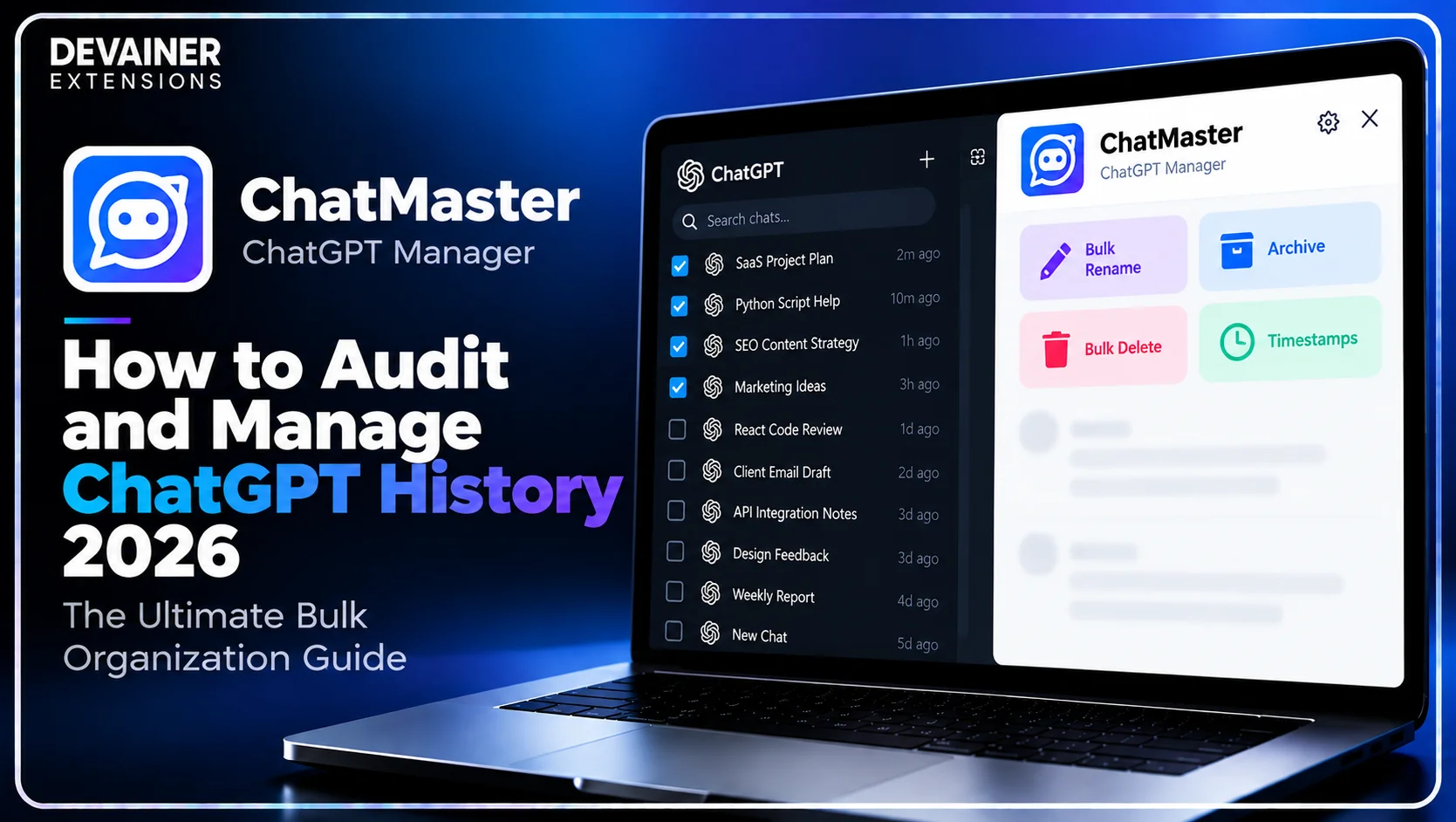
Master how to manage ChatGPT history 2026! Audit prompt execution timelines, bulk archive project threads, and structure your corporate AI workspace safely using ChatMaster.
How to Audit and Manage ChatGPT History 2026: The Ultimate Bulk Organization Guide
Learning how to manage ChatGPT history 2026 has emerged as a crucial operational protocol for project managers, enterprise research leads, software architects, and digital marketing directors in 2026. As artificial intelligence platforms become standard operational infrastructure across corporate departments, teams generate hundreds of strategic threads, prompt templates, and code debugging sessions every month. However, standard web interfaces offer very limited tools for auditing, categorizing, or organizing conversational histories over time.
When critical client research and strategic project documentation remain trapped inside an un-indexed sidebar, corporate teams risk losing valuable project context.
Manually scrolling through endless conversational logs or clicking individual thread menus to clean historical records wastes valuable executive hours.
In this comprehensive 2026 project management guide, we will analyze how structured AI conversation auditing improves team velocity, evaluate how client-side processing protects corporate IP, and detail a practical 3-step organization framework powered by ChatMaster – ChatGPT Bulk Delete, Archive, Rename & Timestamps.
The Strategic Importance of AI Conversation Auditing in 2026
Before establishing bulk management workflows, enterprise leads must understand why auditing and organizing ChatGPT conversation histories directly impacts corporate productivity. AI interaction logs function as a dynamic knowledge base containing proprietary prompt logic and creative research.
1. Preserving Historical Context and Prompt Engineering IP
Corporate teams spend hundreds of hours refining complex prompts for content generation, market analysis, and code refactoring. When these prompts remain scattered across vague, default-titled threads, team members frequently waste time re-inventing prompts from scratch.
Auditing and systematically renaming historical threads transforms your ChatGPT account into an organized, searchable corporate knowledge repository.
2. Verifying Time-Sensitive Project Milestones
In fast-paced software development and client consulting, tracking exactly when a specific idea, code solution, or research summary was generated is essential. Standard interfaces omit precise message timestamps, making chronological auditing difficult.
Access to exact message-level timestamps allows project leads to reconstruct research timelines accurately for client reporting and internal compliance audits.
Transforming ChatMaster into an Enterprise Management Tool
While casual users struggle with manual sidebar maintenance, ChatMaster – ChatGPT Bulk Delete, Archive, Rename & Timestamps provides comprehensive management capabilities engineered for power users and enterprise workflows.
1. Multi-Select Checkboxes for Rapid Bulk Actions
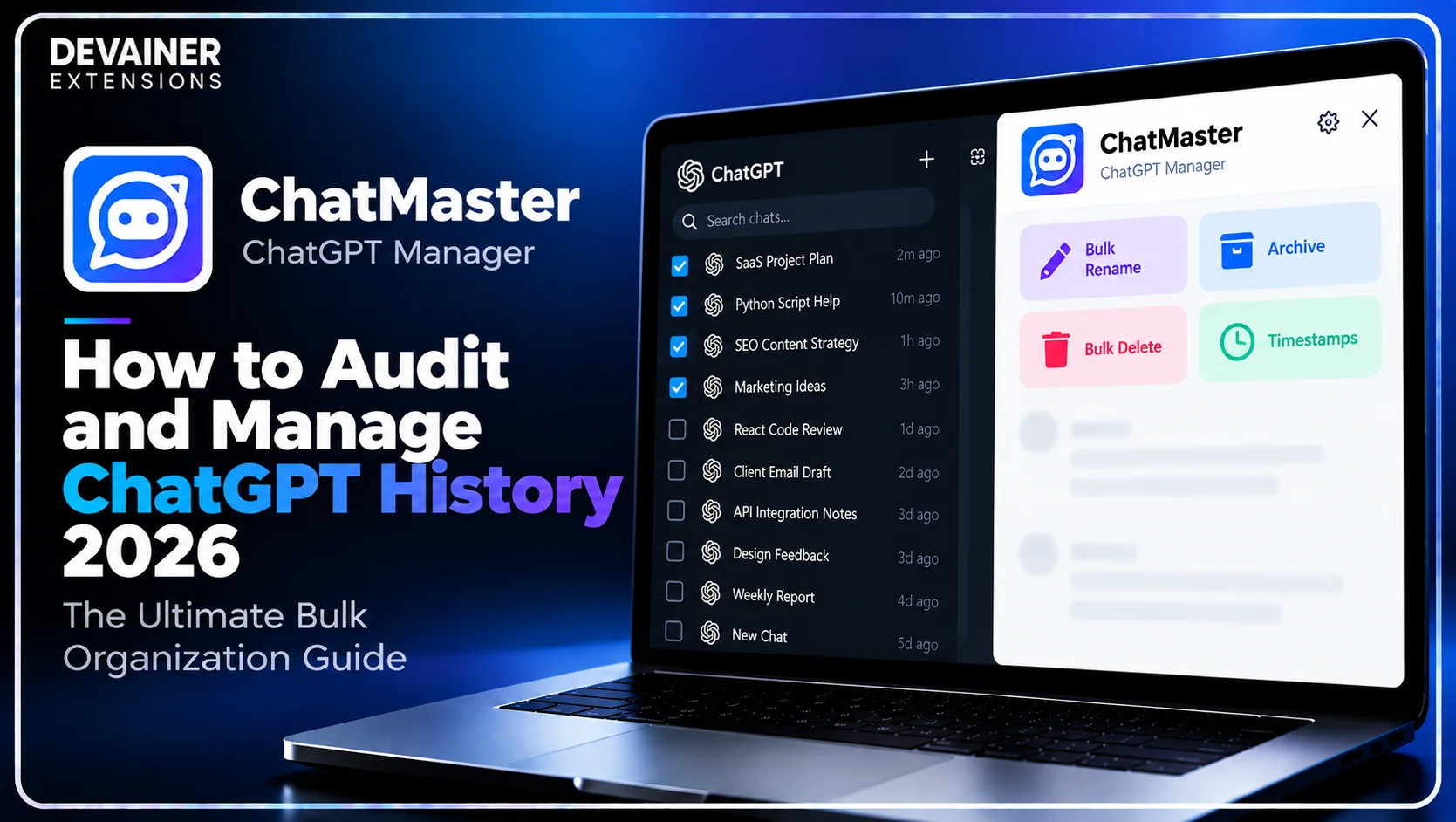
ChatMaster integrates intuitive selection checkboxes directly into the ChatGPT sidebar interface. Users can select dozens of target threads simultaneously to bulk delete, bulk archive, or bulk rename conversations in a single click.
Instead of spending hours performing repetitive manual menu clicks, project managers can audit and re-structure an entire account history in seconds.

2. Powerful Bulk Naming Rules with Prefixes and Indexing
Standard default thread titles like "SEO Strategy Help" create visual confusion when managing multiple client accounts. ChatMaster features an Advanced Bulk Rename Options engine supporting custom naming conventions.
Teams can apply custom project prefixes, client tags, numbered index lists, or execute find-and-replace text modifications across multiple threads instantly.


3. Smart Floating Navigator and Message Timestamps
Navigating lengthy technical threads containing extensive code blocks or long strategy drafts can be difficult. ChatMaster incorporates a Smart Navigator & Floating Panel that allows users to jump between message bubbles or reach top and bottom thread positions instantly.
Furthermore, ChatMaster displays precise time records directly under each message bubble, giving managers full operational visibility over prompt execution timelines.
The Cybersecurity Imperative: 100% Client-Side Privacy
Managing corporate research logs and confidential project prompts requires tools that uphold strict privacy standards. Third-party cloud utilities that capture chat logs introduce severe enterprise data leak liabilities.
ChatMaster operates under a strict 100% Privacy & Local Processing Architecture.
1. Zero External Servers and Complete Local Processing
ChatMaster executes 100% locally inside your desktop browser sandbox. It never inspects, captures, stores, or transmits private prompts, chat contents, or user session tokens to external servers.
All UI automation occurs locally within your active browser tab, ensuring corporate intellectual property remains completely protected.
2. Safe UI Automation with Controlled Pacing
Executing rapid bulk actions on web interfaces can sometimes trigger browser rendering glitches.
ChatMaster incorporates automated rate throttling that simulates native user interactions smoothly. This controlled pacing ensures bulk rename, archive, and delete requests execute safely without freezing your workspace tab.
Auditing your ChatGPT history involves more than organizing conversation titles and tracking message timestamps. Protecting sensitive prompts, project discussions, and confidential research during bulk management operations is equally important, especially for professional and enterprise workflows. For a closer look at privacy-focused conversation management, explore our guide on safe ChatGPT workspace management with bulk delete and archive operations, covering local browser processing, data privacy considerations, and efficient ways to manage multiple conversations without relying on external cloud services.
Deep Dive: Structuring a Corporate AI Project Management System
Establishing routine conversation management protocols prevents sidebar clutter and maintains clear project tracking across teams.
Implementing Weekly Project Suffix and Prefix Standards
Project managers should enforce standardized thread labeling. Applying structured tags such as [Client-A][Q4] or [Dev-Sprint-12] arranges threads logically, allowing team leads to locate historical context instantly.
Archiving Completed Sprints for Compliance and Focus
Keeping finished project threads in your active sidebar creates unnecessary visual noise.
Using ChatMaster, managers can highlight completed sprint threads and execute a bulk archive action, keeping active sidebars lean while preserving full history in account archives.
The 3-Step Blueprint for Auditing ChatGPT History
Implement this simple, secure operational guide to audit and organize your account history using ChatMaster:
Step 1: Open ChatGPT and Select Target Conversations
Access Web Layout: Open Chrome on your desktop computer and log into chatgpt.com to load your active session.
Activate Selection Mode: Click the ChatMaster toolbar icon to display selection checkboxes across your sidebar threads.
Select Conversation Queues: Check the boxes next to the project threads you wish to organize, archive, or delete.
Step 2: Configure Bulk Actions and Naming Conventions
Select Action Command: Choose Bulk Delete, Bulk Archive, or Bulk Rename on the ChatMaster control panel.
Set Rename Rules: If renaming, enter your project prefix, suffix, or find-and-replace text rules.
Review Target List: Confirm that your selection isolates the exact conversation group intended for modification.
Step 3: Execute Action and Audit Message Timestamps
Run Bulk Command: Click execute to apply your selected bulk operation across all checked threads instantly.
Inspect Message Timestamps: Open key project threads to view exact message-level timestamps for chronological auditing.
Utilize Smart Navigator: Use the Smart Floating Navigator to navigate long technical threads effortlessly.
Comparing ChatGPT History Management Methods
To help project leads and enterprise managers choose the safest management tools, the following evaluation contrasts ChatMaster with default manual tools:
1. Local Session Automation (ChatMaster)
Bulk Processing: Full bulk action support (Delete, Archive, Rename) via intuitive sidebar checkboxes.
Rename Control: Advanced naming rules with custom prefixes, suffixes, index numbers, and text replacement.
Auditing Features: Smart Floating Navigator for rapid scrolling plus precise message timestamps.
Privacy Standard: 100% Local processing with zero external servers, zero tracking, and zero prompt exposure.
Operating Cost: 100% Free Forever with unlimited usage and support for 60+ languages.
2. Default ChatGPT Interface
Bulk Processing: None; requires manually clicking individual three-dot menus thread by thread.
Rename Control: Basic manual typing for individual thread titles only.
Auditing Features: Standard browser scrollbar with no message timestamps or jump controls.
Privacy Standard: Native platform handling.
Operating Cost: Included with standard user account.
3. Third-Party Cloud Automation Tools
Bulk Processing: Variable bulk capabilities, often requiring external web dashboard logins.
Rename Control: Basic thread title modification options.
Auditing Features: Limited browser overlay features.
Privacy Standard: Critical Risk; often captures chat logs and prompt analytics on remote servers.
Operating Cost: Frequently requires paid monthly subscriptions or account registration.
Frequently Asked Questions (FAQ)
Q: Can ChatMaster help audit when a specific ChatGPT response was generated?
A: Yes! ChatMaster automatically displays precise timestamps directly underneath each message bubble, allowing you to audit exact generation times.
Q: Is ChatMaster safe for handling sensitive corporate ChatGPT accounts?
A: Yes, 100% safe! ChatMaster operates under a strict Privacy-First Architecture, executing all actions locally inside your browser with zero external server tracking.
Q: How does the Smart Floating Navigator improve long thread management?
A: The Smart Floating Navigator stays pinned to your browser view, allowing you to jump to top and bottom thread positions or scroll between message blocks instantly.
Q: Can I bulk archive threads without permanently deleting my project data?
A: Absolutely. ChatMaster allows you to bulk archive target threads in one click, clearing your active sidebar while keeping full chat histories safe in account archives.
Ready to Supercharge Your ChatGPT Workspace?
Take full control of your ChatGPT sidebar with bulk actions, timestamps, and smart navigation today.
Install ChatMasterNabil Wassim
Blog Author
Article Info
2026-10-09
5 min read
Nabil Wassim
Tutorial