
Safe ChatGPT Workspace Management 2026: Bulk Delete and Archive With Zero Data Leakage
2026-10-09
5 min read
Nabil Wassim
Tutorial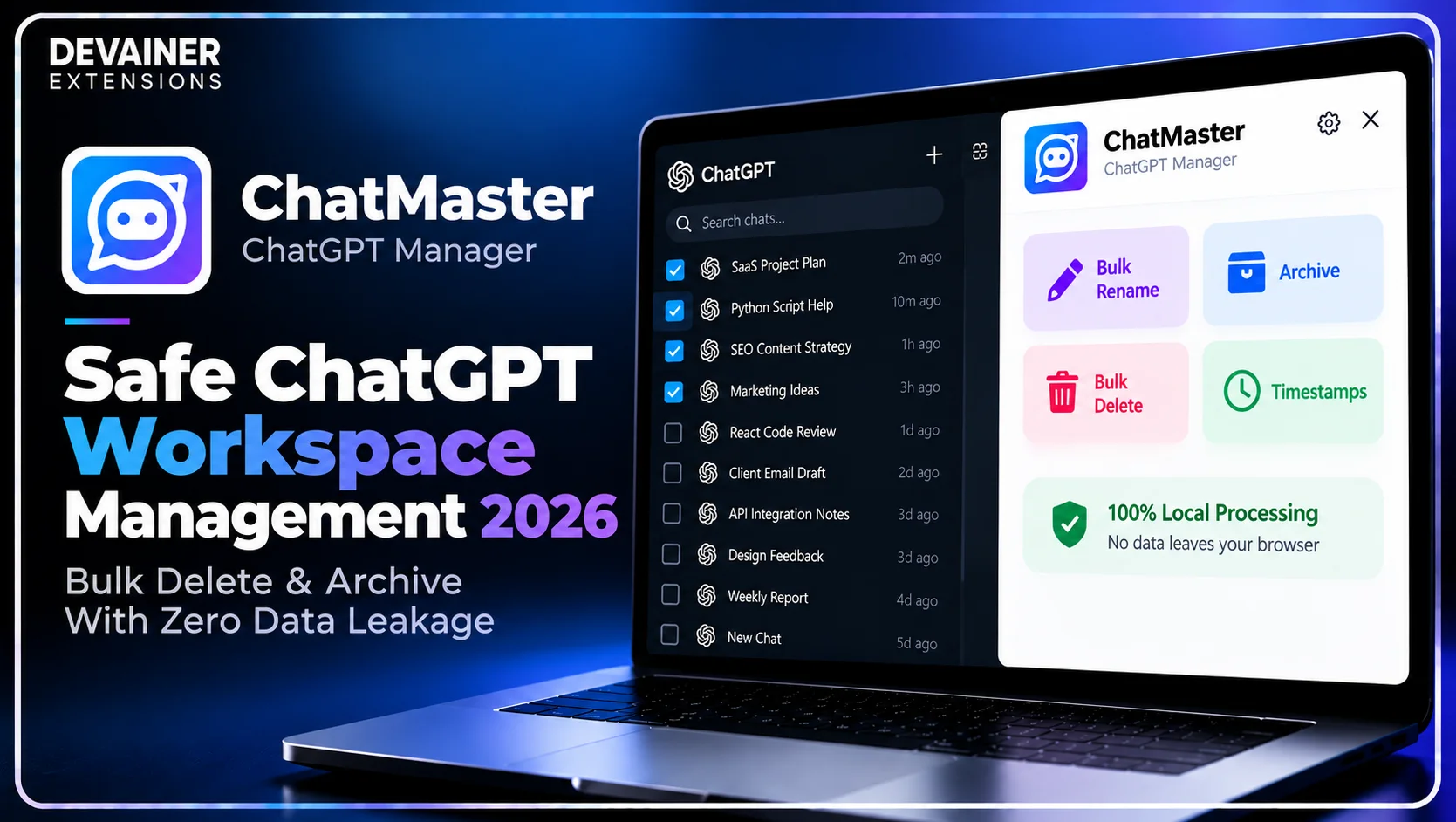
Master safe ChatGPT workspace management 2026! Bulk archive threads, organize conversation sidebars, and protect private prompts with zero cloud tracking using ChatMaster.
Safe ChatGPT Workspace Management 2026: Bulk Delete & Archive With Zero Data Leakage
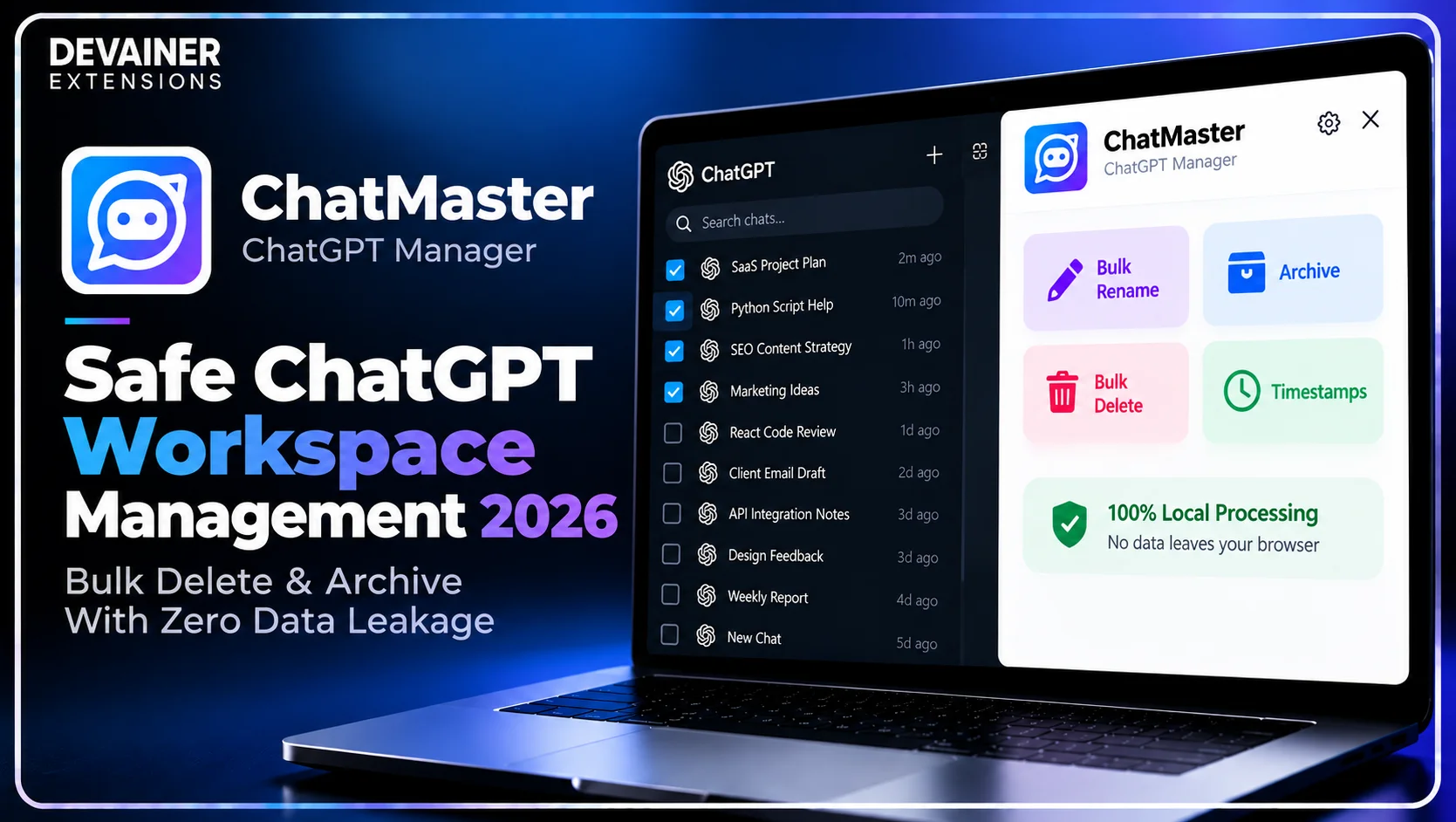
Executing safe ChatGPT workspace management 2026 has become a vital operational necessity for enterprise security teams, software engineers, clinical researchers, and digital agency leaders in 2026. As artificial intelligence models become deeply integrated into daily professional workflows, corporate employees input sensitive source code, strategic business plans, and proprietary research prompts into conversational interfaces daily. However, utilizing unverified third-party organization software creates severe corporate security vulnerabilities by exposing private chat histories and prompt analytics to remote cloud databases.
For enterprise organizations and compliance-minded creators, sharing AI interaction logs with external servers risks exposing proprietary intellectual property to unauthorized data leaks.
When digital managers organize their AI sidebars using local, browser-based management utilities, they clean conversation histories natively while guaranteeing absolute data privacy.
In this comprehensive 2026 cybersecurity guide, we will analyze the technical risks of cloud automation utilities, evaluate the security safeguards of local browser sandboxing, and detail a practical 3-step organization blueprint powered by ChatMaster – ChatGPT Bulk Delete, Archive, Rename & Timestamps.
The Hidden Cybersecurity Risks of Third-Party AI Utilities
To understand why traditional web scrapers and external browser scripts place corporate prompts in immediate danger, IT directors must evaluate how third-party platforms handle session data behind the scenes. The technical architecture used by legacy SaaS productivity tools violates basic enterprise data protection standards.
1. External Prompt Logging and Remote Database Breaches
Legacy cloud utilities often require users to submit their chat histories or session permissions to remote web dashboards. Submitting conversation logs to external cloud servers means your private code snippets and commercial prompts get stored in centralized databases, leaving your business vulnerable to data leaks.
If a third-party productivity platform suffers a security breach, your proprietary business strategies and prompt engineering assets could be exposed to public networks.
2. Unauthorized Usage Tracking and Behavioral Analytics
Many free browser utilities monetize their user base by aggregating user activity metrics and prompt interaction patterns. They sell competitive usage trends to market research agencies, exposing your company's private AI research vectors.
Maintaining absolute corporate confidentiality requires management software that operates strictly within your local machine without transmitting diagnostic logs to remote servers.
The Strategic Importance of Local Data Ownership in 2026
In 2026, global data privacy regulations require commercial enterprises to maintain strict control over proprietary software inputs and AI interaction records. Preserving local data ownership ensures full compliance with international security standards.
1. Protecting Enterprise Source Code and Confidential Logic
When software engineering teams use AI platforms to debug proprietary code modules or refactor internal application logic, those conversation threads contain highly sensitive asset data.
Using local management tools ensures that private code snippets stay strictly within your workstation sandbox, completely protected from external database tracking.
2. Preserving Proprietary Prompt Engineering Assets
Crafting high-converting prompt templates requires significant creative iteration and domain expertise. These prompt sequences represent core business intellectual property.
Bulk organizing conversation sidebars locally prevents external tracking scripts from scraping your company's proprietary prompt libraries.
The Local Architecture Solution: How ChatMaster Protects Your Account
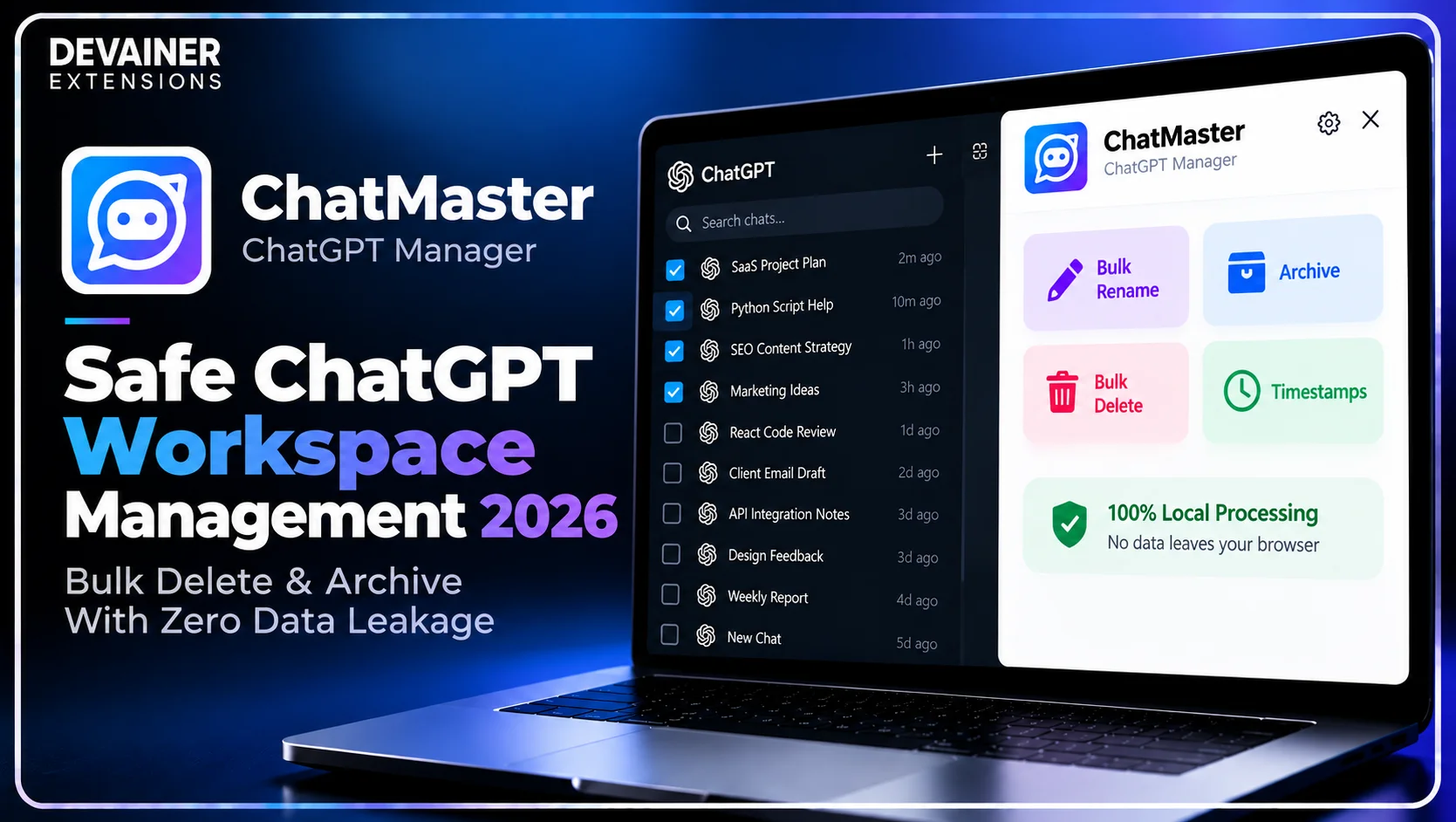
Eliminating remote security liabilities requires moving away from cloud-dependent utilities entirely. ChatMaster – ChatGPT Bulk Delete, Archive, Rename & Timestamps was engineered around a strict 100% Privacy & Local Processing Architecture designed for total data confidentiality.
1. 100% Client-Side Execution with Zero External Server Connections
ChatMaster runs 100% locally inside your active desktop browser session. It operates with zero external backend servers, meaning your prompts, chat contents, user tokens, and browsing histories are never collected, stored, or transmitted.
All UI automation and sidebar indexing execute natively within your local browser tab, completely eliminating cloud data breach liabilities.
2. Multi-Select Checkboxes for Safe Bulk Actions
ChatMaster integrates intuitive selection checkboxes directly into your ChatGPT sidebar interface. Users can select multiple chat threads simultaneously to bulk delete, bulk archive, or bulk rename dozens of conversations in a single click.
This client-side bulk execution capability allows enterprise managers to maintain a clean workspace without compromising proprietary prompt privacy.
3. Safe Rate Throttling and Native UI Simulation
Executing rapid bulk actions on complex web applications can sometimes trigger interface rendering errors.
ChatMaster incorporates automated rate throttling that simulates native user actions smoothly. This controlled pacing ensures your bulk rename, archive, and delete requests execute safely without freezing your active browser tab.
Protecting sensitive ChatGPT conversations is an important part of workspace management, but maintaining a well-organized conversation history is equally essential for productivity. Beyond secure bulk deletion and archiving, features such as structured naming conventions, message timestamps, and efficient thread navigation can make managing large AI workspaces much easier. For a practical walkthrough, explore our guide on how to audit and manage ChatGPT history in 2026, covering bulk conversation organization, historical auditing, and effective ways to maintain a structured ChatGPT workspace.
Deep Dive: Establishing Corporate AI Security Guidelines
Implementing routine local workspace maintenance protocols prevents sidebar clutter while enforcing enterprise privacy compliance across teams.
1. Weekly Bulk Archiving of Confidential Client Projects
Project managers should establish weekly sidebar cleanup routines. Bulk archiving completed client research threads keeps active sidebars focused while preserving complete historical context in account archives.
2. Bulk Purging Temporary Code Scraps
Daily debugging sessions generate dozens of disposable code verification chats.
Using ChatMaster's bulk delete checkboxes, developers can purge disposable technical scraps in one click, keeping the corporate workspace clean and secure.
The 3-Step Blueprint for Safe ChatGPT Workspace Management
Implement this simple, secure 3-step operational workflow to organize your AI workspace without risking prompt data exposure:
Step 1: Open ChatGPT and Activate Local Checkboxes
Access Web Layout: Open Chrome on your desktop computer and navigate to chatgpt.com to ensure your session is active.
Launch Extension: Click the ChatMaster toolbar icon to activate multi-select checkboxes across your sidebar threads.
Select Target Threads: Check the boxes next to the conversations you wish to rename, archive, or delete.
Step 2: Configure Bulk Actions and Local Naming Rules
Select Command Type: Click Bulk Delete, Bulk Archive, or Bulk Rename on the ChatMaster control panel.
Set Custom Rules: If renaming, enter your desired project prefix, suffix, or find-and-replace text rules.
Confirm Selection: Verify that your target list isolates the exact conversation group intended for modification.

Step 3: Execute Command and Navigate Threads Safely
Run Bulk Operation: Click execute to apply your selected bulk command across all checked threads instantly.
Inspect Message Timestamps: View precise time records directly under message bubbles without sending data to external APIs.
Utilize Smart Navigator: Use the Smart Floating Navigator panel to jump through extensive technical threads effortlessly.

Comparing ChatGPT Workspace Management Methods
To help IT leads and enterprise creators select the safest management tools, the following technical evaluation contrasts local session extensions with risky cloud automation utilities:
1. Local Session Automation (ChatMaster)
Privacy Standard: 100% Local processing inside browser sandbox with zero external servers and zero prompt tracking.
Bulk Processing: Full bulk action support (Delete, Archive, Rename) via intuitive sidebar checkboxes.
Automation Safety: Built-in rate throttling to simulate native UI interactions safely.
Navigation Power: Smart Floating Navigator for fast scrolling plus precise message timestamps.
Operating Cost: 100% Free Forever with unlimited usage and support for 60+ languages.
2. Legacy Cloud Automation Tools
Privacy Standard: High Risk; often captures chat logs and prompt analytics on central cloud databases.
Bulk Processing: Variable bulk capabilities, often requiring external web dashboard logins.
Automation Safety: Uncontrolled request bursts that can cause browser tab crashes.
Navigation Power: Basic overlay features lacking precise timestamp integration.
Operating Cost: Expensive monthly subscriptions with rigid credit limits.
3. Pure Manual Interface Maintenance
Privacy Standard: Safe, as interactions occur manually through the official interface.
Bulk Processing: None; requires manually clicking individual three-dot menus thread by thread.
Automation Safety: Manual clicks.
Navigation Power: Standard browser scrollbar with no message timestamps or jump controls.
Operating Cost: High indirect cost in wasted administrative hours and workflow fatigue.
Frequently Asked Questions (FAQ)
Q: Does ChatMaster collect or send my prompts to remote servers?
A: No, never! ChatMaster operates under a strict Privacy-First Architecture with zero external backend servers. All processing occurs 100% locally on your machine.
Q: Can I use ChatMaster to organize sensitive corporate code discussions safely?
A: Yes, absolutely! Because ChatMaster runs entirely within your active local browser tab, your code snippets and internal business prompts remain 100% confidential.
Q: Does ChatMaster support bulk archiving for large chat histories?
A: Yes! You can select dozens of completed project threads using sidebar checkboxes and execute a bulk archive action in a single click.
Q: How does ChatMaster protect against browser tab freezing during bulk actions?
A: ChatMaster features built-in automated rate throttling that simulates native user interactions smoothly, ensuring your bulk operations execute safely without freezing your tab.
Eliminate ChatGPT Sidebar Clutter Safely Today
Clean your AI workspace, organize project threads, and protect your private prompts with 100% local browser automation.
Install ChatMasterNabil Wassim
Blog Author
Article Info
2026-10-09
5 min read
Nabil Wassim
Tutorial