
Safe Website Security Detection 2026: Audit SSL and Server Headers Without Data Leakage
2026-10-09
5 min read
Nabil Wassim
Tutorial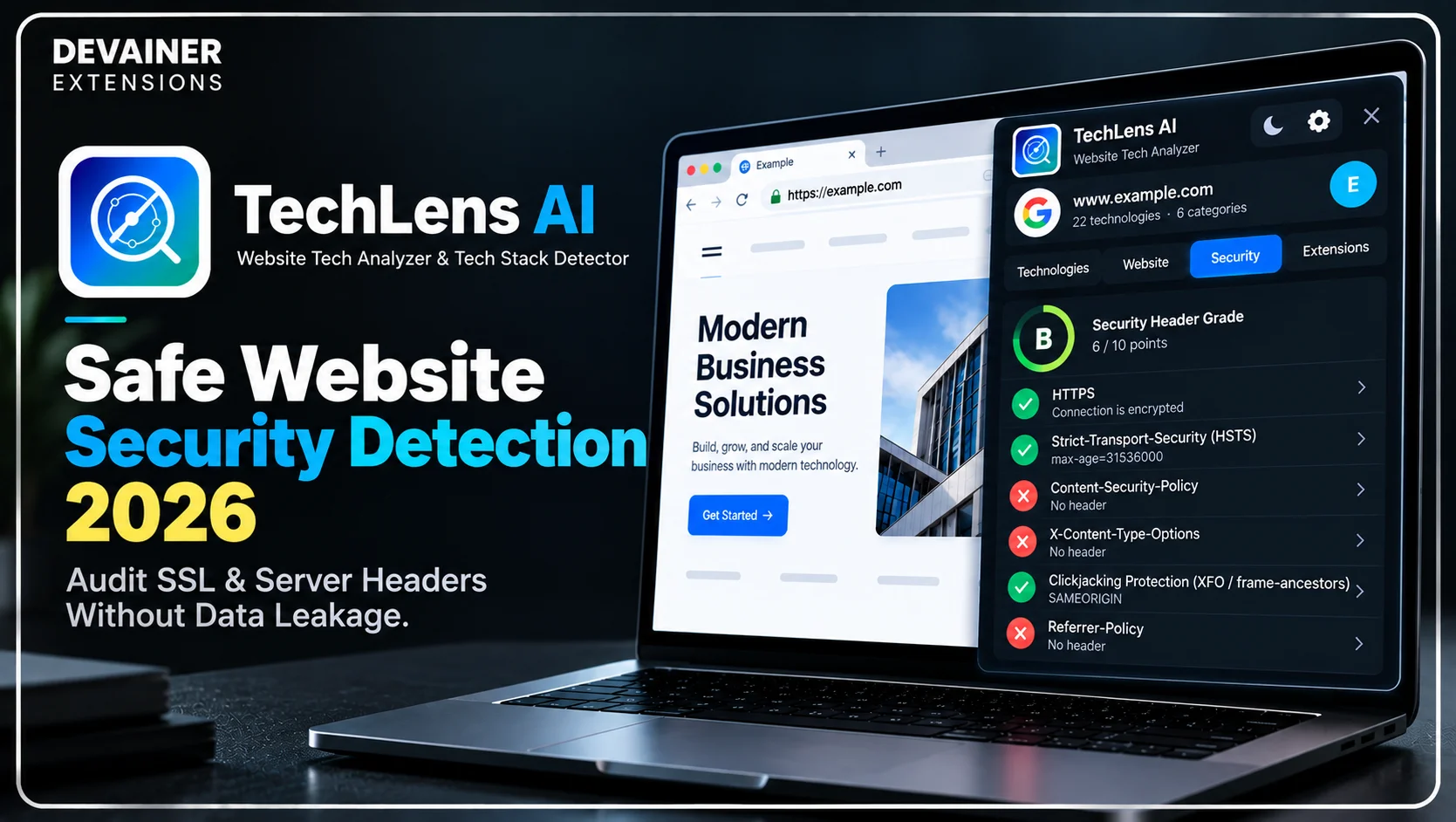
Master safe website security detection 2026! Audit SSL encryption, check HTTP server headers, and inspect website tech stacks safely without data leaks using TechLens AI.
Safe Website Security Detection 2026: Audit SSL & Server Headers Without Data Leakage
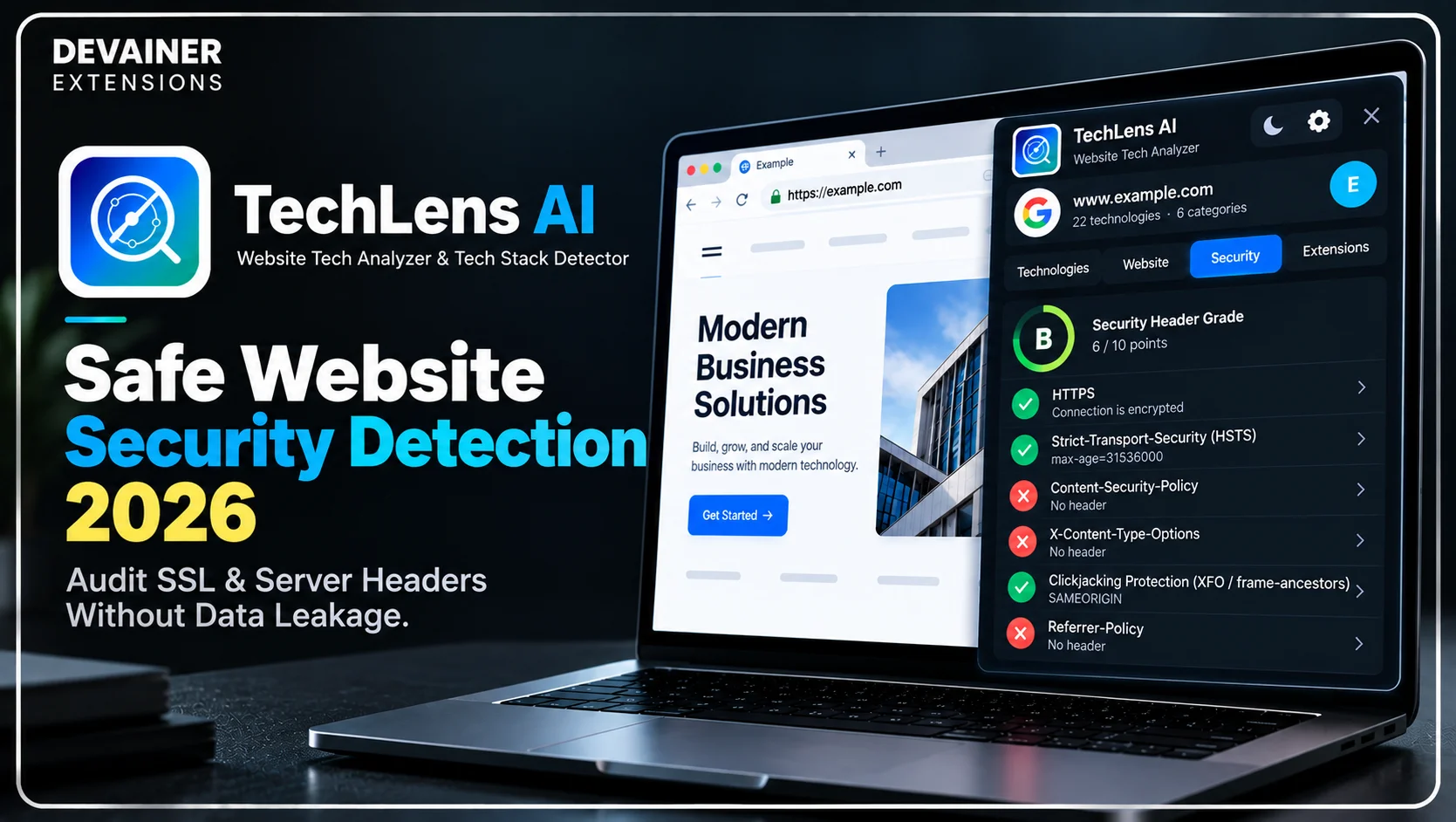
Executing safe website security detection 2026 has become a vital operational protocol for cybersecurity consultants, webmasters, and enterprise IT leads operating in 2026. As cyber threats become more sophisticated, maintaining full visibility over your web application’s underlying tech stack and security posture is essential for preventing data breaches. However, traditional cloud-based scanner platforms introduce severe privacy liabilities by transmitting target domain URLs, infrastructure blueprints, and security logs to central third-party servers.
For enterprise security teams and client-facing agencies, utilizing cloud lookup services means broadcasting sensitive vulnerability data over external networks.
When security auditors inspect client websites using local, client-side detection extensions, they perform deep security grade evaluations while ensuring zero diagnostic data leakage.
In this comprehensive 2026 cybersecurity guide, we will analyze the severe security risks of traditional cloud scanners, explore the technical safeguards of local browser execution, and detail a practical 3-step security audit workflow powered by TechLens AI - Website Technology Analyzer & Tech Stack Detector.
The Hidden Risks of Third-Party Cloud Security Scanners
Before choosing security inspection tools, IT directors must inspect how cloud lookup platforms handle diagnostic audit data behind the scenes. The technical infrastructure used by legacy SaaS scanning tools creates unnecessary cybersecurity risks for corporate assets.
1. External URL Harvesting and Vulnerability Exposure
Legacy cloud lookup tools require sending the audited target domain to remote web servers for scanning. Transmitting target URLs to external databases creates a public log of your infrastructure analysis.
If a third-party cloud platform suffers a database breach, your unpatched server vulnerabilities, outdated plugins, and server header weaknesses could be exposed to malicious actors.
2. Unauthorized Third-Party Data Tracking
Many commercial lookup platforms monetized their free search tools by aggregating user browsing logs and enterprise research data. They sell industry lookup trends to competitive intelligence firms, exposing your agency's private research targets.
Maintaining client confidentiality requires auditing software that operates strictly within your local machine without phoning home to external analytics servers.
Evaluating Core Website Security Indicators in 2026
Comprehensive infrastructure analysis requires looking beyond surface-level CMS detection to inspect underlying web security configurations. Understanding key security metrics allows webmasters to patch vulnerabilities before exploitation occurs.
1. Verifying SSL/TLS Encryption and HTTPS Configurations
Transport Layer Security (SSL/TLS) protects sensitive user communication from interception. Auditing HTTPS setups ensures that valid certificates are properly configured across all subdomains and resource assets.
Misconfigured SSL certificates trigger severe browser warnings that destroy visitor trust and harm search engine ranking distribution.
2. Assessing HTTP Server Security Headers
HTTP security headers act as a crucial defense layer, instructing visitor browsers how to handle web content safely. Missing or misconfigured headers leave web applications vulnerable to cross-site scripting (XSS) and clickjacking attacks.
Evaluating security headers, including Content Security Policy (CSP), Strict-Transport-Security (HSTS), and X-Frame-Options, ensures robust server-level protection.

3. Detecting Server Version Leaks and Outdated Frameworks
Broadcasting precise server software version numbers in HTTP response headers simplifies reconnaissance for automated exploit scripts.
Detecting exposed server headers allows IT teams to hide software version numbers and patch outdated JavaScript frameworks promptly.
The Local Architecture Solution: How TechLens AI Protects Audit Data
Eliminating third-party data tracking requires adopting local execution tools. TechLens AI - Website Technology Analyzer & Tech Stack Detector was engineered around a strict Privacy-First (Local) Architecture designed for absolute data privacy.
1. 100% Client-Side Local Execution with Zero Data Harvesting
TechLens AI operates entirely within your active Chrome desktop browser session. It executes with zero external backend server logs, meaning your audited URLs, browsing history, and security logs remain 100% private.
All network inspection, framework parsing, and header evaluation run locally on your machine, preventing external tracking of your research targets.
2. Deep WordPress Plugin and Theme Security Inspection
WordPress represents a major target for automated web exploits due to outdated plugins and unpatched themes. TechLens AI performs deep WordPress inspection, identifying active themes and installed plugins alongside direct repository links.
Locating outdated plugin version numbers allows webmasters to apply security patches immediately, keeping the CMS protected against known vulnerabilities.
3. Comprehensive Multi-Category Tech Stack Detection
Beyond security auditing, TechLens AI instantly identifies the underlying software ecosystem running across 22 distinct technology categories. The extension detects CMS platforms, JS frameworks, UI libraries, analytics suites, CDNs, hosting providers, and payment gateways in a single click.
This comprehensive visibility ensures that IT leads maintain a complete software inventory across all corporate web properties.
Website security auditing becomes more effective when you understand the technologies and infrastructure behind each web application. Identifying CMS platforms, JavaScript frameworks, hosting providers, and WordPress dependencies can provide valuable context when reviewing SSL configurations and server security headers. For a broader technical walkthrough, explore our guide on how to analyze any website tech stack with TechLens AI, covering technology detection, infrastructure inspection, and practical website analysis techniques.


Deep Dive: Structuring an Enterprise Web Security Protocol
Establishing an ongoing infrastructure auditing routine prevents security drift and maintains long-term compliance across enterprise web properties.
Implementing Routine Pre-Deployment Audits
Web development teams should execute tech stack and security audits prior to launching new website updates or migrating servers.
Inspecting staging environments locally with TechLens AI ensures that missing security headers and exposed dev plugins are resolved before going live.
Maintaining Client Confidentiality during External Audits
For cybersecurity consultants auditing client systems under strict Non-Disclosure Agreements (NDAs), using local tools is a contractual requirement.
Local browser parsing guarantees that client domain names and infrastructure details never pass through unauthorized third-party scanning servers.
The 3-Step Blueprint for Safe Website Security Detection
Implement this secure 3-step operational guide to audit web security and inspect tech stacks without risking data leakage:
Step 1: Install Extension and Load Target Web Page
Install Extension: Add TechLens AI to your desktop Chrome browser directly from the Chrome Web Store.
Navigate to Target Domain: Visit the website, client domain, or staging server you wish to inspect.
Run 1-Click Audit: Click the TechLens AI extension icon in your toolbar to instantly execute a local security and technology scan.
Step 2: Inspect Security Grades and Tech Stack Infrastructure
Review Security Evaluation: Evaluate the security grade, HTTPS status, and server header configuration checklist.
Inspect WordPress Dependencies: Review deep WordPress plugin and theme lists to locate outdated or unmaintained extensions.
Examine 22 Tech Categories: Analyze the detected CMS frameworks, CDN networks, analytics tools, and hosting infrastructure.
Step 3: Export Structured Reports and Apply Patches
Select Export Format: Choose your preferred structured output format (Excel, CSV, JSON, or TXT).
Download File Instantly: Export complete diagnostic metadata directly to your local drive with zero cloud server logging.
Harden Infrastructure: Use the exported security audit report to patch server headers, update plugins, and secure web configurations.
Optimizing Corporate Security Documentation
Generating clean diagnostic exports allows IT teams to maintain clear security audit archives for compliance verification.
1. Maintaining CSV and JSON Audit Archives
Store regular JSON and CSV security exports in secure corporate repositories. Maintaining historical tech stack records simplifies compliance verification during formal security audits.
2. Communicating Technical Risks to Stakeholders
Utilize exported security grade summaries when presenting infrastructure budget requests to corporate executives. Concrete diagnostic reports make it easy to justify security upgrades.
Comparing Security Inspection Software Models
To help IT leads and webmasters select the safest diagnostic tools, the following evaluation contrasts local session extensions with legacy cloud scanners:
1. Session-Based Local Detection (TechLens AI)
Audit Privacy: 100% Secure. Operates locally in your browser sandbox with zero external URL logging or data harvesting.
Security Evaluation: Integrated security grade evaluation, HTTPS verification, and server header leakage checks.
WordPress Inspection: Deep plugin and theme version detection with direct links to official repositories.
Operating Cost: 100% Free & Unlimited with zero monthly subscription overhead.
Export Options: Seamless 1-click export to Excel, CSV, JSON, and TXT formats.
2. Third-Party Cloud Lookup Platforms
Audit Privacy: High Risk. Transmits target URLs to central cloud databases, risking third-party data leaks.
Security Evaluation: Basic domain checks often missing granular header or clickjacking analysis.
WordPress Inspection: Superficial theme detection often missing specific plugin version numbers.
Operating Cost: Expensive monthly plans with strict per-lookup credit caps.
Export Options: Limited export formats requiring enterprise subscription upgrades.
3. Pure Manual DevTools Inspection
Audit Privacy: Safe, as analysis occurs directly in your local browser devtools.
Security Evaluation: Requires manual inspection of HTTP response headers and SSL certificates.
WordPress Inspection: Extremely slow; requires manually searching HTML/JS source code for hours.
Operating Cost: High indirect cost in wasted developer hours and team fatigue.
Export Options: None; requires manual copy-pasting into spreadsheets.
Frequently Asked Questions (FAQ)
Q: Does TechLens AI store my audited URLs on central servers?
A: No, never! TechLens AI operates under a strict Privacy-First (Local) architecture. All analysis executes locally within your open browser tab, ensuring zero server data logging.
Q: Can TechLens AI detect missing security headers on my website?
A: Yes! TechLens AI evaluates core security configurations, evaluating HTTPS encryption, security headers, clickjacking protections, and potential server leaks.
Q: What data formats can I export using TechLens AI?
A: You can export complete technology breakdowns, framework details, and security metadata into Excel, CSV, JSON, or TXT formats with a single click.
Q: Is TechLens AI compliant with Chrome Web Store safety standards?
A: Yes! TechLens AI is fully Chrome Web Store compliant, running natively inside your browser without external data collection.
Ready to Inspect Any Website Tech Stack?
Automate your tech stack research, check security scores, and export clean data in seconds.
Install TechLens AINabil Wassim
Blog Author
Article Info
2026-10-09
5 min read
Nabil Wassim
Tutorial