
HomeBlogActive TikTok Audience Management in 2026: 100% Safe Guide to Track Non-Followers and Build a Loyal Community
Active TikTok Audience Management in 2026: 100% Safe Guide to Track Non-Followers and Build a Loyal Community
2026-10-08
5 min read
Nabil Wassim
Tutorial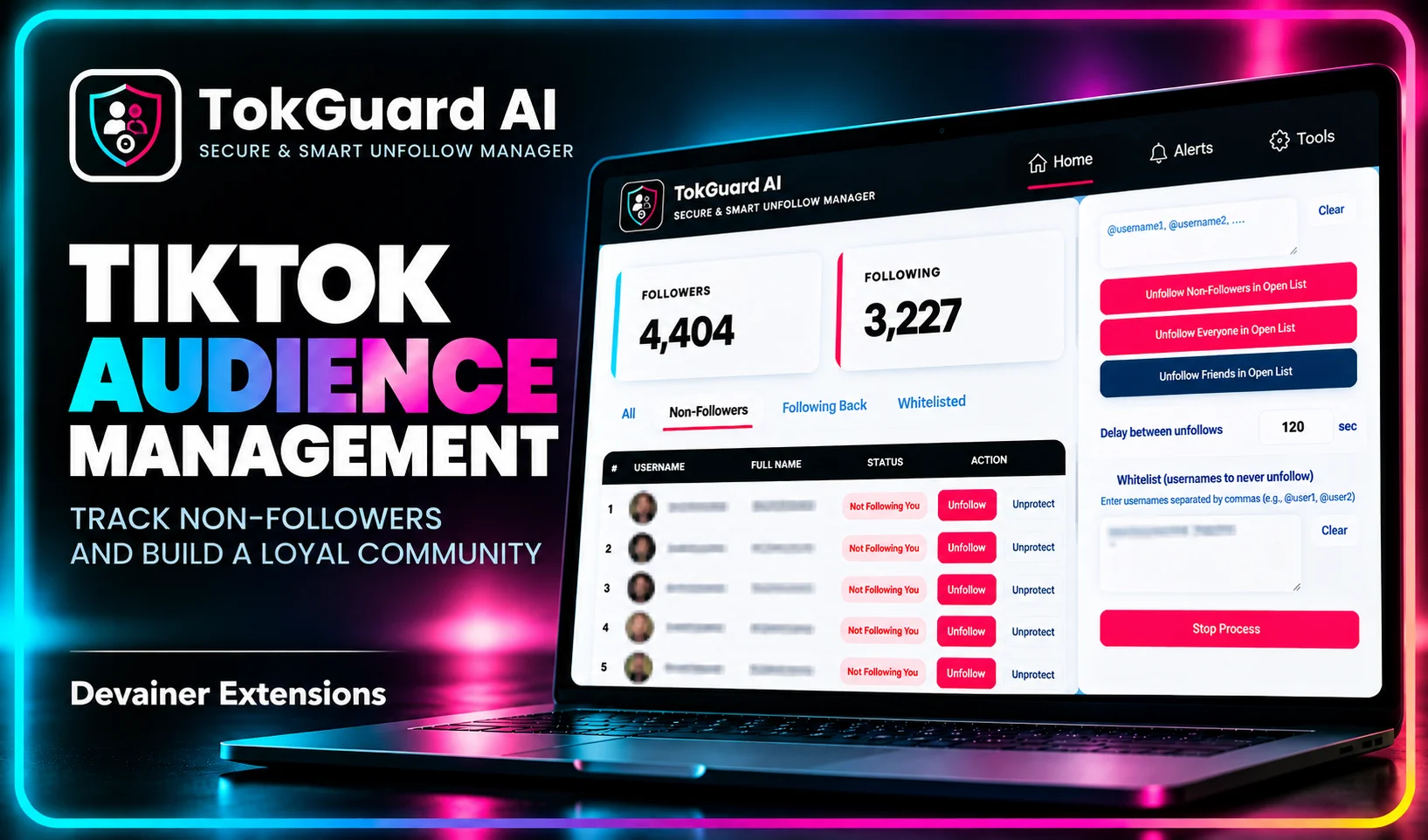
Transform your growth strategy with active TikTok audience management in 2026. Learn how to audit non-followers, reduce churn, and protect key networks safely.
Active TikTok Audience Management in 2026: 100% Safe Guide to Track Non-Followers and Build a Loyal Community
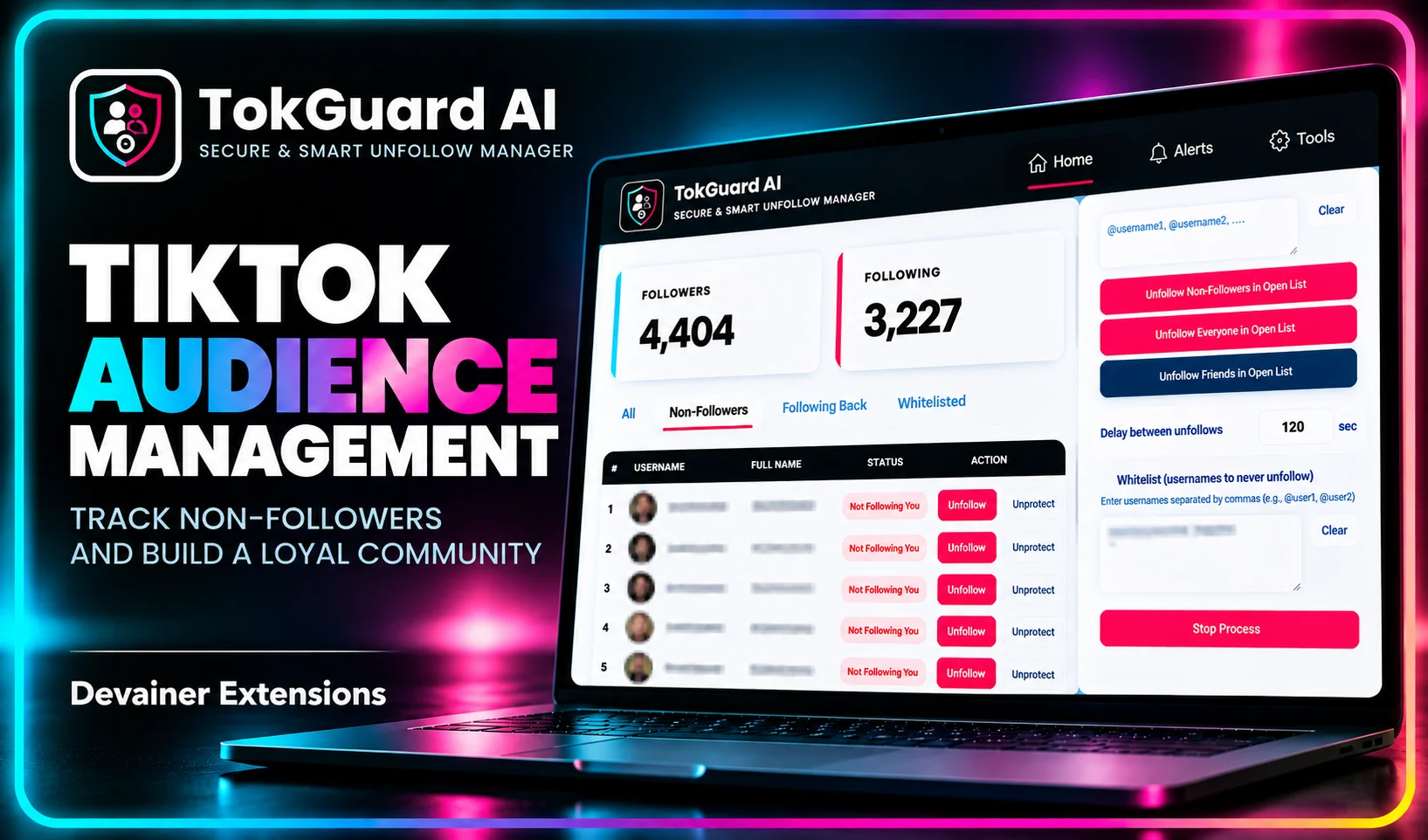
Implementing a structured TikTok audience management strategy is the most effective way for creators, agency partners, and corporate brands to transform passive outbound followings into an engaged, high-converting community. In the early stages of account expansion, creators often follow hundreds or thousands of profiles to network, research content trends, and build initial visibility. However, as your account scales, maintaining an unmonitored following list creates severe structural inefficiencies, dilutes algorithmic performance, and masks critical audience churn metrics.
Modern social media strategy is no longer about vanity follower counts; it is about community density, reciprocal engagement, and network quality.
When digital managers transition from reactive following to proactive audience curation, they immediately face the operational challenge of auditing non-reciprocal connections without damaging VIP relationships or triggering automated security blocks.
In this comprehensive 2026 guide, we will explore the strategic shift toward active audience curation, analyze the mechanics of audience churn, demonstrate how to implement local whitelist safeguards, and provide a technical execution framework using TokGuard AI.
The Paradigm Shift: From Outbound Following to Audience Curation
In the early evolution of short-form video platforms, follower acquisition relied heavily on volume-based networking strategies. Today, TikTok's sophisticated content recommendation engines prioritize contextual authority, engagement velocity, and viewer retention over raw outbound volume.
1. The Mechanics of Algorithmic Feed Cleansing
Your account’s outbound following list dictates what content appears on your primary internal feeds and influences how the algorithm categorizes your profile niche. Following thousands of inactive, off-niche, or non-reciprocal accounts pollutes your operational environment with irrelevant noise.
When your account actively interacts with high-authority, reciprocal profiles within your specific industry vertical, TikTok’s semantic analysis systems gain clearer signals regarding your core domain. Curation clarifies your contextual identity, helping the platform recommend your content to relevant target audiences on the For You Page (FYP).
2. Calculating and Controlling Audience Churn
Audience churn occurs when outbound networking efforts fail to convert into reciprocal, long-term connections. When an account follows 1,000 users in a specific niche but only 100 follow back, the remaining 900 represent unreciprocated profile churn.
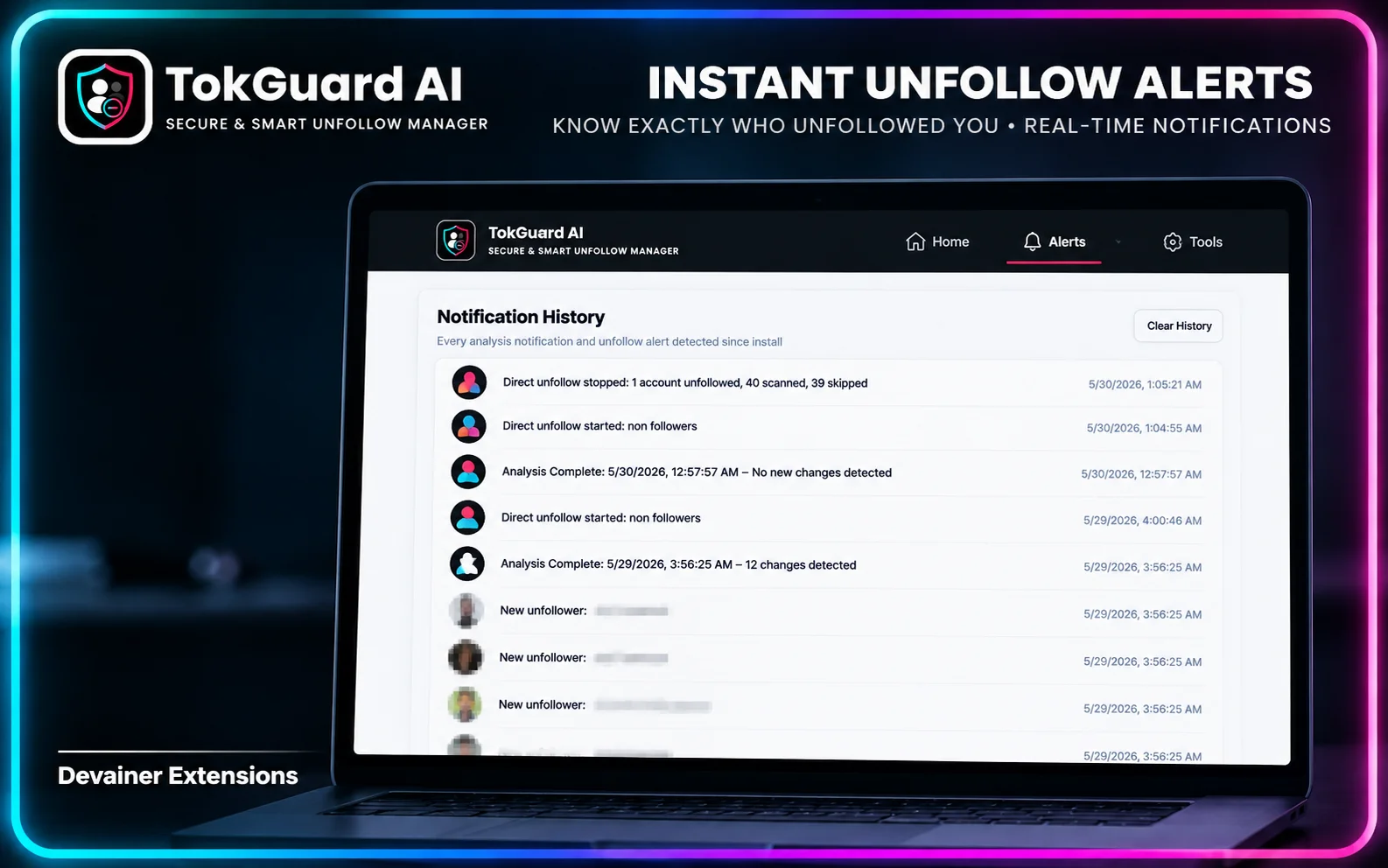
Unmonitored churn artificially inflates your following-to-follower ratio, signaling to brand sponsors and talent agencies that your profile lacks genuine market influence. Active management requires regularly auditing this non-reciprocal cohort, removing inactive dead weight, and focusing platform energy on high-value community members.
The Strategic Importance of Whitelisting in Community Building
The single greatest fear managers face when executing large-scale account cleanups is accidentally severing valuable business connections. Unfollowing a key sponsor, an industry collaborator, or a personal mentor can cause lasting commercial and relational damage.
1. Categorizing Your VIP Network Layers
Professional creators and social media teams must categorize their outbound network into distinct operational layers before initiating any audience cleanup:
Commercial Partners & Sponsors: Brand managers, agency reps, and commercial sponsors who provide direct monetization opportunities.
Industry Collaborators & Mentors: Peer creators, industry thought leaders, and creative collaborators essential for co-marketing campaigns.
Core Community Ambassadors: Highly active top fans who consistently share, comment, and advocate for your content.
General Outbound Connections: Standard profiles accumulated during casual browsing, research sessions, or historical follow-for-follow loops.
2. Implementing Permanent Safeguard Systems
Attempting to track VIP relationships mentally during bulk management routines is highly error-prone. As account managers process dozens of profiles, cognitive fatigue inevitably leads to accidental unfollows.
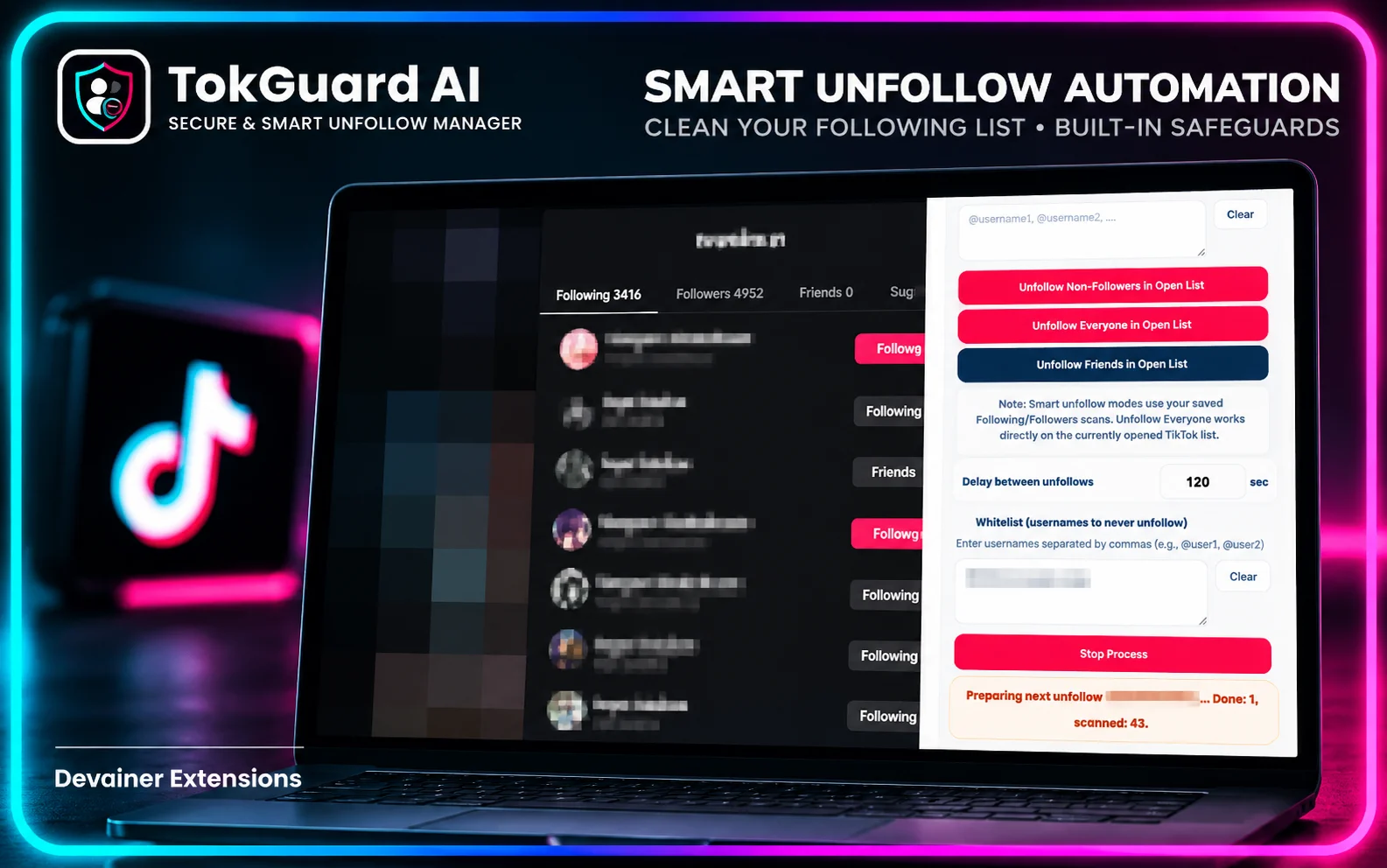
To eliminate this vulnerability, professional management workflows require an automated, local Whitelist system. By pre-populating a protected database with critical handles, managers ensure that automated audits process general outbound connections while leaving strategic VIP layers untouched.
Technical Safety and Privacy in Audience Tracking
To manage audience churn effectively, social media teams need accurate data on non-reciprocal connections. However, traditional third-party analytics services introduce significant security risks that can compromise your digital assets.
1. The Vulnerabilities of Cloud Scraping Services
Many external tracking websites promise to generate non-follower reports in exchange for account access. These platforms rely on centralized cloud scrapers that execute high-frequency backend API calls using shared server proxy networks.
When TikTok’s security infrastructure detects centralized servers requesting private account structures, it flags the session for suspicious activity. This frequently results in forced account logouts, password resets, shadowbans, or temporary action locks displaying "Try again later" prompts.
2. The Client-Side Advantage of TokGuard AI
TokGuard AI resolves these security vulnerabilities by executing all audience audits locally inside your desktop browser context. Rather than transmitting account credentials or session cookies to remote databases, TokGuard AI processes data entirely on your local device.
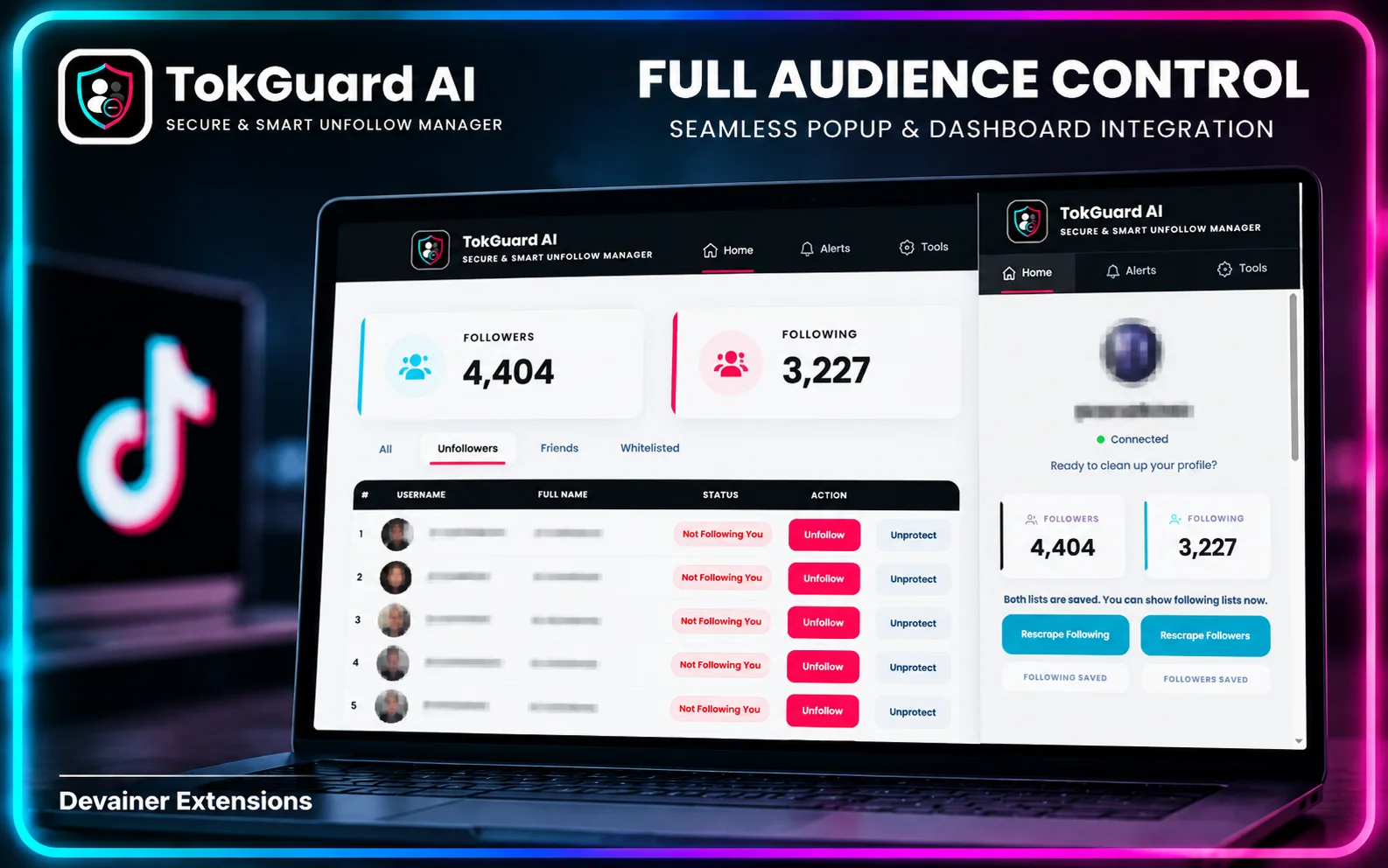
By reading the visible Document Object Model (DOM) directly within your official browser session, the extension isolates non-reciprocal profiles organically. To TikTok's security monitors, the activity appears as standard, human-driven page navigation originating from an authentic residential IP address.
Designing Humanized Management Workflows
Executing an audience curation campaign requires balancing operational speed with platform rate-limit compliance. TikTok monitors interaction velocity, request volume, and execution consistency to flag automated bot profiles.
1. Variable Delay Engine and Humanization
Human interaction with desktop interfaces is naturally irregular. A user navigating a profile list takes variable amounts of time to read usernames, evaluate profile pictures, and execute clicks.
TokGuard AI incorporates a dynamic delay randomization engine that mimics human variability. Instead of processing actions at fixed intervals, the tool applies customizable, randomized pauses (e.g., waiting 18 seconds, then 38 seconds, then 22 seconds) alongside periodic micro-cooling rests. This natural pacing allows session activity to pass automated velocity audits smoothly.
2. Micro-Batching Strategy and Cooldown Intervals
Attempting to clear thousands of non-reciprocal connections in an unbroken session triggers system volume limits regardless of tool quality. Sustainable profile management relies on disciplined micro-batching.
Managers should structure execution cycles into micro-batches of 25 to 35 actions, separated by multi-hour cooling pauses. This micro-batch approach prevents profile fatigue, keeps session density well below rate-limit triggers, and maintains account health.
Comparing Audience Management Frameworks
To help digital teams choose the most effective workflow for community curation, the following breakdown compares the three primary account management frameworks across key operational parameters:
1. Local Browser Automation (TokGuard AI)
Data Privacy: 100% secure. Operates completely inside your active browser session with zero password or token transmission.
Network Fingerprint: Uses your local residential IP address and authentic desktop browser telemetry.
VIP Safeguards: Dedicated local Whitelist manager permanently protects corporate sponsors, collaborators, and key contacts.
Execution Mechanics: Runs inside a fully rendered Chromium DOM environment, generating authentic JavaScript telemetry.
Timing Humanization: Customizable, randomized delays (15–60 seconds) with automated micro-cooling periods.
Operational Risk: Near-zero when executed within recommended micro-batch boundaries.
2. Third-Party Cloud Web Dashboards
Data Privacy: High risk. Requires handing over raw login passwords or active authorization cookies to remote cloud servers.
Network Fingerprint: Executes from enterprise datacenter subnets (AWS, DigitalOcean) that trigger instant anti-bot flags.
VIP Safeguards: Basic or non-existent, creating high risk of accidentally removing strategic business connections.
Execution Mechanics: Headless HTTP scrapers lacking visual browser rendering contexts.
Timing Humanization: Frequently uses fixed, mechanical intervals that trigger burst-velocity security locks.
Operational Risk: Critical risk of permanent bans, account suspensions, and severe reach suppression.
3. Pure Manual Curation
Data Privacy: Safe. Interactions occur directly through the official interface.
Network Fingerprint: Authentic residential Wi-Fi or cellular network traffic.
VIP Safeguards: Highly error-prone; relies entirely on memory, leading to accidental unfollows during bulk sessions.
Execution Mechanics: Native application interface.
Timing Humanization: Variable human speed, though rapid manual tapping can still trigger "Moving too fast" rate locks.
Operational Risk: Inefficient and impractical for managing large-scale, professional accounts.
Step-by-Step Blueprint: Audience Curation and Whitelist Workflow
Follow this structured framework to clean your outbound following list, protect VIP network layers, and optimize your community metrics using TokGuard AI:
Phase 1: VIP Identification and Whitelist Assembly
Audit Key Relationships: Compile a comprehensive list of all critical handles, including brand sponsors, agency partners, peer collaborators, and top community advocates.
Access Whitelist Controls: Open the TokGuard AI extension panel within your browser toolbar and select the Whitelist tab.
Input Protected Accounts: Enter the protected usernames into the whitelist system. Verify spelling accuracy to ensure these profiles are permanently excluded from all automated scanning routines.
Phase 2: Environment and Humanization Setup
Establish Authentic Session: Open your desktop browser, navigate to TikTok, and log into your account. Spend a few minutes interacting with your feed naturally to establish an active session state.
Configure Delay Boundaries: In the TokGuard AI settings panel, set the minimum operational delay to 15–20 seconds and the maximum delay to 45–60 seconds.
Set Micro-Batch Thresholds: Define a conservative session limit of 30 actions per cycle, paired with automated cooling pauses between sessions.
Phase 3: Non-Reciprocal Scan and Audience Execution
Run Local Audit: Launch the non-reciprocal scan routine. TokGuard AI analyzes your follower and following datasets locally within the browser DOM to isolate accounts that do not follow you back.
Review Target List: Cross-reference the identified cohort against your whitelist to confirm that all strategic assets remain protected.
Initiate Controlled Clean-Up: Start the automated batch sequence. Monitor the real-time activity log within TokGuard AI to ensure randomized delays are executing as configured.
Phase 4: Cooldown and Ongoing Network Optimization
Enforce Cooldown Rest: After completing a 30-action micro-batch, allow the system to rest for 3 to 5 hours before initiating another run.
Daily Limit Compliance: Limit total daily activity to 100–120 unfollows, and maintain a full 8-hour overnight pause without any manual or automated actions.
Measure Metrics: Track your follower-to-following ratio and feed engagement over the following weeks as your profile metrics normalize around an active, reciprocal audience core.
Building a loyal TikTok community requires more than identifying non-reciprocal accounts and protecting valuable connections. You also need a practical strategy for managing your following list while minimizing account restriction risks. For a detailed walkthrough, explore our guide on how to mass unfollow on TikTok without getting banned, covering safe automation practices, whitelist protection, controlled cleanup sessions, and long-term account maintenance using TokGuard AI.
Frequently Asked Questions (FAQ)
Q: What is the main benefit of shifting from passive following to active audience management on TikTok?
A: Active audience management improves your account's engagement ratios, clarifies your content domain for recommendation algorithms, removes dead weight, and maintains a professional follower-to-following ratio that attracts brand sponsors.
Q: How does TokGuard AI prevent accidental unfollowing of VIP partners and close friends?
A: TokGuard AI features a dedicated local Whitelist module. By entering protected handles prior to running scans, the extension automatically cross-references your whitelist during execution, ensuring designated profiles are permanently excluded from bulk actions.
Q: Why is local DOM auditing safer than using cloud analytics tools?
A: Local DOM auditing processes data directly within your logged-in browser session using your residential IP address and device fingerprint. Cloud analytics tools require your login credentials and execute requests from enterprise server datacenters, which frequently triggers security bans.
Q: How many non-reciprocal accounts can I safely unfollow per day?
A: For established accounts, a safe target is 100 to 150 unfollows per 24-hour period. This volume should always be broken into micro-batches of 25 to 30 actions separated by multi-hour rest periods to comply with platform rate limits.
Q: What steps should I take if I encounter a "Try again later" prompt on TikTok?
A: Stop all manual and automated actions immediately for 24 to 48 hours. This pause allows your account's security rating to reset. When resuming activity, increase your randomized delay intervals and lower your daily micro-batch volume.
Master Active TikTok Audience Management
Transform your profile health today. Protect your VIP network with smart whitelisting, remove non-reciprocal dead weight, and bypass action limits using TokGuard AI.
Install TokGuard AINabil Wassim
Blog Author
Article Info
2026-10-08
5 min read
Nabil Wassim
Tutorial