
Safe WhatsApp Number Validation 2026: Clean Phone Lists Without Data Leakage
2026-10-09
5 min read
Nabil Wassim
Tutorial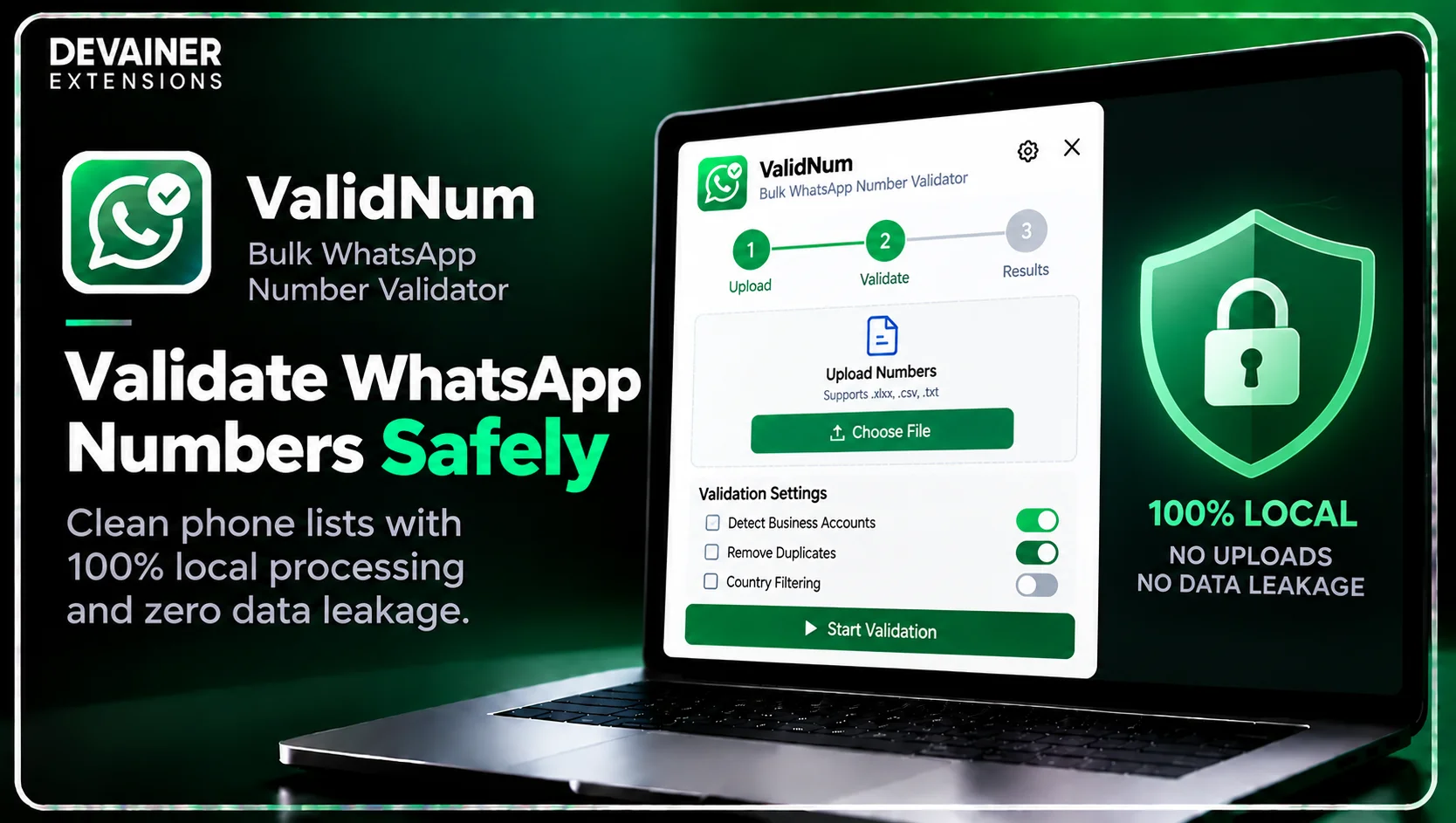
Master safe WhatsApp number validation 2026! Verify mobile phone lists, detect active business accounts, and protect customer data with zero cloud tracking using ValidNum.
Safe WhatsApp Number Validation 2026: Clean Phone Lists Without Data Leakage
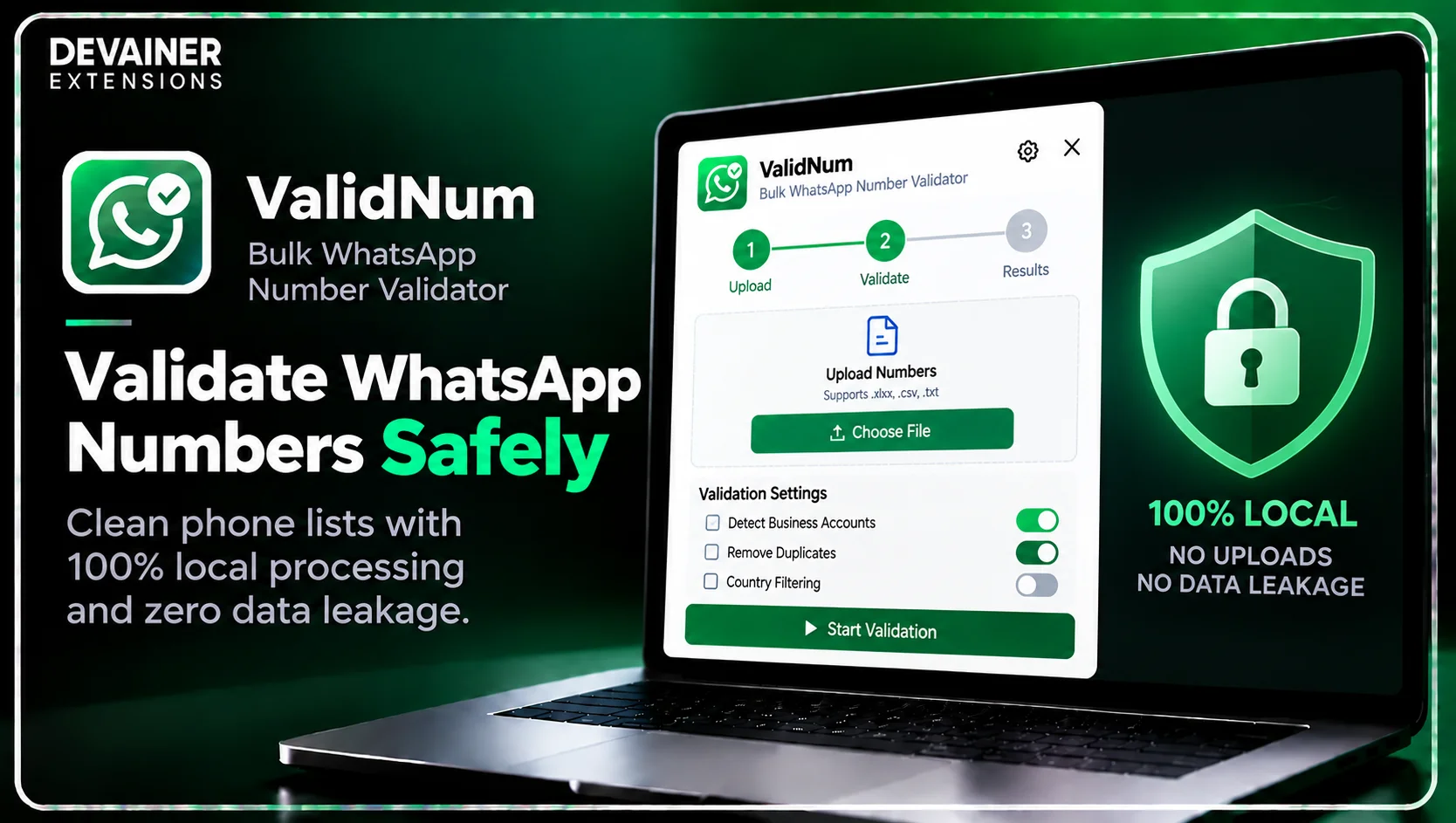
Executing safe WhatsApp number validation 2026 has become an essential data compliance and cybersecurity requirement for corporate business leads, IT directors, and digital marketing agencies operating in 2026. As conversational commerce expands globally, companies collect massive phone databases from inbound leads, customer registrations, and business networking events. However, traditional cloud-based validation platforms introduce severe corporate security liabilities by transmitting confidential client contact books and raw phone lists to central third-party servers.
For enterprise organizations and compliance-minded businesses, routing customer phone records through unverified third-party lookup tools risks exposing sensitive client data to external breaches.
When sales operations teams validate and clean contact lists using local, browser-based management tools, they process client information natively while guaranteeing absolute data confidentiality.
In this comprehensive 2026 cybersecurity guide, we will analyze the technical flaws of cloud verification tools, evaluate the architectural advantages of client-side execution, and outline a practical 3-step validation blueprint powered by ValidNum - Bulk WhatsApp Number Validator & Checker.
The Hidden Cybersecurity Risks of Cloud Phone Checkers
To understand why traditional web scrapers and cloud verification platforms place corporate client data in immediate danger, IT managers must evaluate how third-party lookup services handle user lists behind the scenes. The technical architecture used by legacy SaaS checking tools violates basic corporate data protection standards.
1. Remote Database Storage and Third-Party Data Leakage
Legacy cloud platforms require users to upload raw phone lists or contact spreadsheets to external web dashboards for processing. Submitting customer phone databases to third-party servers means your proprietary lead lists get stored in centralized databases, exposing your business to data breaches and unauthorized access.
If a third-party SaaS vendor suffers a security breach, your valuable commercial customer databases could be leaked to competitive markets.
2. Session Token Hijacking and Account Compromise
Cloud checking utilities attempt to verify status by routing requests through commercial datacenter IP subnets or capturing active session tokens. Broadcasting authentication data to external cloud servers violates basic platform safety guidelines.
Automated fraud systems actively monitor session access patterns, flagging profiles that share checking permissions with commercial server farms.
The Strategic Importance of Local Data Ownership in 2026
In 2026, international data protection standards require commercial enterprises to enforce strict access controls over customer personal information. Preserving local data ownership ensures full compliance with privacy laws while building client trust.
1. Absolute Control Over Proprietary Lead Databases
When sales teams collect phone numbers from marketing campaigns or networking lists, that information represents high-value corporate intellectual property.
Using local validation tools ensures that client contact data remains exclusively on your local workstation, completely protected from external commercial exploitation.
2. Protecting Confidential Business Networks
Corporate executives and B2B sales teams regularly compile proprietary prospect directories.
Validating contacts locally prevents external scanning bots from mapping your company's commercial lead networks or leaking customer lists to third-party databases.
The Local Architecture Solution: How ValidNum Guarantees Safety
Eliminating remote security risks requires moving away from cloud-dependent checkers completely. ValidNum - Bulk WhatsApp Number Validator & Checker was engineered around a strict 100% Privacy-First (Local) Architecture designed for zero data leakage.
1. 100% Client-Side Local Execution with Zero Server Uploads
ValidNum runs 100% locally inside your active desktop browser session. It features zero external backend server logs, meaning your uploaded phone lists, contact names, and validation records are never collected, stored, or transmitted.
Because all parsing logic executes entirely within your open browser tab, your client database remains completely private and fully protected against cloud data breaches.
2. Built-in Account Safety Controls and Speed Pacing
Executing rapid validation requests on web platforms can trigger automated rate limits if not managed correctly. ValidNum incorporates built-in account safety controls and custom speed pacing (Safe, Balanced, or Fast) that simulate natural interaction patterns, keeping your WhatsApp session fully protected.
3. Seamless Multi-Format Export Options
Exporting verified data safely requires flexible file structures compatible with local corporate storage. ValidNum supports direct exports to Excel (.xlsx) and CSV formats with a single click.
Whether your IT team requires clean spreadsheets for CRM importing or internal database storage, ValidNum delivers exact format compatibility without paywalls.
Protecting sensitive contact data during WhatsApp number validation is essential, but understanding how to verify and organize large phone lists is equally important. From identifying active WhatsApp accounts and detecting business profiles to removing duplicates and preparing clean spreadsheets, an efficient validation workflow can improve contact database management. For a practical walkthrough, explore our guide on how to validate and check bulk WhatsApp numbers with ValidNum, covering bulk verification, account filtering, and exporting validated contacts to Excel and CSV.
Deep Dive: Establishing Corporate Data Protection Workflows
Implementing routine local data archiving protocols prevents database clutter while ensuring enterprise security compliance.
Quarterly Offline List Hygiene Audits
Corporate IT leads should establish quarterly phone list validation protocols. Cleaning and verifying contact books locally into encrypted CSV files protects companies against device loss or app access interruptions.
Secure Country Filtering for Global Sales Teams
Sales directors can enforce strict geographic sorting workflows. Filtering raw lists by country code locally ensures that specific regional markets are verified without exposing broad customer directories to external networks.

The 3-Step Blueprint for Safe WhatsApp Number Validation
Implement this simple, secure 3-step operational guide to clean and verify client contact lists using local browser processing:
Step 1: Open WhatsApp Web and Import Lead File
Access Web Layout: Open Chrome on your desktop workstation and navigate to web.whatsapp.com to ensure your session is active.
Launch ValidNum: Click the ValidNum extension icon directly inside your active browser toolbar.
Upload Contact File: Drag and drop your raw CSV or Excel file containing prospective phone numbers directly into the input area.
Step 2: Configure Speed Controls and Country Filters
Select Speed Mode: Choose your preferred checking speed (Safe, Balanced, or Fast) based on your security parameters.
Apply Country Filters: Enable country sorting and automated deduplication to eliminate formatting errors locally.
Initiate Verification: Click start to run bulk number verification securely within your local browser tab.

Step 3: Export Clean Files and Save Locally
Review Verification Dashboard: Inspect the clean dashboard displaying valid active accounts, commercial profiles, and dead lines.
Export Structured Datasets: Click to export your verified contact file directly into an Excel (.xlsx) or CSV file with a single click.
Store Data Securely: Move the cleaned data file into your company's secure local storage or CRM pipeline.

Comparing WhatsApp Number Validation Tools
To help business leads and security officers select the safest data tools, the following technical evaluation contrasts local session extensions with traditional cloud checkers:
1. Local Browser-Based Validation (ValidNum)
Data Security: 100% Secure. Operates locally in your browser sandbox with zero external server uploads or data storage.
Business Detection: Instant automated detection of WhatsApp Business accounts vs. personal profiles.
Export Options: Seamless 1-click export to Excel (.xlsx) and CSV formats.
Operating Cost: 100% Free & Unlimited with zero monthly subscription overhead or hidden paywalls.
Safety Controls: Built-in speed pacing and rate management to protect sender accounts.
2. Third-Party Cloud Verification Platforms
Data Security: High Risk. Requires uploading private client phone lists to remote cloud databases, risking major data leaks.
Business Detection: Basic status checks often missing commercial account differentiation.
Export Options: Limited export formats, frequently charging extra fees for Excel access.
Operating Cost: Expensive recurring monthly plans with strict per-check credit caps.
Safety Controls: External server scripts prone to triggering platform IP blocks.
3. Pure Manual Checking
Data Security: Safe, as interactions occur manually through the official web interface.
Business Detection: Requires manually opening individual profile chats to check account types.
Export Options: None; requires manual spreadsheet typing.
Operating Cost: High indirect cost in wasted administrative hours and operational fatigue.
Safety Controls: Manual pacing.
Frequently Asked Questions (FAQ)
Q: Do I need to send my phone lists to external servers for checking?
A: No, never! ValidNum operates under a strict 100% Client-Side Local Architecture. Your phone lists stay local with zero external server uploads.
Q: Is ValidNum really free and unlimited?
A: Yes! ValidNum offers 100% free and unlimited phone number verification with zero hidden subscription fees or credit caps.
Q: Can ValidNum detect WhatsApp Business accounts automatically?
A: Yes! ValidNum instantly identifies whether a verified phone number belongs to a commercial WhatsApp Business profile or a personal account.
Q: What file formats can I import and export with ValidNum?
A: You can drag and drop CSV or Excel files for import, and export clean, validated contact lists directly into Excel (.xlsx) or CSV formats with a single click.
Protect Your Lead Data and Clean Lists Securely
Verify mobile phone lists locally, detect active business accounts, and export clean spreadsheets with zero server exposure.
Install ValidNumNabil Wassim
Blog Author
Article Info
2026-10-09
5 min read
Nabil Wassim
Tutorial