
Safe TikTok Video Downloading 2026: Extract HD Media Without Data Tracking
2026-10-09
5 min read
Nabil Wassim
Tutorial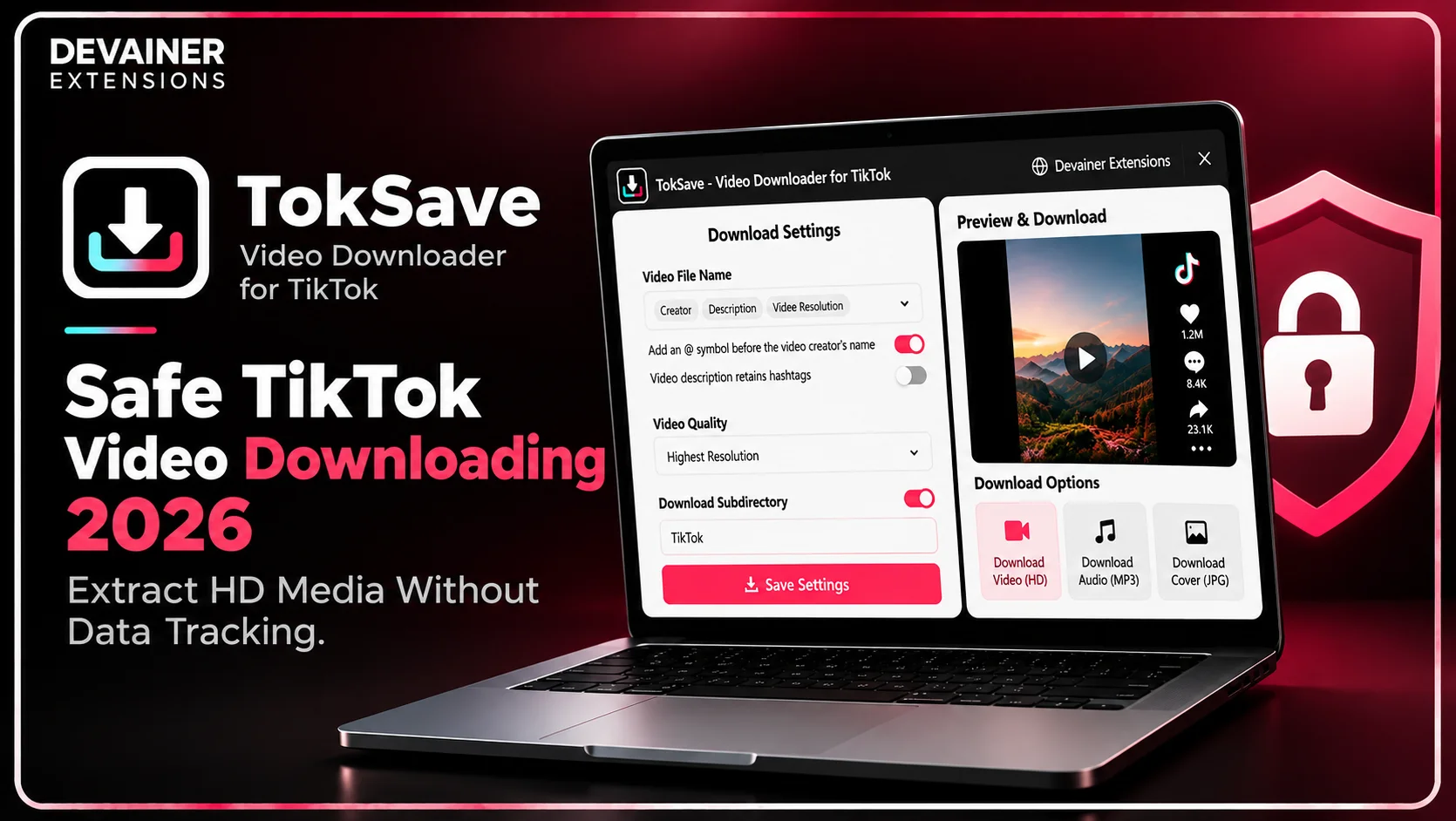
Master safe TikTok video downloading 2026! Extract high-definition video clips, pristine audio tracks, and cover images securely with zero cloud tracking using TokSave.
Safe TikTok Video Downloading 2026: Extract HD Media Without Data Tracking
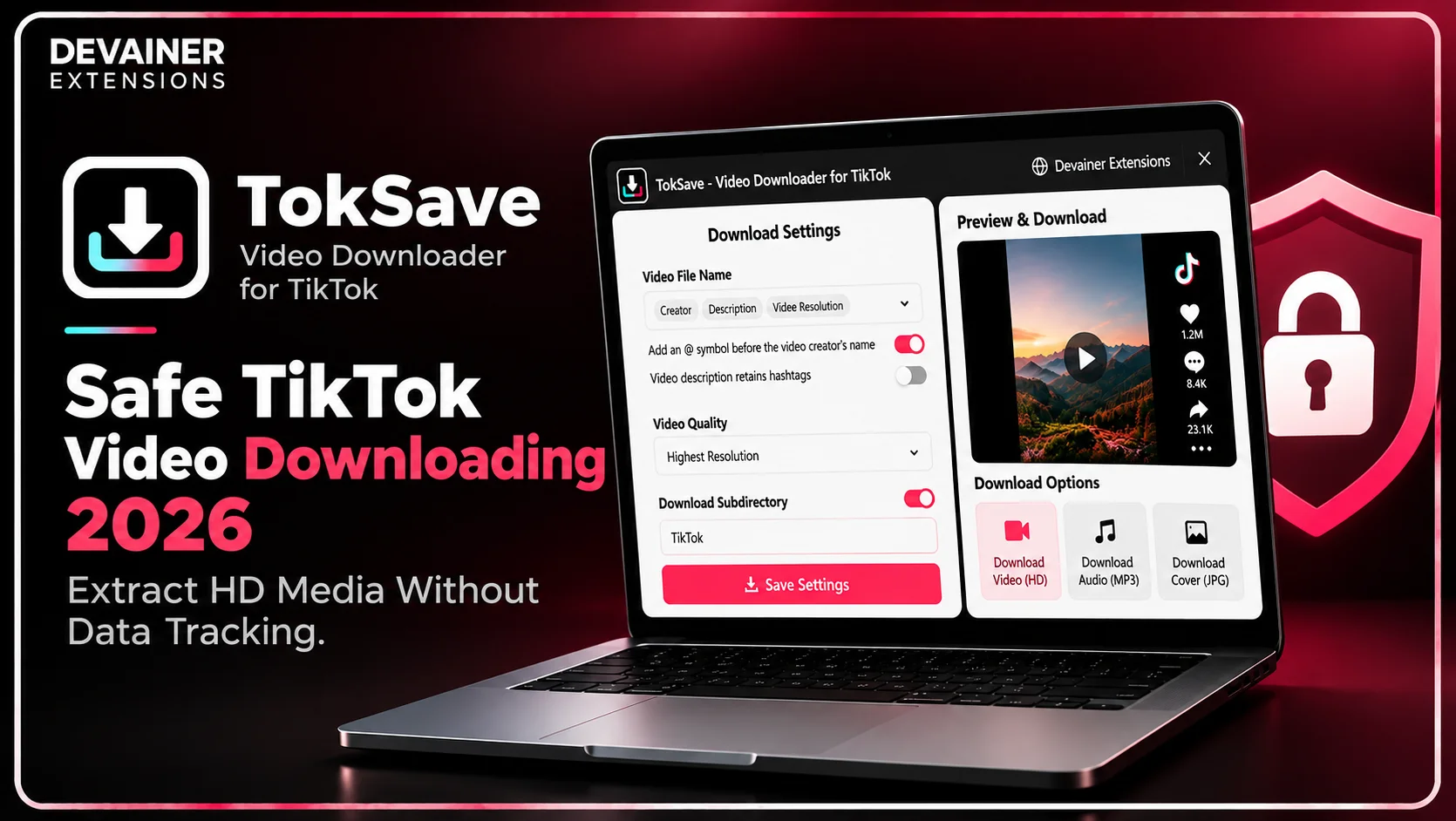
Mastering Safe TikTok Video Downloading 2026 has become an essential data compliance and cybersecurity requirement for security-conscious creators, digital marketing agencies, and remote research professionals operating in 2026. As short-form video content expands across global communication networks, professionals collect thousands of media files daily for offline strategy reviews and campaign analysis. However, traditional cloud-based video converters introduce severe cybersecurity vulnerabilities by routing private media links and browsing sessions through unverified third-party web servers.
For enterprise organizations and privacy-minded creators, routing digital asset downloads through external SaaS utilities risks exposing user activity data and device metadata to external trackers.
When digital production teams download and archive media files using local, browser-based tools, they process content natively while guaranteeing absolute data confidentiality.
In this comprehensive 2026 cybersecurity guide, we will analyze the technical flaws of cloud downloaders, evaluate the architectural advantages of client-side execution, and outline a practical 3-step downloading blueprint powered by TokSave - Video Downloader for TikTok.
The Hidden Cybersecurity Risks of Cloud Video Converters
To understand why traditional web scrapers and external conversion websites place user data in immediate danger, IT directors must evaluate how third-party platforms handle download requests behind the scenes. The technical architecture used by legacy SaaS downloading tools violates basic data protection standards.
1. Remote Server Logging and Browser Activity Tracking
Legacy cloud conversion platforms require users to copy video URLs and paste them into external web dashboards. Submitting media links to third-party web servers means your browsing habits, download frequencies, and device identifiers get stored in centralized databases.
If a third-party conversion website suffers a security breach, your personal browsing patterns and creative research interests could be exposed to data brokers.
2. Popup Spam, Malicious Redirects, and Adware
Free web downloaders frequently monetize their platforms by displaying aggressive popup ads and redirecting users to malicious external domains. Interacting with sketchy download sites exposes enterprise workstations to adware and unwanted tracking cookies.
Maintaining absolute digital security requires downloading utilities that operate strictly inside your local browser sandbox without opening external web portals.
The Strategic Importance of Local Data Ownership in 2026
In 2026, international data privacy standards require digital operators to enforce strict access controls over downloaded media and browser sessions. Preserving local data ownership ensures full compliance with privacy laws while protecting professional workflows.
1. Absolute Control Over Creative Assets
When production teams curate viral video clips for marketing research, those media files represent proprietary creative assets.
Using local downloading tools ensures that media files remain exclusively on your local workstation, completely protected from external commercial exploitation or cloud tracking.
2. Protecting Professional Research Networks
Digital strategists regularly compile competitive research directories by downloading industry content.
Processing downloads locally prevents external web trackers from mapping your company's market research interests or logging your browsing workflows.
The Local Architecture Solution: How TokSave Guarantees Safety
Eliminating remote security risks requires moving away from cloud-dependent conversion websites completely. TokSave - Video Downloader for TikTok was engineered around a strict 100% Client-Side Privacy Architecture designed for zero data tracking.
1. 100% Client-Side Local Execution with Zero Server Uploads
TokSave runs 100% locally inside your active desktop browser session. It features zero external backend server logs, meaning your downloaded video URLs, file metadata, and browsing histories are never collected, stored, or transmitted.
Because all parsing logic executes entirely within your open browser tab, your digital workspace remains completely private and fully protected against cloud tracking.
2. Native Interface Integration Without Popup Distractions
Instead of forcing users to navigate away to risky external conversion portals, TokSave embeds download buttons natively into the native platform interface.
This seamless integration eliminates ad spam, popups, and malicious redirects, ensuring a clean and secure downloading experience.
3. Multi-Format Asset Extraction Capabilities
Secure media management requires flexible file output options. TokSave supports downloading full HD videos, extracting crystal-clear audio tracks, and saving original cover images directly to your machine.

Deep Dive: Establishing Corporate Media Security Workflows
Implementing routine local archiving protocols prevents digital clutter while ensuring enterprise security compliance.
1. Quarterly Offline Media Hygiene Audits
Corporate IT leads should establish secure media download protocols. Organizing and reviewing downloaded video files locally protects companies against cloud service interruptions and unauthorized tracking.
2. Secure Asset Sorting for Creative Teams
Content directors can enforce strict subdirectory sorting workflows. Organizing downloaded media into local custom folders ensures that creative projects remain structured without exposing project assets to cloud servers.

Securely downloading TikTok videos is only the first step toward building a reliable digital media workflow. Once your videos, audio tracks, and cover images are saved locally, organizing them with consistent filenames and structured folders makes future access, research, and content production much easier. For a practical approach to managing your downloaded assets, explore our guide on how to organize and archive TikTok content in 2026, covering automated file naming, custom subdirectories, and efficient methods for maintaining a well-structured media library.
The 3-Step Blueprint for Safe TikTok Video Downloading
Implement this simple, secure 3-step operational guide to download and organize media files using local browser processing:
Step 1: Open TikTok Web and Locate Media
Access Web Layout: Open Chrome on your desktop workstation and navigate to tiktok.com to ensure your session is active.
View Native Buttons: TokSave's embedded download buttons appear automatically beneath video clips and feed listings.
Select Target Content: Identify the specific video clip or audio track you wish to download securely.
Step 2: Choose Format and Subdirectory Settings
Select Asset Type: Click the embedded download button to choose between full HD video, audio extraction, or cover images.
Configure Subdirectories: Set custom filename patterns and local subdirectory rules to organize your files automatically.
Verify Parameters: Ensure your local storage destination is properly configured for immediate saving.

Step 3: Execute Download and Store Locally
Run 1-Click Save: Click to export your media file directly to your local workstation with real-time notification tracking.
Inspect File Integrity: Open the downloaded media file locally to confirm visual and audio clarity.
Store Data Securely: Move the downloaded asset into your secure local project folder or editing suite.
Comparing TikTok Downloading Tools
To help creators and security officers select the safest data tools, the following technical evaluation contrasts local browser extensions with traditional cloud converters:
1. Local Browser Extension (TokSave - Video Downloader for TikTok)
Data Security: 100% Secure. Operates locally in your browser sandbox with zero external server uploads or tracking.
User Interface: Clean, native platform integration with zero popup ads or malicious redirects.
Content Versatility: Supports full HD video downloads, audio extraction, and cover image saving.
Operating Cost: 100% Free & Unlimited with zero monthly subscription overhead or hidden paywalls.
File Organization: Advanced support for custom subdirectories and automated naming.
2. External Cloud Conversion Websites
Data Security: High Risk. Routes download requests through remote web servers, tracking user sessions and displaying adware.
User Interface: Cluttered with popup spam, deceptive buttons, and external redirects.
Content Versatility: Frequently restricted to basic video formats with limited resolution options.
Operating Cost: Expensive recurring monthly plans with strict credit limits.
File Organization: Zero options for automated file sorting or custom local folder management.
3. Manual Screen Recording
Data Security: Safe from external servers, but highly inefficient.
User Interface: Native screen capture tools.
Content Versatility: Degraded visual resolution and compromised audio fidelity.
Operating Cost: High indirect cost in wasted time and reduced file quality.
File Organization: Manual renaming required.
Frequently Asked Questions (FAQ)
Q: Do I need to send my download links to external servers when using TokSave?
A: No, never! TokSave operates under a strict 100% Client-Side Privacy Architecture. All processing occurs 100% locally on your machine with zero external server tracking.
Q: Is TokSave completely free and unlimited?
A: Yes! TokSave provides 100% free and unlimited media downloads with zero hidden subscription fees or credit caps.
Q: Can I extract audio tracks separately from video files?
A: Yes! TokSave allows you to extract crystal-clear audio tracks or save cover images independently of video files.
Q: How does TokSave protect against popup ads and adware?
A: TokSave embeds download buttons natively inside the official platform interface, eliminating the need to visit risky third-party conversion websites.
Protect Your Privacy and Download Media Securely
Extract high-definition videos, pristine audio tracks, and cover images locally with zero tracking or external server exposure.
Install TokSaveNabil Wassim
Blog Author
Article Info
2026-10-09
5 min read
Nabil Wassim
Tutorial