
Safe TikTok Automation in 2026: How to Auto-Follow Without Password Exposure or Shadowbans
2026-10-09
5 min read
Nabil Wassim
Tutorial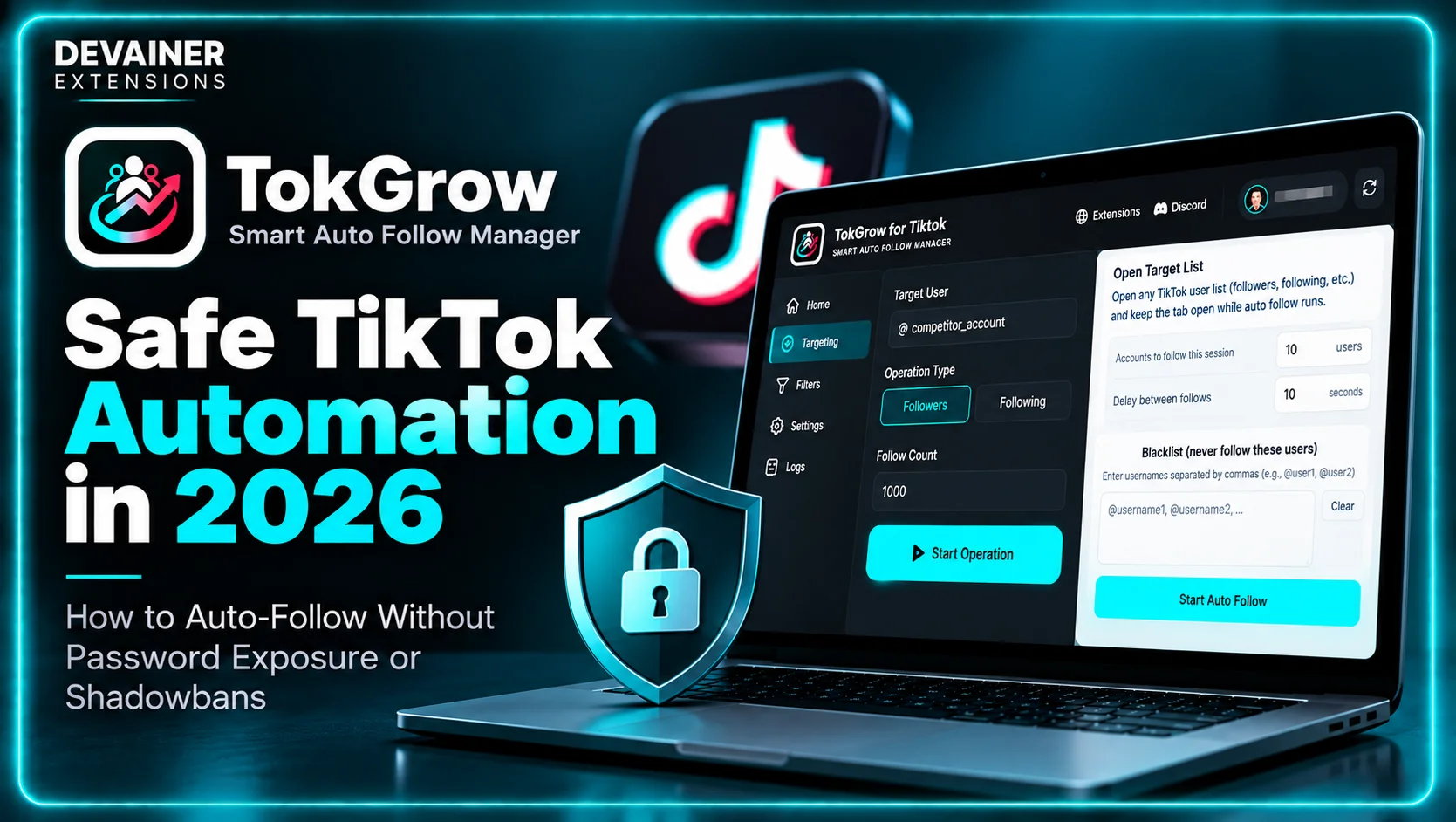
Master safe TikTok automation in 2026! Learn how to auto-follow targeted audiences without password exposure or account shadowbans using TokGrow.
Safe TikTok Automation in 2026: How to Auto-Follow Without Password Exposure or Shadowbans
Implementing safe TikTok automation has become an absolute operational necessity for professional influencers, brand accounts, and digital marketing agِencies running commercial profiles in 2026. As short-form video platforms deploy increasingly sophisticated anti-bot algorithms, accounts relying on outdated growth software face unprecedented security risks. Traditional automation platforms that operate via remote cloud servers frequently trigger severe account penalties, including instant action blocks, profile shadowbans, forced password resets, and permanent account suspensions.
For established creators and businesses, losing a TikTok profile with tens of thousands of followers represents an immediate commercial catastrophe. It destroys months of hard work, erases social proof, and severs direct lines of communication with your customer base. Consequently, modern social media teams require advanced growth software that automates routine networking logistics while maintaining flawless account security, credential privacy, and total alignment with official platform guidelines.
In this comprehensive 2026 technical safety guide, we will examine the severe security flaws inherent in legacy cloud bots, explore the architectural safeguards of local session execution, and detail a practical growth framework using TokGrow for TikTok - Smart Auto Follow Manager.
The Hidden Vulnerabilities of Legacy Cloud Automation Bots
To understand why traditional growth platforms place your profile in severe danger, brand managers must inspect how cloud-based automation tools handle user data behind the scenes. The architectural shortcuts taken by legacy SaaS platforms directly violate basic cybersecurity standards and social platform policies.
1. Raw Credential Exposure and Remote Server Vulnerabilities
Legacy cloud platforms require users to submit their raw login credentials, including account passwords, into third-party web dashboards. Handing over your login details means your private password gets stored in external cloud databases, leaving your profile vulnerable to remote server breaches, data leaks, and unauthorized access.
Furthermore, sharing account passwords with third-party automation tools directly violates TikTok’s terms of service. Platform security systems actively cross-reference credential access patterns, flagging profiles that broadcast login permissions to unverified third-party software vendors.
2. Datacenter IP Subnets and Geolocation Anomaly Flags
Cloud bots execute tasks using automated headless scripts running inside enterprise server farms, such as AWS or DigitalOcean. Because authentic human creators log in using residential Wi-Fi or mobile data networks, anti-fraud algorithms flag traffic originating from commercial datacenter IP addresses immediately.
When a remote cloud server located thousands of miles away attempts to follow accounts on your behalf, TikTok’s fraud detection engine identifies a severe location anomaly. The platform flags the session as an unauthorized account breach, locking your profile features instantly.
3. Mechanical Action Spikes and Burst Velocities
Traditional automation scripts perform follow actions at fixed, mathematical intervals, such as clicking a follow button every exactly five seconds. Human beings never interact with mobile applications at rigid, metronomic speeds.
Rate-limiting filters identify these mechanical action bursts within seconds. Lacking realistic timing variations or authentic Document Object Model (DOM) interactions, cloud-managed accounts suffer immediate "Action Blocked" warnings and severe organic reach suppression.
How Platform Anti-Bot Filters Detect Scripted Activity
TikTok’s security engineering team continuously updates platform guardrails to maintain network integrity and filter out automated spam. Understanding these protective systems allows social managers to configure safe automation parameters that avoid triggering security alarms.
Monitoring Action Velocity Thresholds
Accounts that attempt to follow hundreds of profiles in short bursts trigger automated activity caps. The platform tracks hourly and daily action limits based on account age, previous engagement history, and overall trust scores. Pushing beyond these dynamic thresholds results in temporary action blocks that freeze account functionality.
Evaluating Behavioral Fingerprints and Device Telemetry
Every genuine mobile and desktop session transmits distinct device telemetry, including browser rendering data, screen resolutions, and active session cookies. Cloud scripts running in headless environments fail to render true visual telemetry, making them easy targets for automated bot detectors.
The Local Architecture Solution: How TokGrow Protects Your Profile
Eliminating third-party security threats requires moving away from remote server automation entirely. TokGrow for TikTok - Smart Auto Follow Manager was engineered around a strict Privacy-First (Local) Architecture designed to keep your account 100% secure.
1. No-Password Local Session Execution
TokGrow hooks directly into your active, authenticated Chrome desktop browser session. It never requests, reads, stores, or transmits your account password or private login credentials.
Because authentication occurs locally within your open browser tab, no external cloud server ever gains access to your profile. To TikTok’s security monitors, all follow tasks originate organically from your personal device, completely eliminating remote data breach liabilities.
2. Residential Network Identity and Real Hardware Telemetry
Because TokGrow executes tasks directly inside your active browser window, every action uses your authentic residential IP address and true hardware fingerprint. The extension utilizes your local network connection, completely bypassing the datacenter IP flags that trigger automated shadowbans.
3. Adaptive Delay Protections and Human-Like Execution
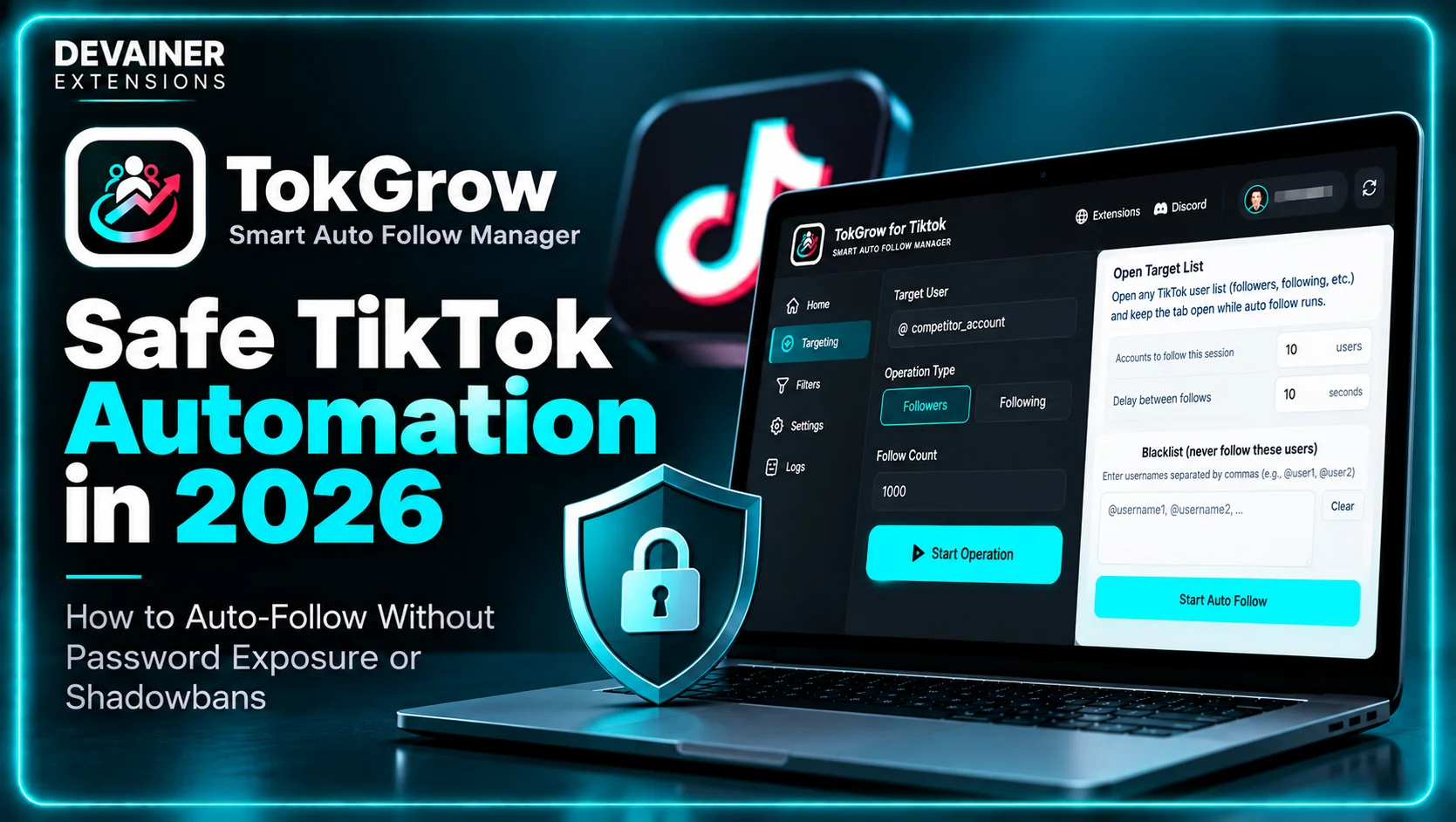
To prevent rate-limit warnings, TokGrow incorporates built-in safety configurations with configurable delay timers. You can set custom intervals, such as 10s to 11s micro-pauses, between individual actions.
Inserting randomized pause intervals mimics natural human browsing habits perfectly. These natural micro-delays ensure your networking pipeline operates smoothly without exceeding platform velocity limits.
4. Official API Rate Limit Compliance
TokGrow manages your target follow queues in strict compliance with official TikTok API rate limits. By capping task execution speeds and maintaining local queue logs, the extension delivers steady, predictable audience growth while protecting your primary profile assets.
Deep Dive: The Importance of Unbroken Account History
In 2026, social platform security algorithms score profiles based on account longevity and interaction history. Preserving a clean account record is essential for long-term commercial reach.
Understanding Account Reputation Scores
Every account maintains an internal trust score influenced by past violations, sudden geographic IP changes, and API abuse warnings. Accounts with compromised trust scores suffer reduced impression reach on newly uploaded short videos.
Using browser-native tools ensures your IP address and device cookies match your historic usage, keeping your account trust score high and protecting video syndication.
The 3-Step Blueprint for Safe TikTok Automation
Implement this straightforward operational setup to build a secure, automated audience growth pipeline without exposing your account to security risks:

Step 1: Authenticate and Load Target User Lists

Log In on Desktop: Install TokGrow on your Chrome browser and log into your official TikTok account through the desktop web portal.
Isolate Competitor Audiences: Navigate to a top creator, industry competitor, or brand channel in your niche that attracts your ideal target audience.
Capture User Queues: Open any public user list, such as followers, following, or video engagement lists, to load target profiles into TokGrow.
Step 2: Configure Safety Parameters and Queue Controls
Set Custom Target Counts: Define conservative follow targets per operational run, such as 30 to 50 profiles, to maintain natural account ratios.
Set Adaptive Delays: Configure safe execution intervals between actions to replicate natural human browsing speeds.
Establish Custom Blacklists: Enable custom safety filters and blacklists to automatically skip unwanted or suspicious accounts.
Step 3: Run Background Automation and Monitor Analytics

Start Local Queue: Click start to let TokGrow process your target follow list safely inside background browser tabs.
Track Live Progress: Monitor session stats, follow counters, and real-time status logs directly through the clean user interface dashboard.
Enforce Cooling Rest Periods: Allow your account to rest for several hours between active automation runs to maintain an authentic human usage profile.
Building a targeted TikTok audience is only one part of maintaining a well-managed account. As your following list grows, regularly reviewing inactive or irrelevant connections can help you keep your networking strategy organized. For a complementary approach to account management, explore our guide on how to mass unfollow on TikTok without getting banned, covering controlled unfollow automation, customizable action limits, and practical following-list management techniques.
Profile Optimization: Maximizing Follow-Back Conversions Safely
Driving targeted traffic to your profile via automated networking is highly effective, but your profile layout determines your final follow-back conversion rate. Optimizing your digital storefront ensures maximum return on your networking efforts.
1. Crafting a Clear Value-Driven Bio
Your profile bio must state clearly what value viewers gain by following your channel. Use concise messaging, outline your content focus, and include a clear call-to-action urging profile visitors to follow for daily updates.
2. Curating Your Pinned Video Grid
When new targeted prospects visit your feed, they inspect your top pinned videos first. Pin your highest-quality, most entertaining, or most helpful posts to these top three positions to establish immediate authority and secure instant follow-backs.
Comparing TikTok Growth Software Models
To help agency directors and content creators evaluate growth tools objectively, consider this clear architectural comparison:
1. Local Session-Based Automation (TokGrow)
Growth Safety: 100% Secure. Local browser processing guarantees zero password exposure and zero external data leaks.
Network Integrity: Uses your authentic local residential IP address and true hardware fingerprint.
Action Timing: Built-in rate limiting with configurable adaptive delays (10s to 11s micro-pauses).
Operating Cost: 100% Free & Unlimited with zero monthly recurring subscription fees.
Live Dashboard: Beautiful, intuitive interface displaying real-time follow stats and connection logs.
2. Legacy Cloud Automation Bots
Growth Safety: Critical Risk. Requires storing raw account passwords on external databases, triggering instant bans.
Network Integrity: Shared datacenter IP subnets (AWS, DigitalOcean) that trigger security flags.
Action Timing: Uncontrolled mechanical bursts that trigger anti-bot rate blocks.
Operating Cost: Expensive recurring monthly subscriptions with strict per-account caps.
Live Dashboard: Opaque remote logs that offer zero real-time browser visibility.
3. Pure Manual Outreach
Growth Safety: Safe, as interactions occur manually through the official interface.
Network Integrity: Authentic residential or cellular network traffic.
Action Timing: Variable human timing, though rapid tapping can still trigger temporary rate limits.
Operating Cost: High indirect cost in wasted creative hours and team burnout.
Live Dashboard: None; requires tedious manual record-keeping.
Frequently Asked Questions (FAQ)
Q: Do I need to keep my TikTok browser tab active while TokGrow processes queues?
A: TokGrow hooks into your active desktop browser tab. While the browser must remain open, the extension processes follow queues smoothly in the background while you focus on other work.
Q: Is TokGrow really completely free and unlimited?
A: Yes! TokGrow offers 100% functionality with zero hidden subscription charges, zero per-follow credit caps, and unlimited queue management.
Q: How does TokGrow protect my account from getting shadowbanned?
A: TokGrow enforces adaptive delay limits, custom action thresholds, and full compliance with official TikTok API rate limits. Mimicking natural human interaction timing keeps your profile usage completely safe.
Q: Is my private login data safe when using TokGrow?
A: Absolutely. TokGrow operates under a strict Privacy-First (Local) architecture. It processes all data locally on your device, never requests your password, and collects zero personal user details.
Protect Your TikTok Account While Scaling
Eliminate action blocks and password leak risks. Grow your audience using safe local session execution, adaptive delays, and official rate compliance with TokGrow — 100% free and private.
Install TokGrowNabil Wassim
Blog Author
Article Info
2026-10-09
5 min read
Nabil Wassim
Tutorial