
How to Mass Unfollow on TikTok Without Getting Banned: The Safe Automation Guide for 2026
2026-10-08
5 min read
Nabil Wassim
Tutorial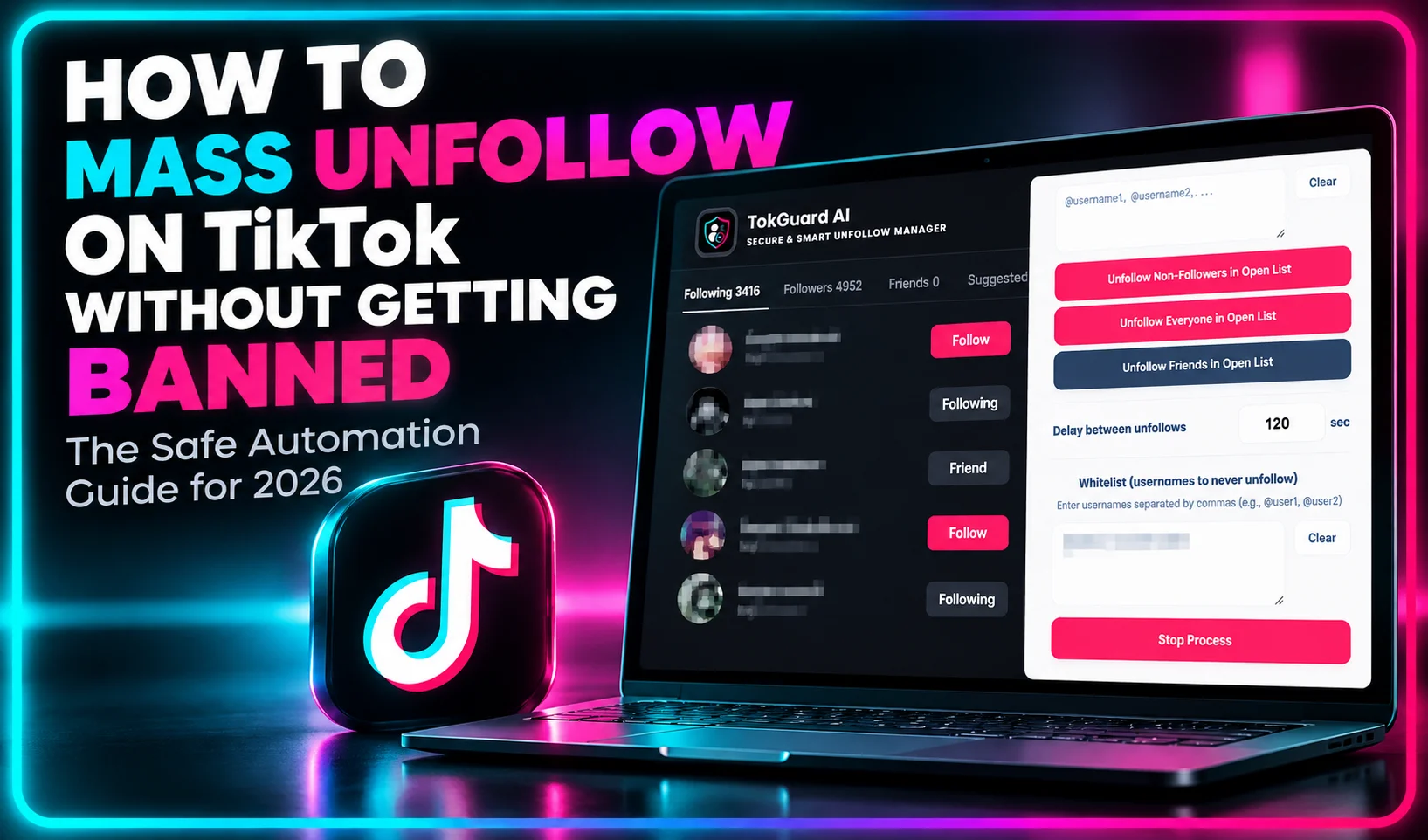
Avoid account bans and "Try Again Later" warnings on TikTok. Learn the safest technical method to mass unfollow inactive accounts using TokGuard AI.
How to Mass Unfollow on TikTok Without Getting Banned: The Safe Automation Guide for 2026
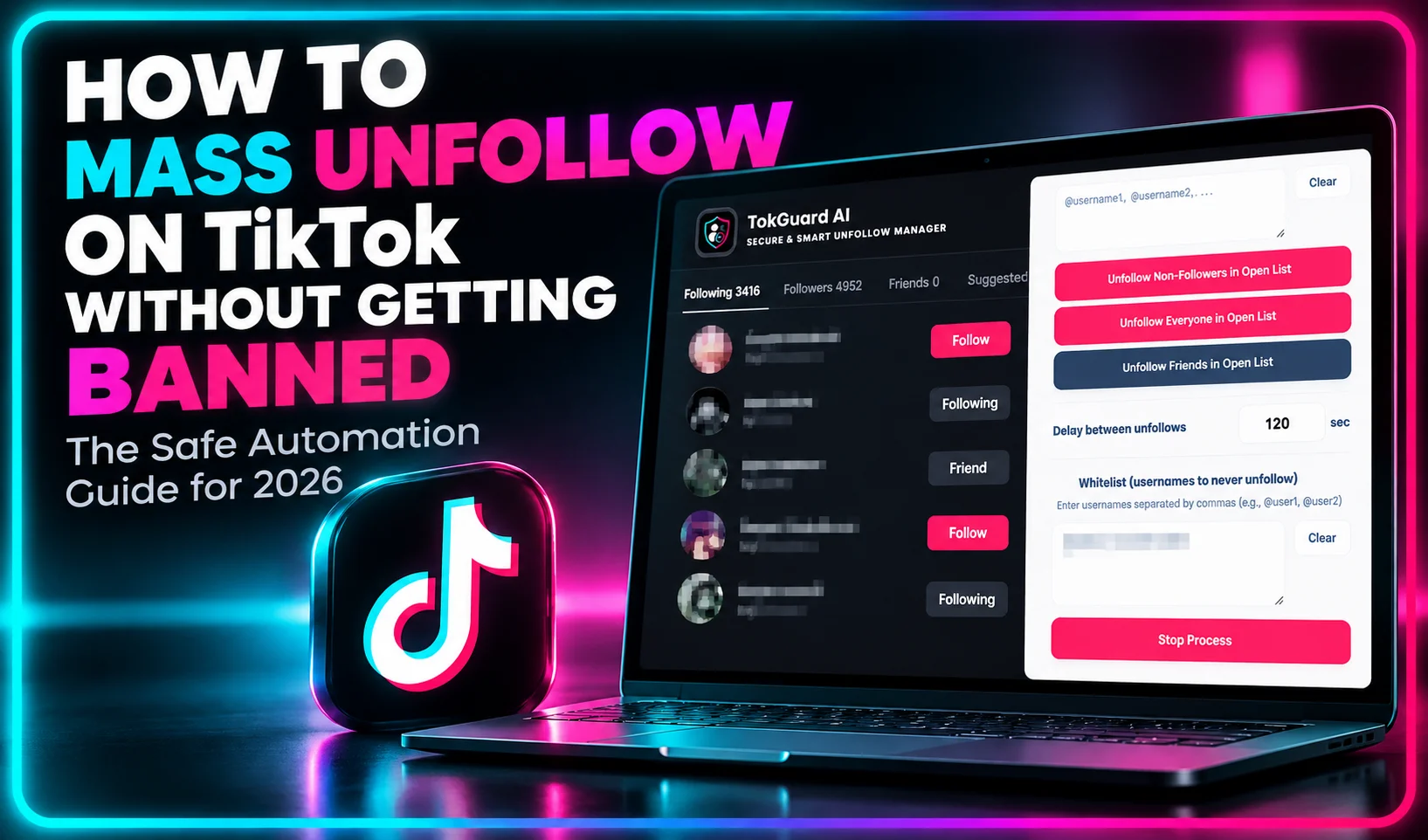
How to Mass Unfollow on TikTok Without Getting Banned? For active digital creators, media agencies, corporate brands, and social media managers, maintaining a highly curated and active following list on TikTok is a core pillar of strategic account management. As accounts grow, creators naturally accumulate thousands of outbound followings—often acquired during early growth phases, mutual follow exchanges, or content research sessions. However, over time, a bloated following list populated by non-reciprocal accounts, inactive users, and deleted profiles severely degrades account authority, reduces algorithmic engagement distribution, and creates a negative visual perception for commercial brand sponsors.
When profile managers decide to resolve this issue, they immediately face a critical technical challenge: executing a mass unfollow operation on TikTok without triggering automated platform security defenses. Unfollowing hundreds or thousands of profiles rapidly using unsafe methods frequently leads to disastrous outcomes, including temporary action blocks, shadowbans, session terminations, or total account suspensions accompanied by warnings like "Following too fast" or "Try again later."
TikTok’s anti-abuse architecture uses dynamic machine learning models designed to filter out spam behavior, automated headless scripts, and compromised account sessions. To bypass these security triggers successfully and sanitize your account, you must understand the exact technical parameters the algorithm monitors.
In this exhaustive 2026 safety guide, we will break down the underlying mechanics of TikTok's action rate limits, analyze the technical vulnerabilities of traditional cloud-based bots, and provide a comprehensive, step-by-step blueprint to mass unfollow non-reciprocal profiles safely using client-side, local browser execution tools like TokGuard AI.
The Algorithmic Impact of an Unhealthy Following List
Before analyzing the security protocols required for safe profile maintenance, it is vital to understand why an unchecked following list actively harms your TikTok performance and commercial monetization potential.
1. Engagement Rate Dilution and Feed Noise
TikTok’s internal recommendation systems continuously calculate account health scores based on engagement ratios. When your profile follows thousands of inactive accounts or users who never interact with your content, you pollute your own personal feed and disrupt initial content testing metrics.
When you publish a new video, TikTok's recommendation engine presents it to an initial test cohort composed of your active mutual connections and immediate followers. If a large percentage of your mutual connections consists of ghost accounts or inactive users, your initial interaction velocity drops. The algorithm interprets this low engagement rate as a signal of poor content quality, throttling your video distribution before it can ever reach broader audiences on the For You Page (FYP).
2. Commercial Perception and Sponsor Audits
In the modern creator economy, brand sponsors and talent agencies utilize advanced profile evaluation tools to audit influencer statistics before allocating marketing budgets. Accounts displaying a poor follower-to-following ratio (such as following 8,000 accounts while possessing only 2,000 followers) trigger immediate red flags.
Professional media buyers perceive bloated following counts as evidence of artificial growth loops or amateur management tactics. Maintaining a clean, authoritative ratio—such as 10:1 or higher—signals genuine industry influence, category leadership, and high brand value.
Deconstructing TikTok’s Anti-Bot Security Architecture
To successfully execute a mass unfollow process without risking your digital assets, you must understand how TikTok’s security engineering identifies suspicious activity. The platform does not rely on simple, static numerical thresholds; instead, it deploys a sophisticated, multi-layered security infrastructure.
1. Action Velocity and Burst Traffic Analysis
Human interaction with mobile or desktop interfaces is inherently irregular. When a real user browses TikTok, the time elapsed between individual interactions varies based on page loading times, visual scanning, and natural cognitive pauses.
When an automated script or reckless manual user executes unfollow actions in rapid succession at constant mathematical intervals (such as exactly one action every 1.5 seconds), the platform's security monitors identify the burst velocity. Burst detection algorithms flag rapid spikes in specific API requests, immediately issuing temporary action restrictions to protect platform performance and combat spam.
2. Session Fingerprinting and Client Context
Every network request transmitted to TikTok's servers includes rich client metadata. This metadata encompasses your IP address type, browser user-agent string, canvas fingerprint, operating system details, and active authentication session tokens.
Security systems continuously compare incoming request fingerprints against baseline human behavior profiles. If an account suddenly begins issuing high-frequency action requests without sending corresponding client telemetry—such as viewport scrolling events, DOM rendering updates, or mouse telemetry—the security layer flags the session as an unauthorized headless script.
3. Network Reputation and IP Subnet Profiling
Network origin plays a decisive role in automated security scoring. Internet Service Providers (ISPs) assign residential IP addresses to home Wi-Fi and mobile network connections. Conversely, cloud hosting providers assign datacenter IP addresses to enterprise servers.
TikTok's security systems automatically penalize traffic originating from known enterprise datacenter subnets (such as AWS, DigitalOcean, Hetzner, or Linode). Real consumers never log into social media apps directly from remote cloud datacenters; therefore, actions originating from these IP ranges face immediate rate limits and mandatory security verification challenges.
Why Cloud-Based Automation Bots Guarantee Account Penalties
Driven by the desire for quick solutions, many creators mistakenly turn to cloud-based unfollow tools or third-party web services that promise background processing. From an enterprise security perspective, cloud bots represent an extreme threat to account safety and asset longevity.
1. Extreme Credential Exposure and Cookie Theft
Cloud-based growth dashboards require users to enter their raw TikTok passwords or submit active browser session cookies to external web servers. Transmitting authentication credentials to third-party databases exposes your profile to data breaches, unauthorized session hijacking, and credential leaks.
If a cloud provider's database is compromised, malicious actors gain full access to your profile, connected advertising accounts, and private messages. Furthermore, sharing session credentials directly violates TikTok's terms of service, leading to immediate account termination upon discovery.
2. Datacenter IP Flagging and Session Locks
As established, cloud platforms execute automated tasks using remote server instances assigned to enterprise datacenter IP blocks. When hundreds or thousands of user accounts execute actions through shared datacenter IP pools, TikTok's security filters identify the pattern instantly.
The platform flags the shared IP range, resulting in mass session invalidations, forced password resets, and severe shadowbans across all accounts associated with that proxy cluster.
3. Lack of Authentic DOM Rendering and JavaScript Execution
To lower server overhead and maximize processing speeds, cloud bots rely on lightweight HTTP request scripts rather than fully rendered web browser interfaces. They send bare network calls directly to backend endpoints without loading visual stylesheets, executing full JavaScript bundles, or rendering page elements.
Modern platform defenses easily distinguish between headless HTTP API calls and genuine browser rendering engines. When backend servers receive action requests lacking real Document Object Model (DOM) interaction signals, security systems apply progressive penalties ranging from temporary action blocks to permanent account bans.
The Local Client-Side Execution Standard: How TokGuard AI Protects Profiles
To overcome the inherent security flaws of cloud automation, modern digital managers utilize privacy-first client-side software. By executing profile cleanups locally inside your logged-in desktop browser, local extensions eliminate security risks while automating tedious tasks.
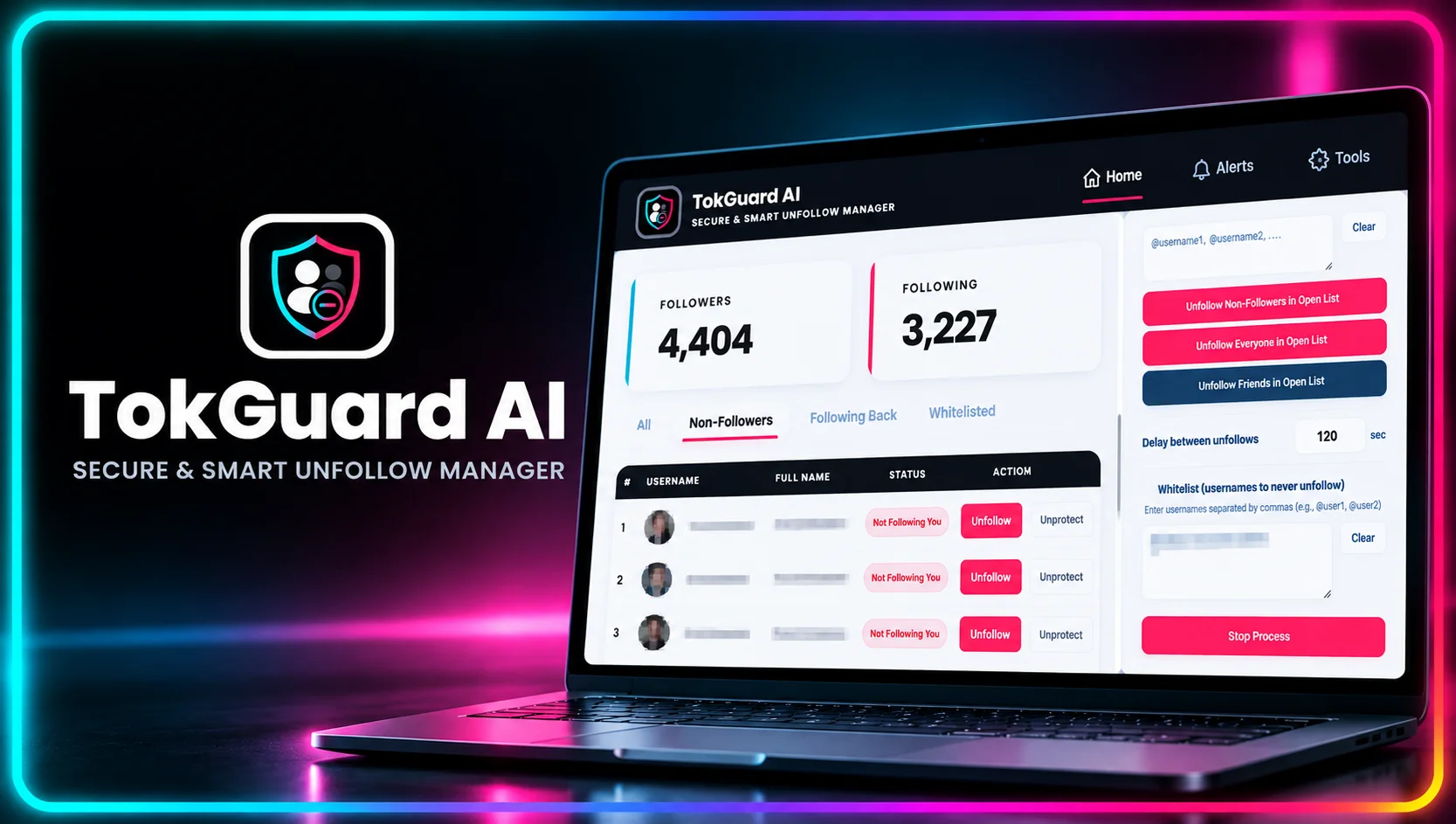
TokGuard AI is engineered specifically around this client-side paradigm, integrating enterprise-grade security features designed to respect platform thresholds and mirror authentic human behavior.
1. 100% Local Browser Execution (Zero Password Exposure)
TokGuard AI operates entirely within your local Chromium browser session (such as Google Chrome, Cursor, or Brave). Because the extension runs client-side, it never requests, stores, or transmits your account password or session tokens to external web servers.
All operational scripts execute inside your active, authenticated browser tab. Every action originates directly from your personal device and utilizes your home or office residential IP address, ensuring complete network alignment with your regular browsing activity.
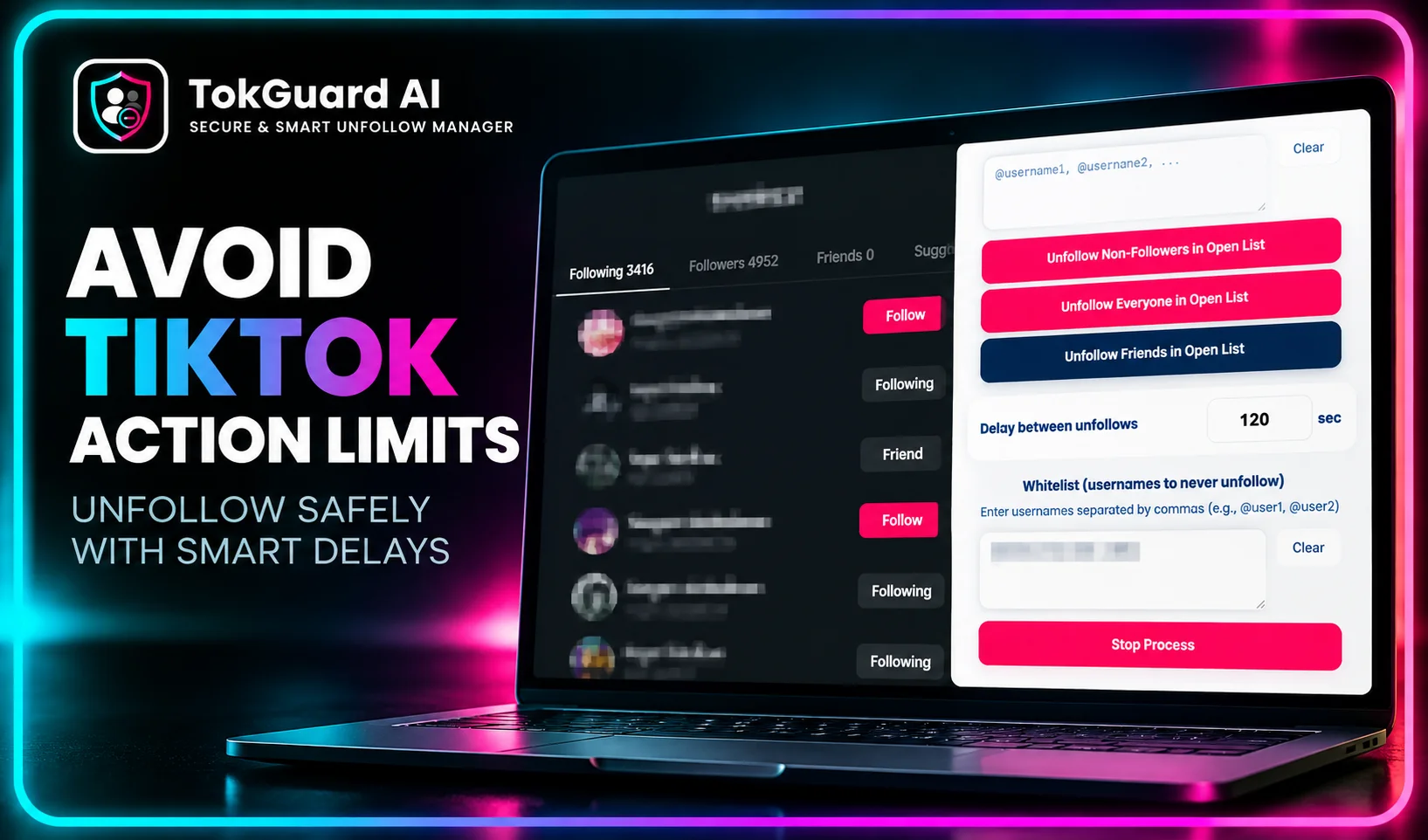
2. Dynamic Delay Randomization Engine
The core defense against velocity-based bot detection is interaction variance. TokGuard AI incorporates an advanced delay randomization engine that introduces variable pauses between individual unfollow operations.
Rather than executing tasks at fixed mathematical intervals, the extension generates randomized human-like delays (e.g., waiting 18 seconds, then 42 seconds, then 29 seconds) alongside periodic cooling pauses. This natural rhythm mirrors real human browsing patterns, allowing your activity stream to pass automated velocity audits without triggering security alerts.
3. Smart Whitelist Protection Module
Unfollowing accounts indiscriminately can accidentally sever crucial business connections, client relationships, or personal friendships. TokGuard AI solves this problem through a dedicated, local Whitelist management system.
Before initiating any automated routine, creators can populate a permanent whitelist with protected handles, mentors, brand partners, and high-ticket clients. The extension cross-references this whitelist in real time during execution, ensuring designated profiles are permanently excluded from bulk unfollow tasks.
4. Micro-Batching and Automated Cooldown Enforcers
Attempting to clear thousands of accounts in a single unbroken session forces any account into rate-limit territory. TokGuard AI enforces a disciplined micro-batching strategy.
Users can configure strict batch caps—such as processing only 25 to 40 profiles per session—interspersed with multi-hour cooling periods. This structured approach prevents account fatigue, maintains low request density, and preserves your profile's internal trust rating.
Comparing Profile Management Methods
To evaluate the operational safety, technical efficiency, and risk factors of different account maintenance strategies, consider the detailed analysis below:
1. Local Desktop Automation (TokGuard AI)
Credential Safety: Maximum security. Operates entirely inside your authenticated browser session with zero password or token transmission.
Network Fingerprint: Matches your authentic residential IP address and local device fingerprint perfectly.
Execution Environment: Runs inside a real Chromium engine, generating full JavaScript context and real DOM interaction signals.
Action Speed & Delays: Employs customizable, randomized human delays (15 to 60 seconds) with dynamic pauses.
Operational Efficiency: High. Automates monotonous background clicks while enforcing strict micro-batch limits and cooldown timers.
Relationship Protection: Built-in automated Whitelist module prevents accidental unfollowing of strategic partners.
Overall Risk Level: Near-zero when configured with recommended humanized parameters.
2. Third-Party Cloud Bots & Web Apps
Credential Safety: High risk. Requires handing over private account passwords or active session cookies to remote servers.
Network Fingerprint: Originates from flagged enterprise datacenter subnets (AWS, DigitalOcean, Linode), triggering instant security alarms.
Execution Environment: Headless HTTP scrapers lacking real DOM rendering or JavaScript execution contexts.
Action Speed & Delays: Often relies on predictable, fixed-speed intervals that trigger velocity filters.
Operational Efficiency: High convenience, but carries extreme risk of sudden account termination or shadowbans.
Relationship Protection: Rarely offers advanced local whitelisting, risking the loss of critical business connections.
Overall Risk Level: Extremely high. Frequently results in permanent bans, account locks, and severe reach suppression.
3. Pure Manual Unfollowing
Credential Safety: 100% secure as interactions occur directly through the official app interface.
Network Fingerprint: Authentic residential Wi-Fi or mobile network traffic.
Execution Environment: Native mobile or web application environment.
Action Speed & Delays: Driven by human speed, though rapid manual tapping can still trigger "Moving too fast" rate limits.
Operational Efficiency: Extremely low. Auditing and unfollowing thousands of profiles manually requires endless hours of exhausting labor.
Relationship Protection: Highly error-prone. Manual operations rely on memory, leading to accidental unfollows of key contacts.
Overall Risk Level: Low to moderate, but practically unfeasible for large-scale audience auditing.
Step-by-Step Blueprint: Safe Mass Unfollowing Execution Workflow
Follow this technical, multi-phase workflow to audit your audience structure, remove non-reciprocal accounts, and protect your profile integrity using TokGuard AI:
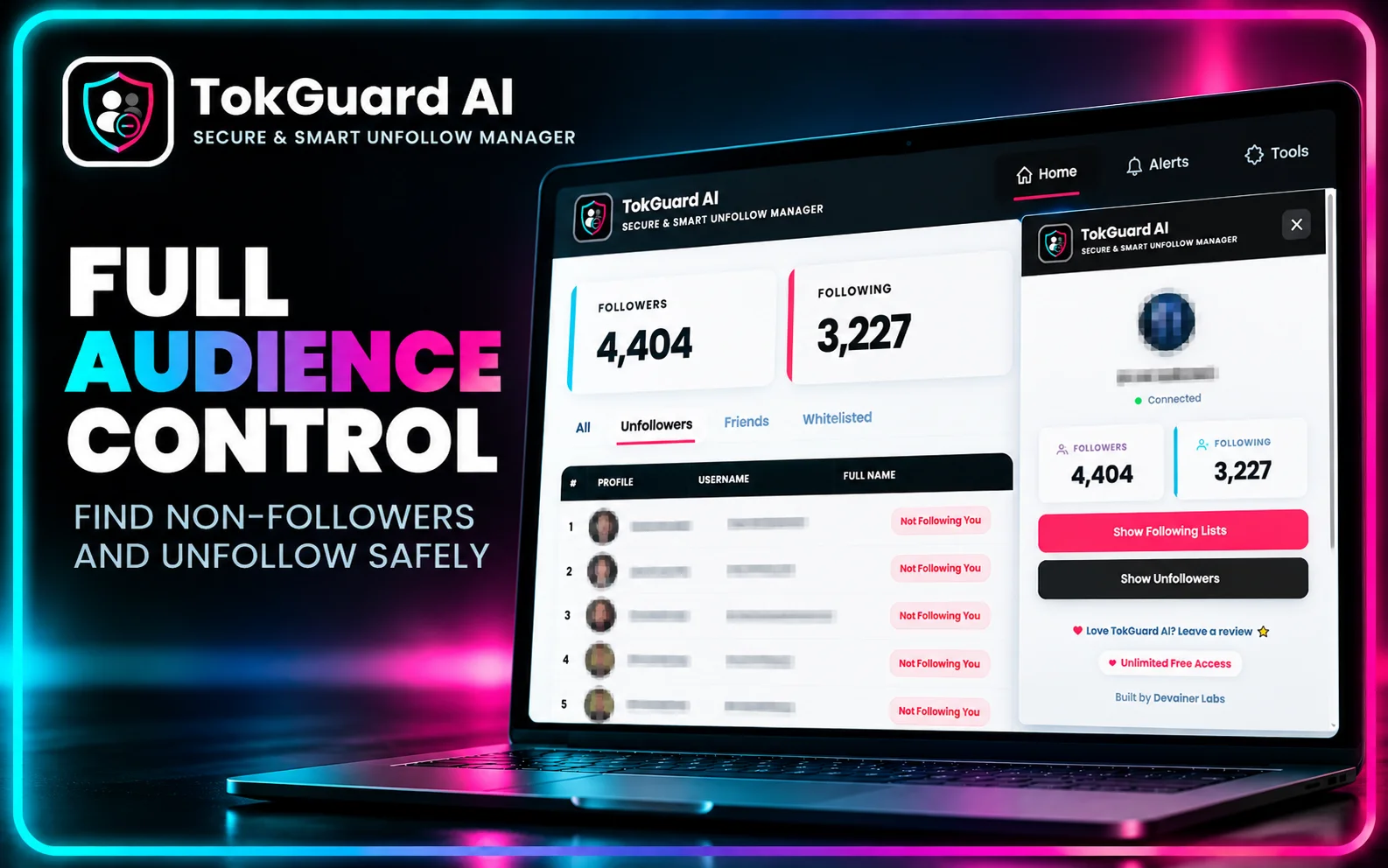
Phase 1: Pre-Audit Setup and Environment Prep
Desktop Environment Verification: Open your Chromium browser on a secure desktop machine connected to your primary residential or office network. Avoid executing automation tasks over public VPNs or shared proxy services.
Session Authentication: Log into your official TikTok account via the web interface. Navigate through your feed normally for a few minutes to establish an active, healthy session footprint.
Software Launch: Open the official TokGuard AI extension interface directly from your browser toolbar.
Phase 2: Whitelist Configuration and Account Safeguards
Identify Core Assets: Compile a comprehensive list of strategic accounts, including personal friends, high-ticket clients, industry influencers, brand sponsors, and inspirational content channels.
Populate the Whitelist: Navigate to the Whitelist tab within TokGuard AI. Input the protected handles to ensure they are permanently exempt from all scanning and unfollow actions.
Verify Exclusion Rules: Double-check your whitelist entries for spelling accuracy to guarantee total protection during execution.
Phase 3: Parameter Configuration and Humanization Settings
Set Conservative Delays: Access the operational settings panel. Configure minimum action delays to at least 15 to 20 seconds and maximum delays to 45 to 60 seconds.
Define Micro-Batch Limits: Set your session batch cap to a conservative volume, such as 30 accounts per execution cycle.
Enable Auto-Cooldowns: Configure mandatory cooling intervals between micro-batches (e.g., forcing a 2-to-4-hour rest period after every completed batch).
Phase 4: Execution and Real-Time Monitoring
Initiate Local Scan: Launch the target identification routine within TokGuard AI. The extension will scan your following list locally within the browser DOM to isolate non-reciprocal profiles (users who do not follow you back).
Execute First Micro-Batch: Begin the automated unfollow sequence for the isolated non-reciprocal cohort. Observe the real-time activity log within the extension window to confirm that randomized delays are firing correctly.
Monitor System Feedback: Keep an eye out for platform responses. If TikTok returns any soft rate-limit indicators, TokGuard AI will automatically halt execution, protecting your session from escalation.
Phase 5: Maintenance and Long-Term Schedule
Daily Volume Management: Limit total daily unfollow volume to between 80 and 120 accounts, distributed evenly across two or three separate sessions throughout the day.
Overnight Rest Periods: Always allow full 8-to-12-hour overnight pauses without any manual or automated activity.
Audit Completion: Once your following count reaches your target follower-to-following ratio (aiming for 10:1 or better), pause automated routines and return to standard organic account usage.
Safely managing your TikTok following list is an important step toward building a more professional and organized creator profile. But account cleanup is only part of a broader growth strategy. To explore how audience auditing can support your business goals, read our comprehensive guide on how to monetize TikTok in 2026, covering follower-to-following ratio optimization, engagement analysis, brand sponsorship opportunities, and revenue growth strategies.
Frequently Asked Questions (FAQ)
Q: What is the maximum number of accounts I can safely unfollow per day on TikTok in 2026?
A: While absolute thresholds vary depending on account age, history, and baseline trust score, a safe operational guideline for established accounts is processing no more than 100 to 150 unfollows per 24-hour period. To remain entirely safe, this total should always be broken into small micro-batches of 25 to 30 accounts separated by multi-hour rest periods.
Q: What should I do immediately if I receive a "Try again later" or "Following too fast" warning?
A: If you encounter a rate-limit prompt, instantly stop all manual and automated actions across all devices. Allow your account to cool down completely for at least 24 to 48 hours without attempting any follows, unfollows, or likes. This pause allows internal rate counters to reset completely. Once resumed, reduce your daily volume by 50% and increase delay intervals.
Q: How does TokGuard AI identify non-reciprocal followers without asking for my password?
A: TokGuard AI runs locally within your logged-in desktop browser session. It reads the publicly visible follower and following structures directly from the page DOM in real time, comparing the two datasets locally on your computer to isolate non-reciprocal profiles without making unauthorized backend API requests or requiring external logins.
Q: Will cleaning my following list fix an active algorithmic shadowban?
A: Removing dead weight and non-reciprocal profiles optimizes your engagement metrics over time, which helps rebuild your overall account health score. While it does not instantly remove a security shadowban, clearing inactive profiles ensures that once your cooldown period ends, your new video releases will test against a far more responsive initial audience cohort.
Q: Can I use TokGuard AI on multiple TikTok accounts simultaneously?
A: Yes, provided you manage each TikTok account within separate browser user profiles or distinct desktop sessions. Operating each account in its own isolated browser environment ensures that session cookies, IP contexts, and activity logs remain completely segregated and secure.
Mass Unfollow on TikTok Safely Today
Protect your account from bans, bypass "Try again later" limits, and clean non-reciprocal followers using TokGuard AI — the ultimate privacy-first local desktop extension.
Install TokGuard AINabil Wassim
Blog Author
Article Info
2026-10-08
5 min read
Nabil Wassim
Tutorial