
How to Mass Unfollow on Instagram Without Getting Banned or Action Blocked
2026-10-08
5 min read
Nabil Wassim
Tutorial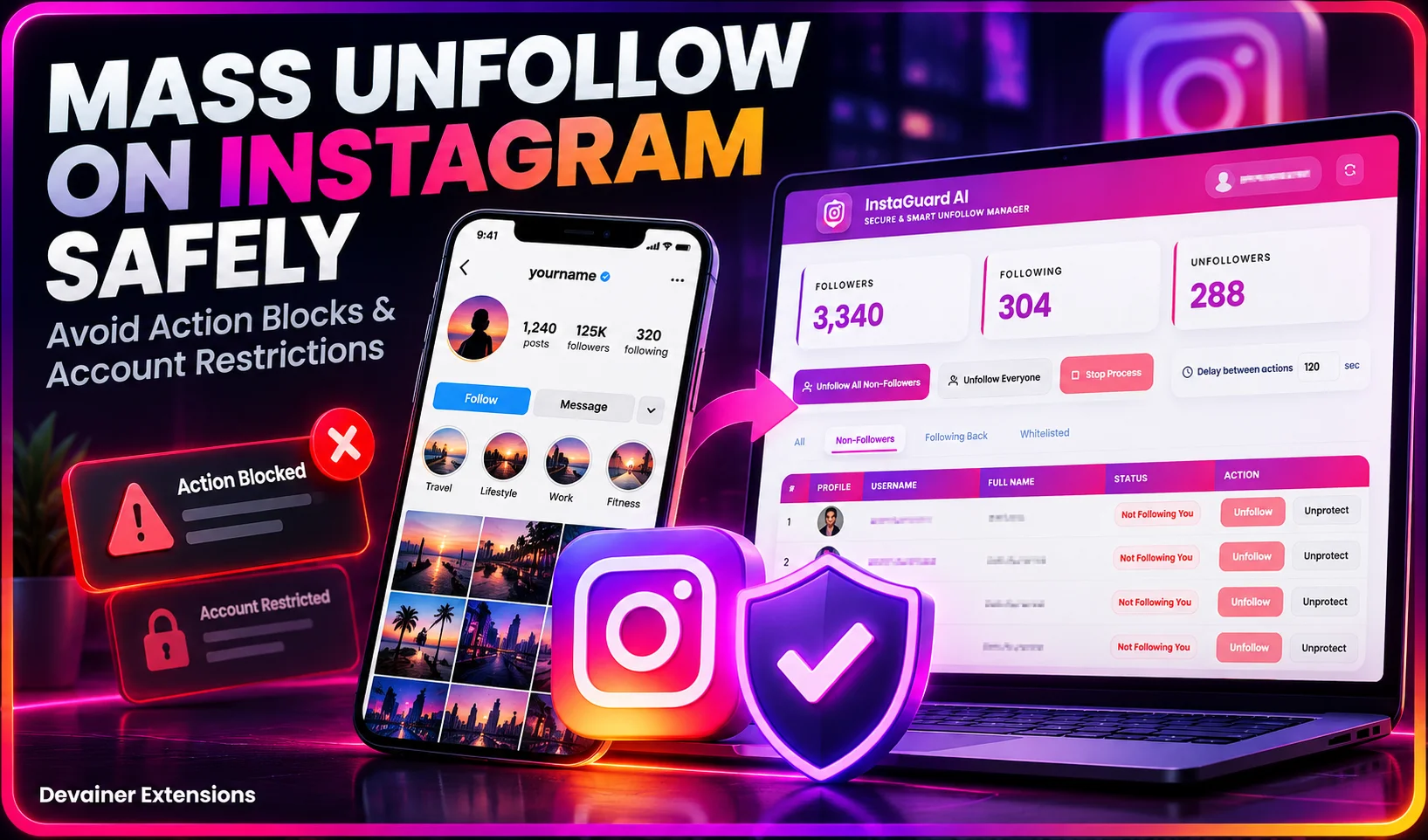
Discover how to mass unfollow on Instagram safely. Avoid action blocks and shadowbans using smart human-like delays and safe local tools.
How to Mass Unfollow on Instagram Without Getting Banned or Action Blocked
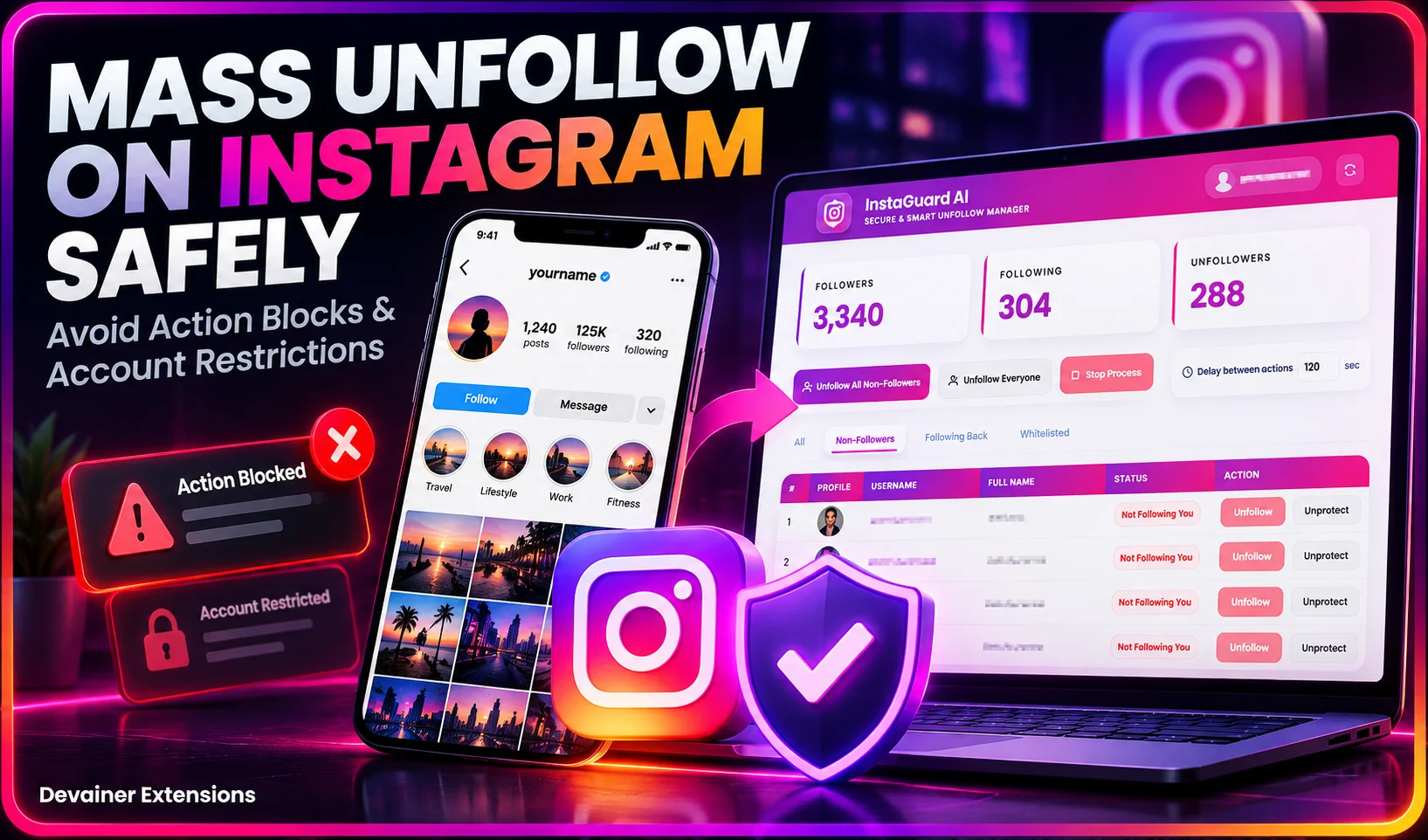
Managing an Instagram account effectively often requires pruning your following list. Whether you previously engaged in follow-for-follow strategies, accumulateَِd inactive ghost profiles, or simply want to clean up your feed, learning hoِw to mass unfollow on Instagram is an essential skill for account growth. However, performing this process incorrectly can trigger Instagram’s aggressive security filters, leading to severe penalties including action blocks, shadowbans, or permanent account suspensions.
In this comprehensive guide, we will break down Instagram’s security mechanics, uncover the official and unofficial hourly and daily limits, and present a bulletproof blueprint to clean your account without putting your profile at risk.
Understanding Instagram Security Algorithms and Action Limits
Instagram relies on sophisticated machine learning models to detect artificial automation, spam, and bot activity. When an account performs a high volume of repetitive actions—such as liking, commenting, or unfollowing—within a short time frame, security triggers are tripped.
Why Instagram Penalizes Rapid Unfollowing
From a platform security standpoint, mass unfollowing resembles bot activity designed to manipulate user attention. To protect platform integrity, Instagram monitors user action velocity.
Rate Limiting: Every account operates under dynamic limits based on account age, trust score, and historical activity patterns.
Pattern Recognition: Performing actions at exact fixed intervals (e.g., exactly every 2 seconds) instantly signals automated scripts.
IP and Session Tracking: Rapid requests coming from unexpected IP addresses or cloud servers flag your session for manual security review.
Daily and Hourly Safety Boundaries
While Instagram does not publish official numbers, extensive testing across thousands of accounts reveals clear safe zones for unfollowing activity:
New Accounts (Under 3 Months Old): 50 to 100 unfollows per day, capped at 10 to 15 per hour.
Aged/Established Accounts (Over 6 Months Old): 150 to 200 unfollows per day, capped at 20 to 30 per hour.
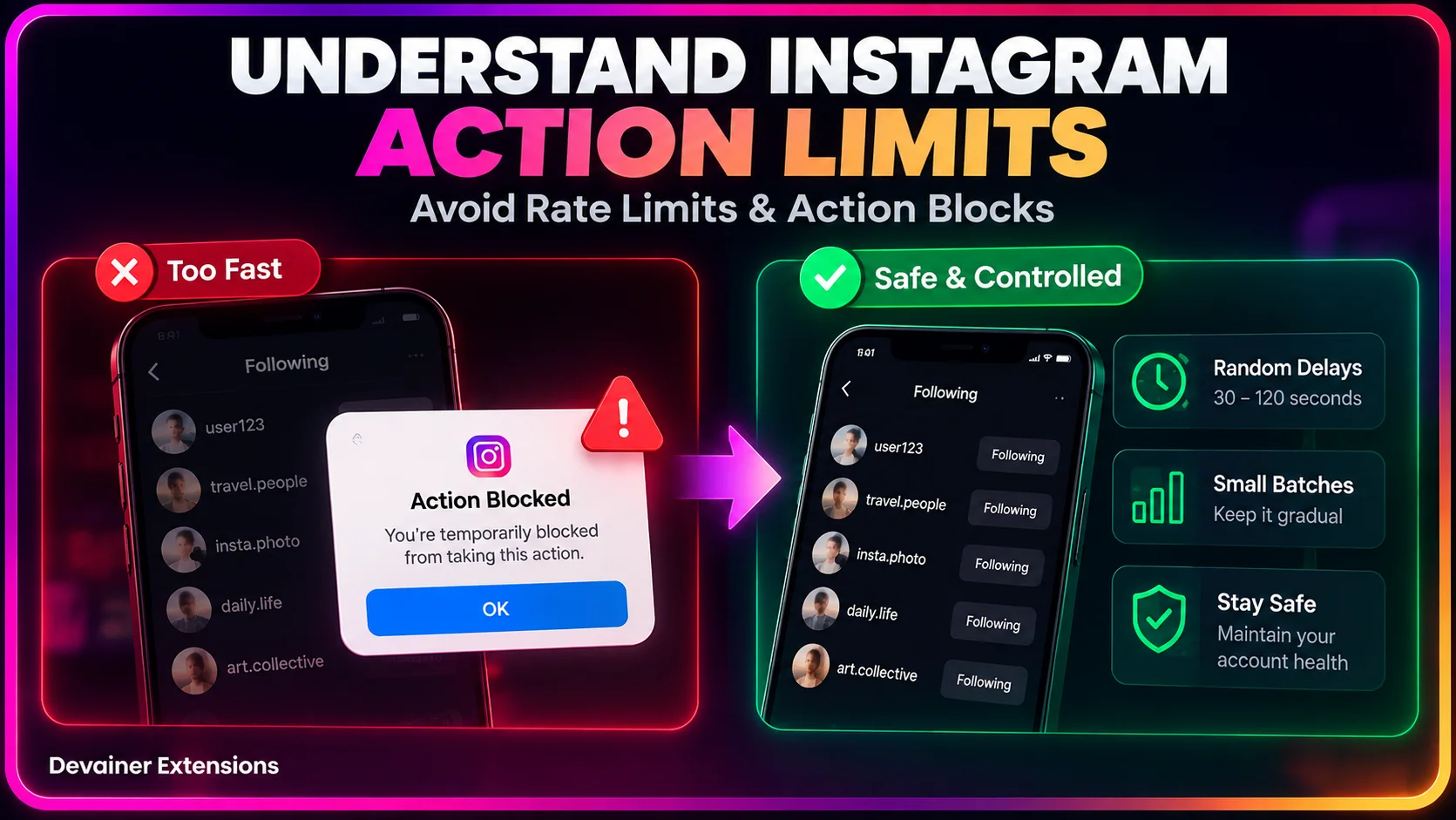
Interval Spacing: Safe actions require randomized delays between 30 to 120 seconds per unfollow.
The Penalties: Action Blocks, Shadowbans, and Suspensions
Exceeding platform boundaries results in progressive security enforcement actions. Recognizing these warnings early prevents permanent damage to your brand.
Temporary Action Blocks: Instagram disables your ability to unfollow, like, or comment for a designated period (ranging from 24 hours to 7 days). Repeated blocks lower your account's internal trust score.
Shadowbans: Your content is silently suppressed from appearing on hashtag pages, location tags, and Explore recommendations. Organic reach plummets significantly.
Compromised Account Lock: Instagram forces a password reset and security verification, flagging your current session as suspicious.
Permanent Account Suspension: Persistent violations after multiple warnings lead to permanent account deletion without appeal opportunities.
Why Third-Party Web Services Get Accounts Banned
Many content creators make the mistake of logging into cloud-based web applications that promise instant, 1-click account cleaning. These platforms represent the highest security risk for several reasons:
Password and Session Leakage: Handing your credentials to external cloud servers exposes your personal login data to potential breaches and policy violations.
Datacenter IP Triggers: Cloud services execute actions using datacenter IP addresses (like AWS or DigitalOcean). Instagram immediately flags logins originating from non-residential IP ranges.
Lack of Human Emulation: Cloud bots execute requests headlessly at maximum speed without rendering the visual interface, making detection trivial for anti-bot algorithms.
The Safe Blueprint: Local Execution with Smart Delays
To mass unfollow on Instagram safely, your management strategy must replicate natural human behavior precisely. Rather than utilizing external web platforms, modern marketers utilize local desktop extensions that run inside their existing, authenticated browser sessions.
1. Isolate Non-Followers via Local Auditing Before executing any unfollow actions, compile a local database of accounts that do not follow you back. Local processing ensures that your data stays strictly inside your browser session without external server transmission.
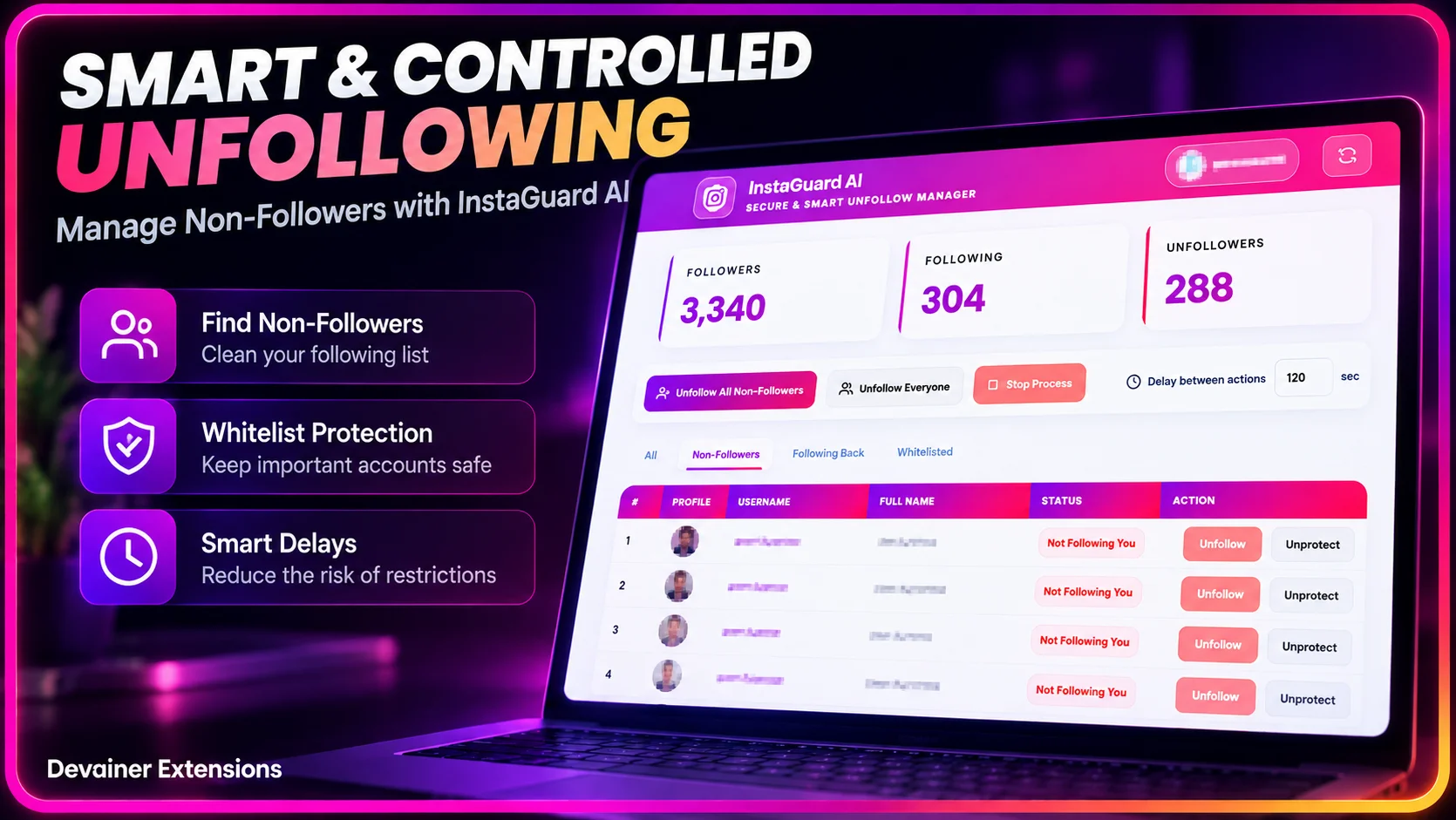
2. Configure Strategic Whitelists Always establish a protected whitelist before starting a cleanup cycle. Your whitelist should include:
Personal contacts, friends, and family.
Strategic business partners and clients.
High-value creators and industry inspirations.
Accounts with high mutual engagement.
3. Implement Human-Like Delay Randomization The key to bypassing anti-bot algorithms is variance. Instead of triggering actions at fixed intervals, safe tools like InstaGuard AI introduce randomized delays between actions (e.g., waiting 42 seconds, then 78 seconds, then 35 seconds). This natural delay pattern mimics a real user clicking through a feed on a desktop computer.
4. Execute in Micro-Batches Avoid attempting to unfollow thousands of accounts in a single session. Divide your target list into small batches of 30 to 50 accounts, separated by several hours of rest time. This distributed approach maintains your account health score while achieving long-term cleanup goals.
Cleaning up your Instagram following list is only one part of building a stronger social media presence. To understand how audience optimization can support your revenue goals, explore our guide on how to monetize Instagram by improving your follower-to-following ratio, which explains the relationship between audience quality, engagement, brand sponsorships, and monetization opportunities.
Step-by-Step Execution Plan for 100% Safety
Follow this exact operational workflow when cleaning your Instagram account:
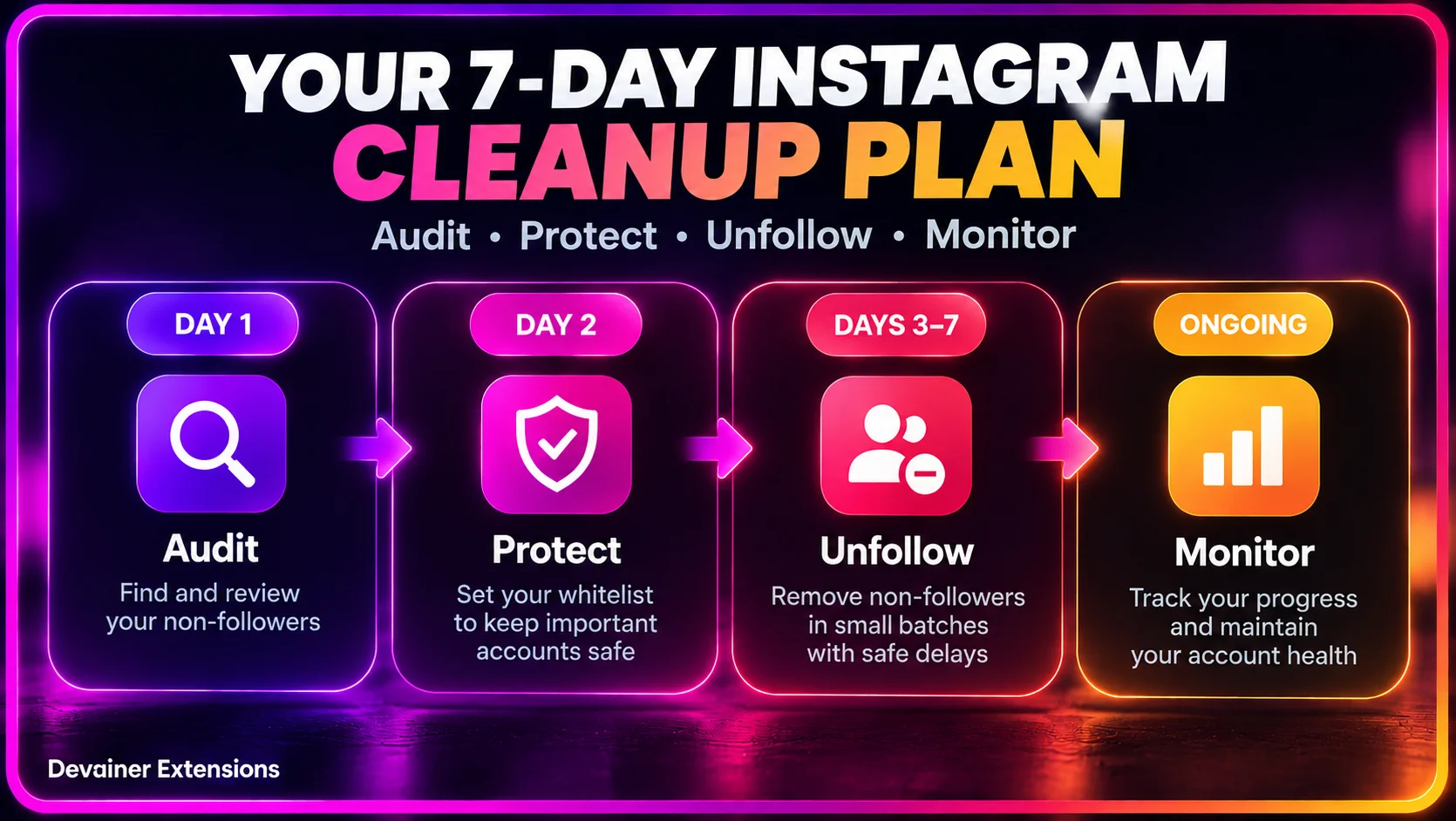
Day 1 - Preparation: Run a complete audience audit. Categorize your contacts and populate your whitelist thoroughly.
Day 2 - Initial Batch: Execute a trial run of 20 to 30 unfollows with generous delays (45+ seconds apart). Verify that no warning dialogues appear.
Days 3 to 7 - Routine Maintenance: Process 50 to 100 unfollows daily, split across two distinct sessions (morning and evening). Allow full cooling periods overnight.
Ongoing Profile Health: Pause all unfollow operations immediately if you receive any "Try Again Later" prompts from Instagram, allowing a full 48-hour cooldown before resuming.
Frequently Asked Questions (FAQ)
Q: Can I mass unfollow on Instagram without getting banned? A: Yes. Mass unfollowing can be done safely by adhering to daily action limits, using randomized human-like delays between actions, and avoiding cloud-based services that ask for your password.
Q: How many accounts can I unfollow per day on Instagram? A: For aged accounts, the safe maximum is 150 to 200 unfollows per day, distributed in small batches throughout the day. Newer accounts should stay under 50 to 100 unfollows daily.
Q: What should I do if I get an "Action Blocked" message? A: Stop all unfollowing and automated actions immediately. Allow a full 24 to 48 hour cooldown period without performing repetitive actions. Resume later with significantly lower volumes and longer delay intervals.
Q: Why are browser extensions safer than cloud websites for Instagram management? A: Browser extensions like InstaGuard AI run locally using your computer's residential IP address and existing logged-in session. They execute actions inside your actual browser, making the activity indistinguishable from normal human browsing.
Q: Will unfollowing non-followers decrease my follower count? A: Unfollowing non-followers only reduces the number of accounts you follow (your Following count). It does not lower your Follower count, but it significantly improves your overall follower-to-following ratio.
Protect Your Instagram Account While Unfollowing
Clean your non-followers safely with InstaGuard AI — featuring local execution, customizable whitelists, and natural human-like delays.
Install InstaGuard AINabil Wassim
Blog Author
Article Info
2026-10-08
5 min read
Nabil Wassim
Tutorial