
How to Export WhatsApp Business Contacts to Excel 2026: Streamline Your CRM Workflow
2026-10-09
5 min read
Nabil Wassim
Tutorial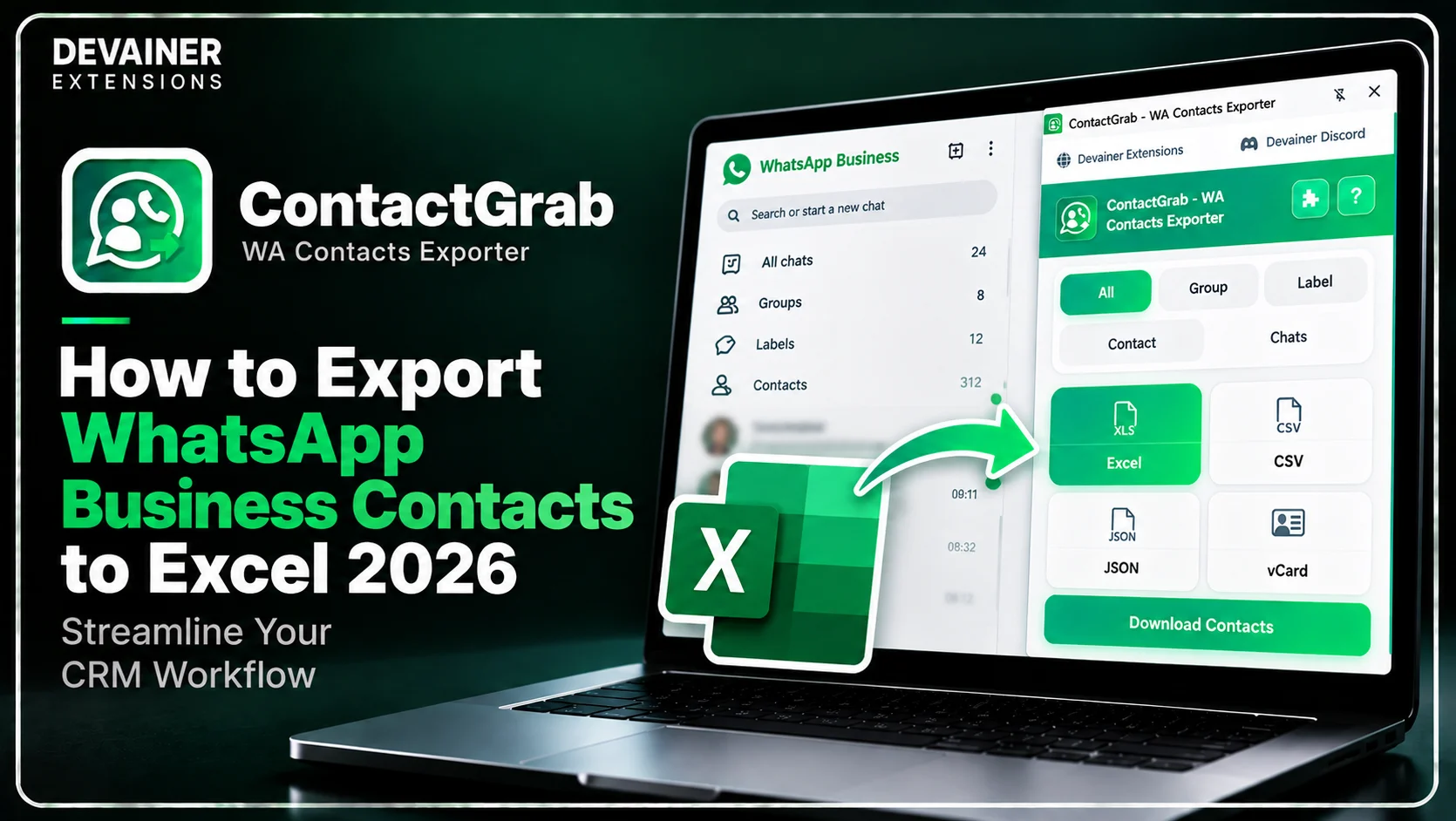
Master how to export WhatsApp Business contacts to Excel 2026! Clean client databases, filter custom labels, and streamline your CRM pipeline safely using ContactGrab.
How to Export WhatsApp Business Contacts to Excel 2026: Streamline Your CRM Workflow
Learning how to export WhatsApp Business contacts to Excel 2026 has become a fundamental operational task for sales managers, small business owners, and customer support leads operating in 2026. As WhatsApp continues to solidify its position as the primary conversational commerce platform worldwide, businesses accumulate thousands of customer inquiries, group participants, and labeled leads daily. However, managing high-volume client communications within a mobile application messaging interface creates severe operational friction.
When customer records remain trapped inside mobile messaging threads, sales teams lose track of lead statuses and struggle to execute structured follow-up campaigns.
Manually copying contact numbers line by line into corporate spreadsheets is extremely tedious and introduces human data entry errors.
In this comprehensive 2026 operational guide, we will analyze how automated spreadsheet exports optimize CRM pipelines, evaluate how local browser sandboxing protects client privacy, and detail a practical 3-step organization framework powered by ContactGrab - WA Contacts Exporter.
The Strategic Importance of Exporting WhatsApp Data to Excel
Before establishing automated contact management routines, business operations leads must understand why transferring raw chat contacts into structured Excel spreadsheets transforms corporate efficiency. Centralizing client communication data allows businesses to scale outreach without losing lead context.
1. Unlocking Full CRM Pipeline Integration
Modern sales teams rely on dedicated Customer Relationship Management (CRM) platforms, such as HubSpot, Salesforce, and Zoho, to manage pipeline deals. These enterprise systems require structured CSV or Excel data files to populate contact records and assign lead scoring.
Exporting chat contacts into clean Excel spreadsheets enables instant bulk uploads, ensuring that every mobile lead is properly logged in your central CRM database.
2. Advanced Audience Segmentation and Custom Label Management
WhatsApp Business allows users to apply custom labels to chats, categorizing leads into stages like "New Inquiry," "Pending Payment," or "VIP Client." However, analyzing label metrics inside a mobile app is virtually impossible.
Transferring labeled contacts into Excel allows business analysts to sort, filter, and run pivot tables across client cohorts, identifying revenue bottlenecks instantly.
Transforming ContactGrab into a Complete CRM Pipeline Tool
While basic users view contact tools simply as phone backup utilities, ContactGrab - WA Contacts Exporter is engineered with comprehensive data management features designed specifically for business organization.
1. 5 Targeted Extraction Sources in One Click
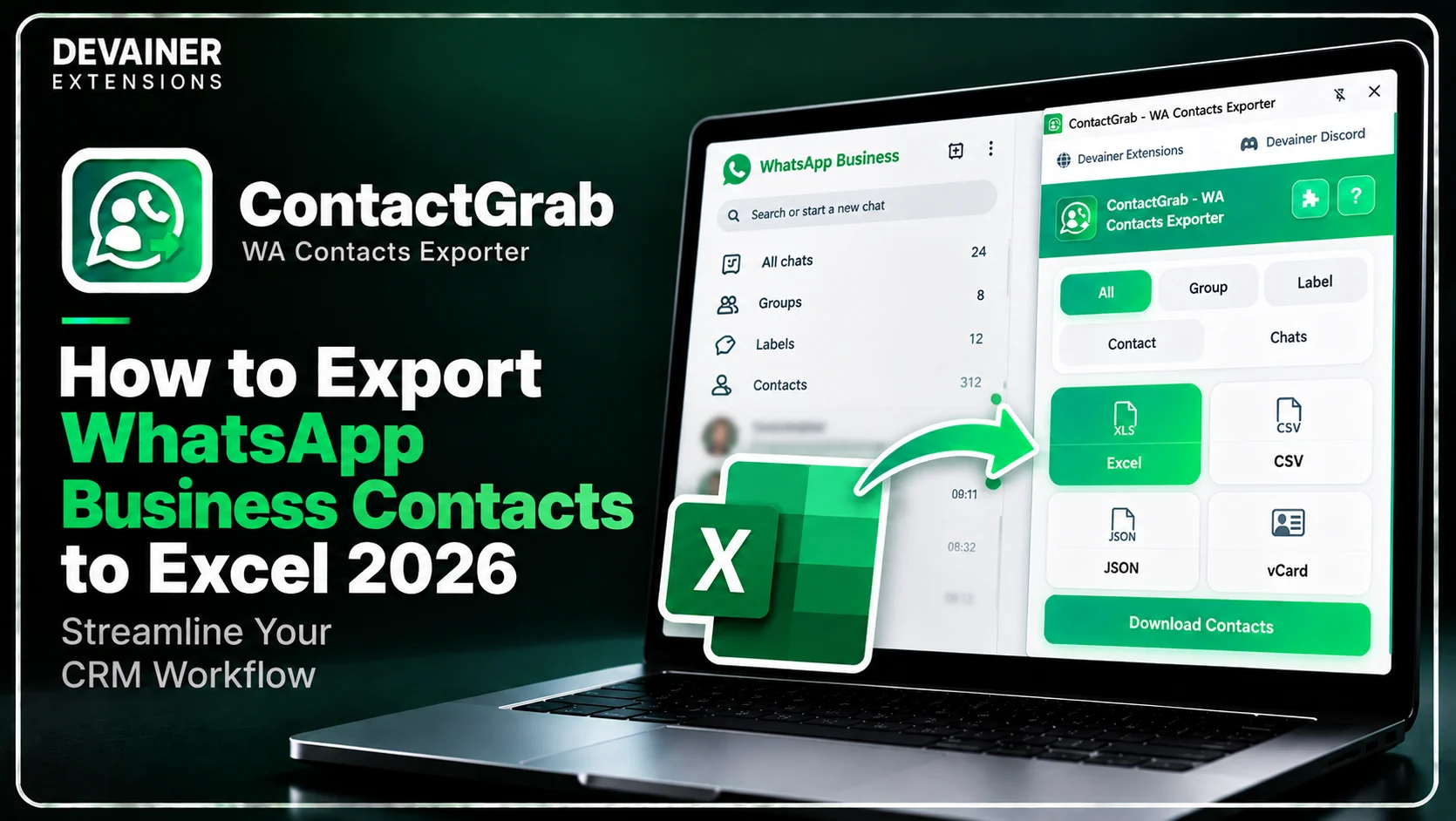
ContactGrab allows administrative teams to capture complete contact records across five distinct operational sources. The extension extracts contacts from All Saved Contacts, Groups, Custom Labels, Address Book contacts, and active Chat threads seamlessly.
Instead of wasting valuable administrative hours on manual data entry, your team can generate comprehensive client spreadsheets in seconds.

2. Advanced Group & Label Dropdown Filtering
Raw contact exports often contain thousands of uncategorized rows mixed with active commercial leads. ContactGrab features Advanced Group & Label Filtering options with built-in search and dropdown selection tools.
Filtering by specific custom labels ensures that your exported Excel files contain clean, segmented contact lists ready for immediate outreach.


3. Multi-Format Output Versatility (Excel, CSV, JSON, vCard)
Different business software tools require different file structures for seamless data importing. ContactGrab supports direct exports to Excel (.xlsx), CSV, JSON, and direct vCard (.vcf) formats.
Whether your IT team needs JSON files for custom API integrations or vCard files for mobile device importing, ContactGrab delivers exact format compatibility without paywalls.
The Cybersecurity Imperative: 100% Client-Side Data Privacy
Exporting client phone numbers and internal business chat lists requires software that respects strict privacy standards. Legacy cloud scraping services required uploading confidential contact books to remote third-party web servers, creating severe corporate security liabilities.
ContactGrab eliminates remote server risks by operating on an Uncompromising Data Privacy Architecture.
1. Zero External Server Uploads
ContactGrab operates 100% locally inside your active desktop browser session. Your customer phone numbers, contact names, and chat metadata are never uploaded, stored, or transmitted to external servers.
Because all parsing logic executes entirely within your local browser tab, your client database remains completely private and fully protected against cloud data breaches.
2. Fully Localized Global UI Support
ContactGrab features a fully localized user interface supporting 63 languages, ensuring smooth operation for international administrative teams and global agency staff.
Furthermore, the extension offers unlimited data exports with zero hidden paywalls or per-export fees, ensuring predictable operational costs.
Deep Dive: Structuring an Efficient Contact Management System
Establishing a routine contact export cadence prevents database clutter and maintains clean sales pipelines across your business.
Weekly Label Cleanup and CRM Audits
Administrative leads should perform weekly exports of labeled chat queues. Exporting recent "New Inquiries" and "Closed Sales" ensures that your primary CRM system reflects real-time conversational history.
Group Participant Archiving for Targeted Campaigns
Businesses operating community groups on WhatsApp can export participant lists prior to launching new products.
Having clean Excel records of community members allows marketing teams to run targeted SMS or ad retargeting campaigns effortlessly.
The 3-Step Blueprint to Export WhatsApp Business Contacts to Excel
Implement this simple, secure operational workflow to extract and organize your client contacts using ContactGrab:
Step 1: Open WhatsApp Web and Launch Extension
Access Web Layout: Open Chrome on your desktop computer and navigate to web.whatsapp.com to load your active session.
Launch ContactGrab: Click the ContactGrab toolbar icon directly within your active browser layout.
Select Extraction Source: Choose your target source from All Saved Contacts, Groups, Custom Labels, Address Book, or Active Chats.
Step 2: Apply Custom Label Filters and Choose Excel Format
Filter Custom Labels: Use the built-in search and dropdown menus to select specific target labels or customer groups.
Select Excel Format: Choose Excel (.xlsx) or CSV as your preferred output option for seamless spreadsheet editing.
Verify Selection: Confirm that your filter parameters isolate the exact customer demographic needed for your CRM update.
Step 3: Click Extract and Import Data into CRM
Execute 1-Click Export: Click the clean download button to export your structured contact file directly to your local machine.
Inspect Spreadsheet: Open the downloaded Excel file to verify that phone numbers, names, and group metrics are cleanly formatted.
Upload to CRM: Import the clean Excel dataset into your corporate CRM software or address book system.
Exporting WhatsApp Business contacts into Excel is only one part of maintaining an organized CRM database. Before importing large contact lists into your sales pipeline, it's also useful to check which phone numbers are associated with active WhatsApp accounts, helping your team identify records that may need attention. For a practical walkthrough, explore our guide on how to validate and check bulk WhatsApp numbers with ValidNum, covering bulk number verification and more efficient WhatsApp contact list management.
Comparing WhatsApp Data Organization Tools
To help business owners and IT leads select the safest data management tools, the following technical evaluation contrasts local session extensions with traditional cloud scrapers:
1. Local Session-Based Exporter (ContactGrab - WA Contacts Exporter)
Data Security: 100% Secure. Operates locally in your browser sandbox with zero external server tracking or data storage.
Extraction Flexibility: 5 targeted extraction sources including Groups, Custom Labels, Saved Contacts, Address Book, and Chats.
Export Options: Multi-format exports to Excel, CSV, JSON, and direct vCard (.vcf) for mobile devices.
Operating Cost: 100% Free & Unlimited with zero monthly subscription overhead or export caps.
Global Accessibility: Fully localized UI supporting 63 languages worldwide.
2. Legacy Cloud Scraping Tools
Data Security: High Risk. Requires uploading private contact books to remote cloud databases, risking data leaks.
Extraction Flexibility: Basic group scraping often missing custom label filtering or chat thread isolation.
Export Options: Limited export formats, often charging extra fees for Excel or JSON access.
Operating Cost: Expensive recurring monthly plans with strict per-export credit limits.
Global Accessibility: Restricted language interfaces with zero local privacy guarantees.
3. Pure Manual Copy-Pasting
Data Security: Safe, as interactions occur manually through the official web interface.
Extraction Flexibility: None; requires manually typing phone numbers into spreadsheets for hours.
Export Options: Manual spreadsheet typing.
Operating Cost: High indirect cost in wasted administrative hours and human data entry errors.
Global Accessibility: Manual work.
Frequently Asked Questions (FAQ)
Q: Can ContactGrab export contacts sorted by custom WhatsApp Business labels?
A: Yes! ContactGrab includes advanced search and dropdown selection filters, allowing you to isolate and export contacts assigned to specific custom labels easily.
Q: Is my client contact data uploaded to external cloud servers when using ContactGrab?
A: No, never! ContactGrab operates under a strict Privacy-First Architecture with zero external server tracking. All data processing occurs locally on your machine.
Q: What data formats can I choose when exporting contacts?
A: You can export your structured contact data into Excel (.xlsx), CSV, JSON, or vCard (.vcf) formats with a single click.
Q: Do I need an account or paid subscription to use ContactGrab?
A: No. ContactGrab requires no account registration, no subscriptions, and offers 100% free and unlimited exports.
Ready to Export Your WhatsApp Contacts?
Organize your groups, back up your address book, and export contacts in seconds.
Install ContactGrabNabil Wassim
Blog Author
Article Info
2026-10-09
5 min read
Nabil Wassim
Tutorial