
How to Download TikTok HD Videos, Audio, and Covers with TokSave
2026-08-18
5 min read
Nabil Wassim
Tutorial
Download TikTok videos in HD, extract background audio, and save video covers with 1 click using TokSave. Customize filenames and organize downloads easily.
Why Traditional TikTok Downloaders Fail You and How TokSave Simplifies Content Extraction
How to Download TikTok HD Videos, Audio, and Covers with TokSave?
1. The Operational Bottlenecks of Legacy TikTok Downloaders
In the era of short-form video dominance, TikTok has evolved from a simple entertainment platform into a global hub for viral trends, digital marketing strategies, creative storytelling, and educational content. Growth marketers, content creators, media researchers, and everyday users frequently need to download TikTok HD videos for offline viewing, competitive analysis, or mood board creation. However, the standard process of extracting content from the platform remains unnecessarily frustrating and inefficient.
Downloading videos, audio tracks, or cover photos from TikTok often means leaving your feed, copying long links, and pasting them into sketchy third-party web converters. Most of these external sites flood your screen with annoying pop-up ads, downgrade the video resolution, or place strict daily limits on how many clips you can save[cite: 1].
When you attempt to Download TikTok HD Videos using traditional web converter tools, the underlying media files are often re-encoded or compressed to reduce server bandwidth costs. This results in pixelated visuals, lowered audio bitrates, and compromised file quality. Furthermore, constant redirections to intrusive ad networks introduce unnecessary security risks, malware pop-ups, and browser tracking scripts.
If you are a marketer analyzing trends, a creator gathering inspiration, or simply someone who wants to enjoy offline videos, you need a seamless, built-in solution that works directly on TikTok Web without external redirects[cite: 1].
2. Introducing TokSave: The Ultimate TikTok Content Downloader
To bypass the risks of third-party websites and eliminate unnecessary steps from your workflow, power users require a lightweight, integrated extension that operates directly within the native TikTok web interface.
TokSave - Video Downloader for TikTok is a lightweight browser extension that adds download options directly to any TikTok video you browse[cite: 1]. Whether you want to Download TikTok HD Videos, extract background MP3 audio tracks, or grab original high-resolution cover photos, TokSave lets you download any public content instantly[cite: 1].
Designed to function directly inside your browser sandbox, TokSave modifies the native video interface by embedding non-intrusive action buttons directly onto the video container. This eliminates the need to copy URLs, open secondary browser tabs, or interact with external file converters.
Privacy-First & CSP Compliant:
Operating 100% locally in your browser with Content Security Policy (CSP) compliance, TokSave guarantees zero tracking and zero reliance on external servers[cite: 1]. Your browsing habits, session cookies, and downloaded media remain completely private[cite: 1].
3. Key Capabilities Engineered for TikTok Content Extraction
TokSave offers a robust feature set engineered specifically to deliver maximum file quality, operational efficiency, and organized file management:
1. Flexible Media Downloads (Video, Audio & Covers)
Choose exactly what you want to extract from any TikTok post[cite: 1]. You can Download TikTok HD Videos in full resolution, isolate high-fidelity background audio tracks for sound design, or capture crisp original thumbnail cover images for visual reference[cite: 1].
2. Highest Quality & Bitrate Matching
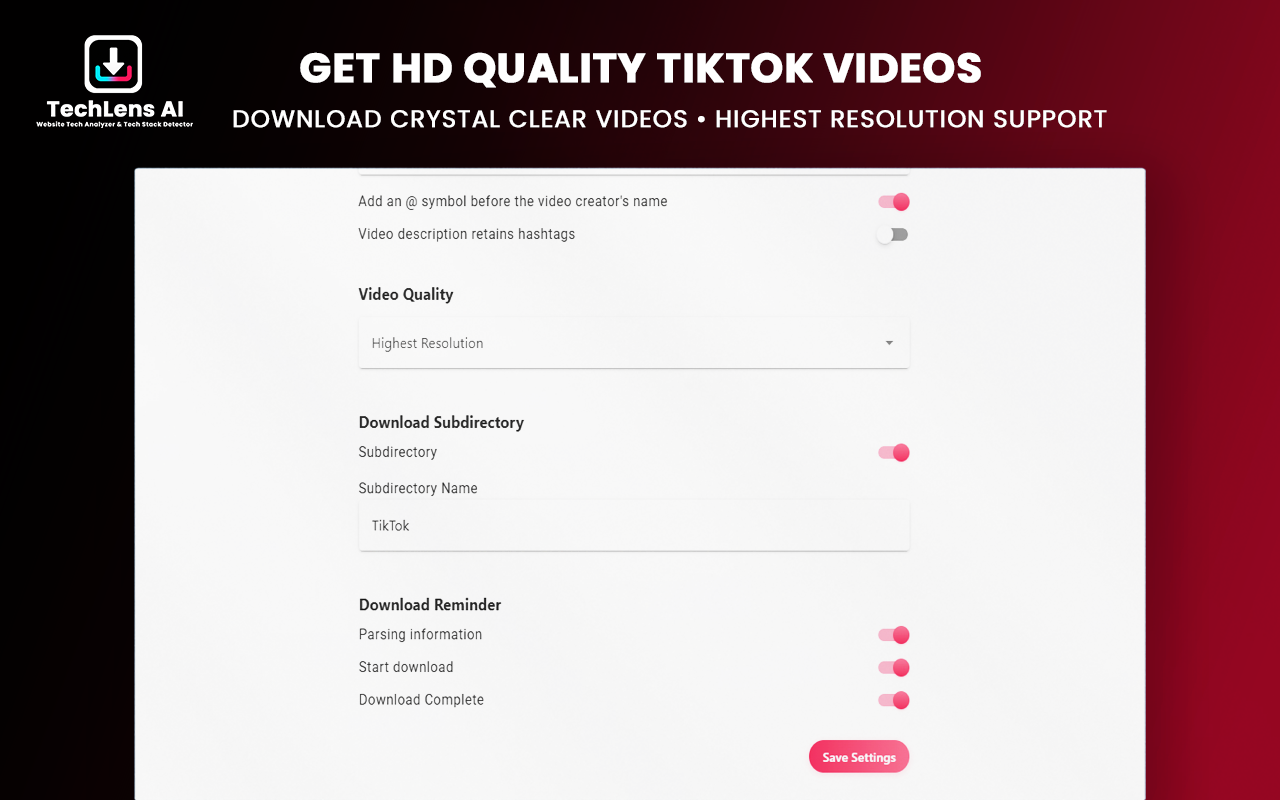
Never compromise on visual clarity or audio fidelity. TokSave automatically analyzes the video structure to fetch the highest available resolution, maximum audio bitrate, and optimal file quality without compression loss[cite: 1].
3. Smart Filename Customization
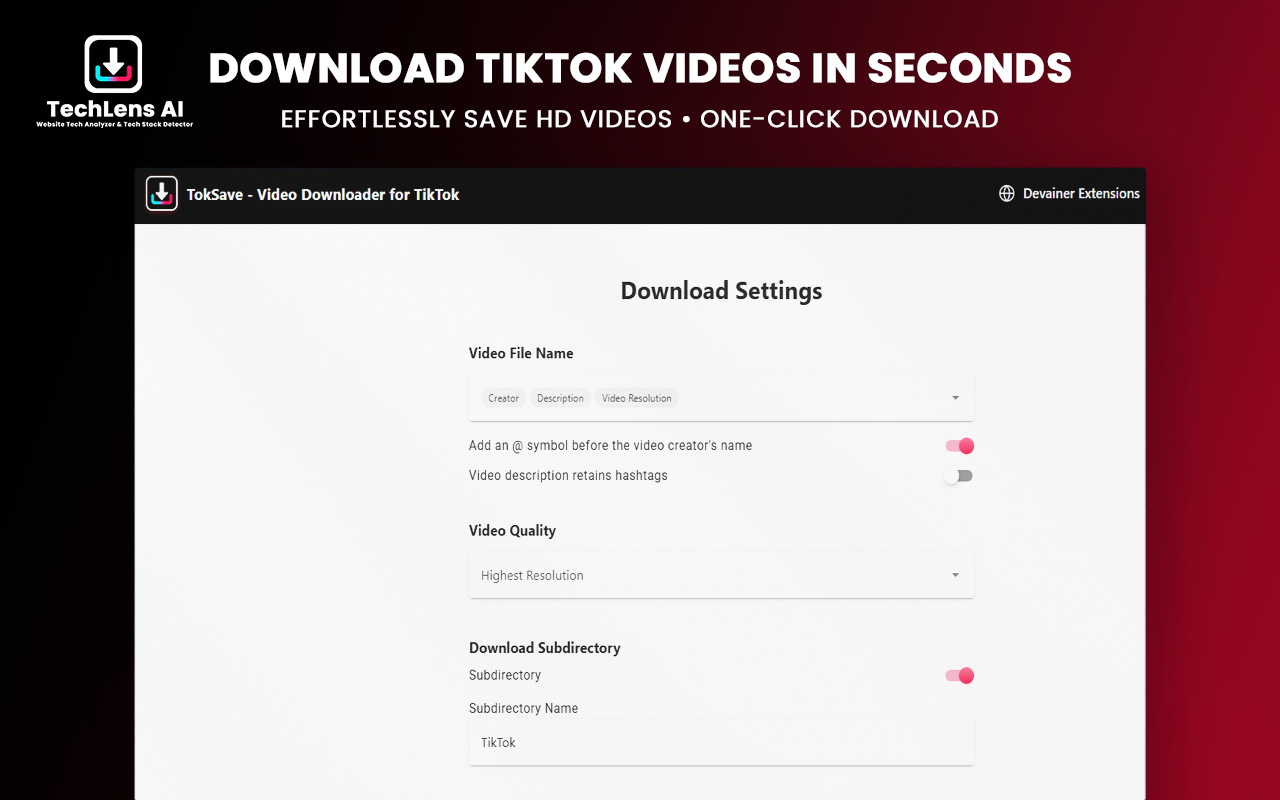
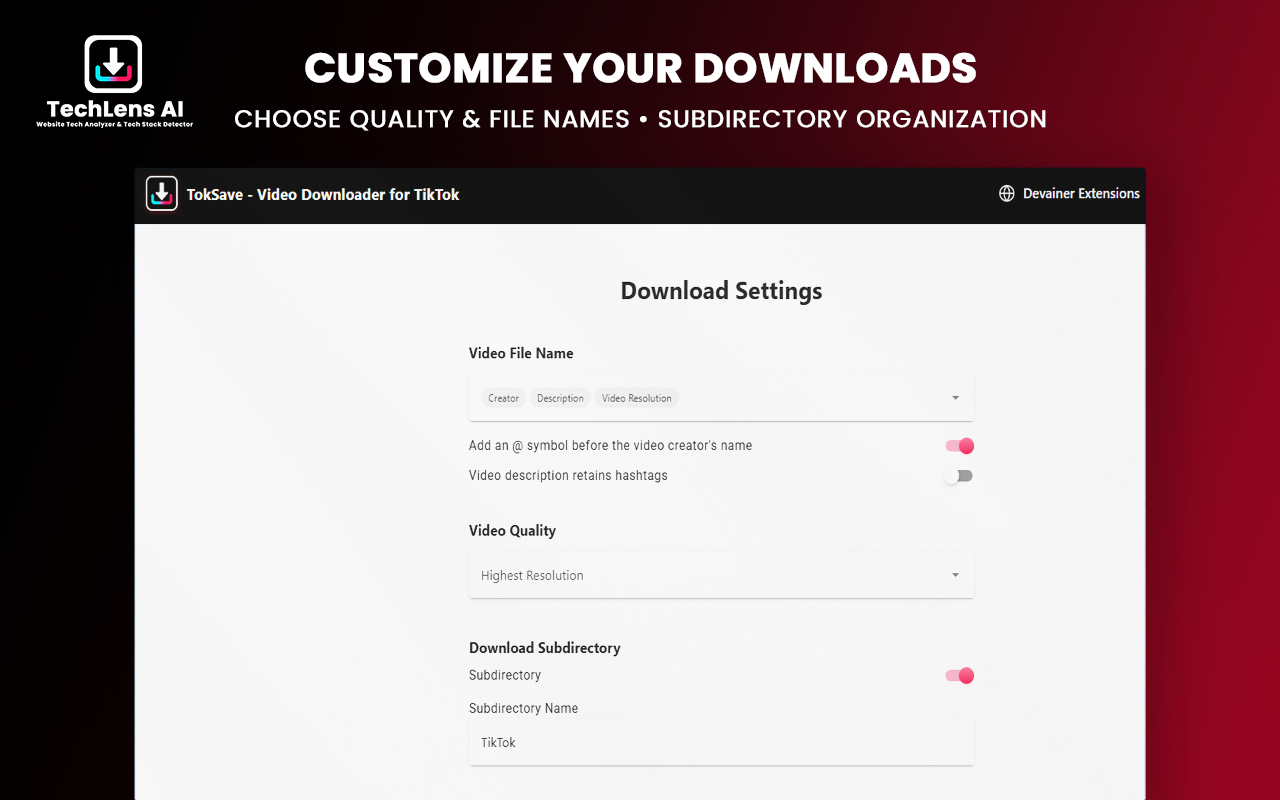
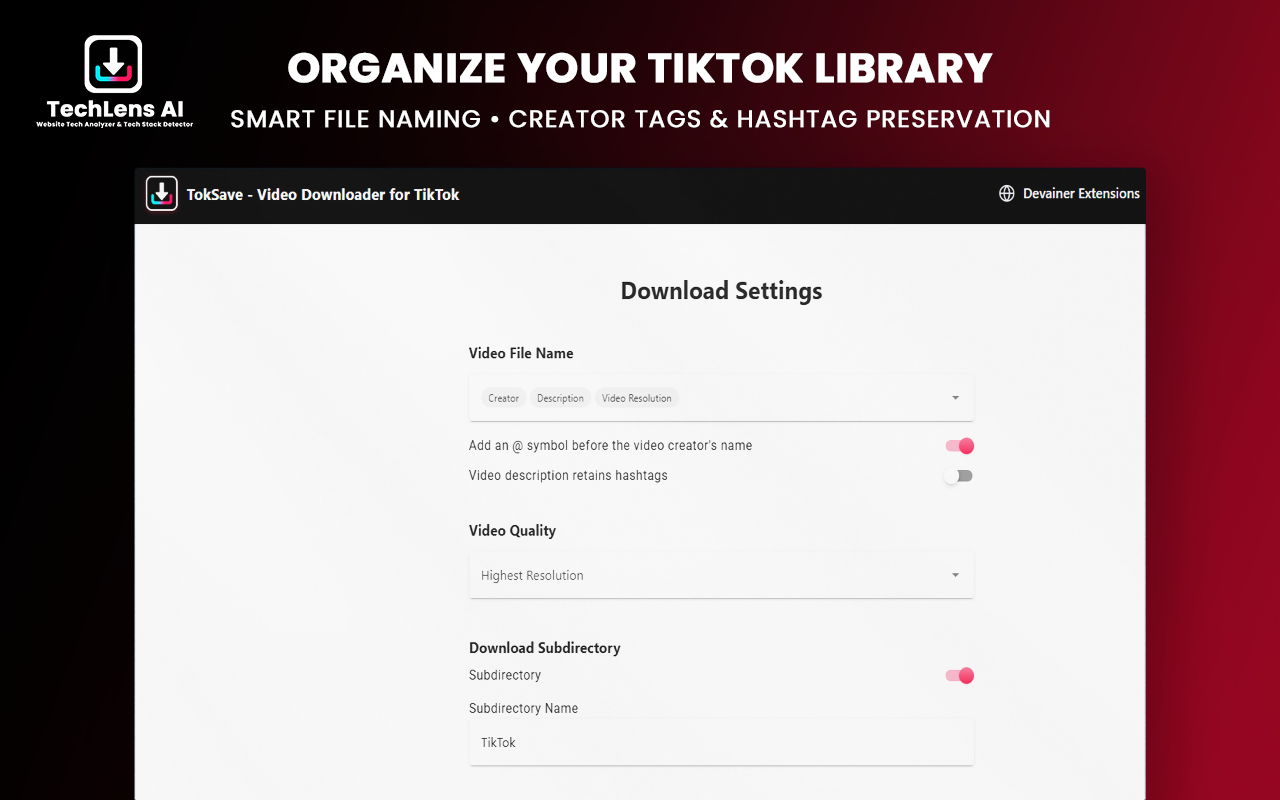
Keep your downloaded media library perfectly organized. Custom-define your file naming rules by combining creator handles (@username), video descriptions, unique video IDs, resolution tags, or saving files automatically to custom subfolders[cite: 1].
4. 1-Click Embedded Buttons & Notifications
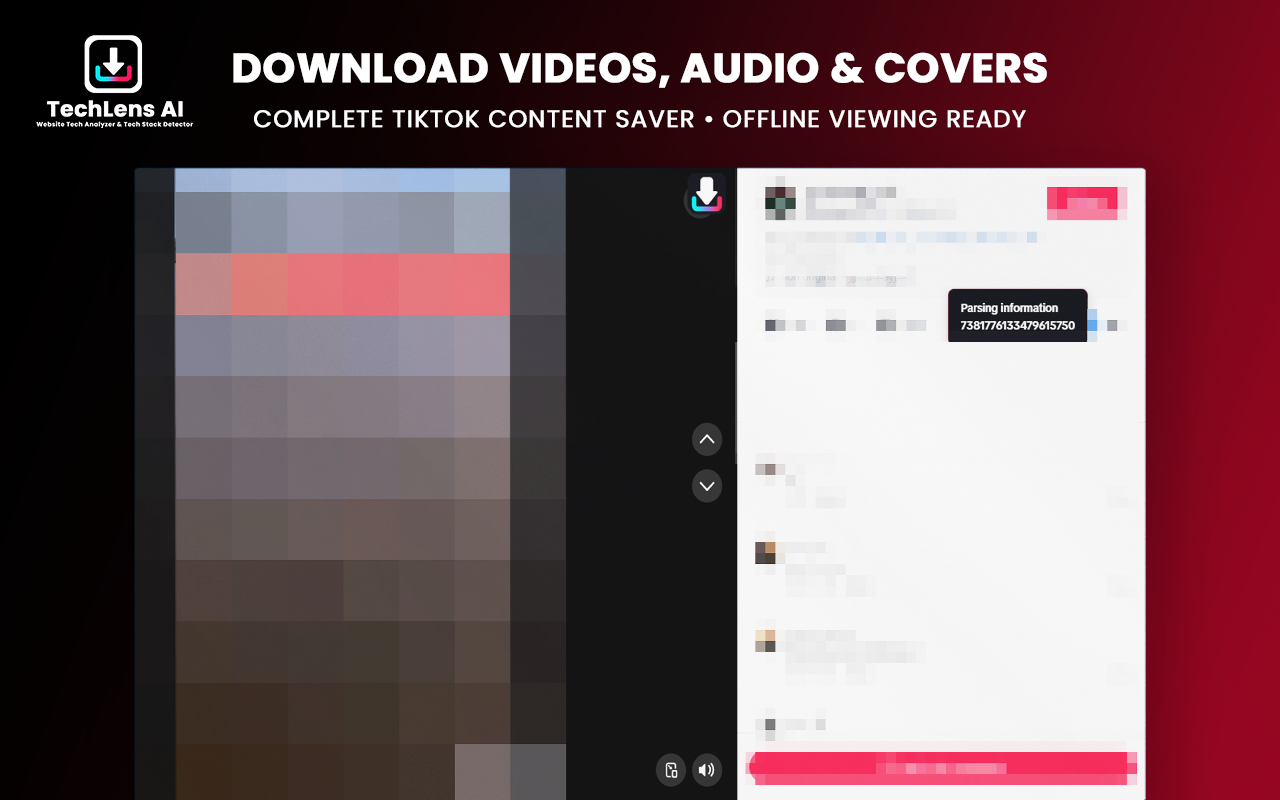
No link copying or tab switching required[cite: 1]. Actionable download buttons appear directly on videos as you scroll through your TikTok feed[cite: 1]. Track real-time progress via clean, on-screen snackbar notifications that confirm completion instantly[cite: 1].
5. Global 60+ Language Support & Zero Tracking
TokSave includes full localization support for over 60 languages, making it globally accessible[cite: 1]. It runs strictly within your browser environment without collecting, logging, or tracking your online activity[cite: 1].
4. Step-by-Step: How to Download TikTok HD Videos in 3 Simple Steps
Save high-quality TikTok media effortlessly with a simple 3-step workflow[cite: 1]:
Step 1: Open TikTok Web
Navigate to
tiktok.comin your web browser and scroll through your For You page, creator profiles, or specific video URLs[cite: 1].Step 2: Choose Download Option
Click the embedded TokSave action button on any video container to select whether you want to Download TikTok HD Videos, extract the audio track, or save the cover photo[cite: 1].
Step 3: Track & Save
Watch the real-time download progress via the built-in notification snackbar and access your neatly named file directly in your browser's designated download folder[cite: 1].
5. Conclusion: Fast, Ad-Free TikTok Downloads in 1 Click
Stop struggling with slow converter websites, bandwidth throttling, and intrusive pop-up advertisements[cite: 1]. Installing TokSave gives you an instant, secure, and completely free tool to Download TikTok HD Videos built directly into your native TikTok web experience[cite: 1].
Ready to Download TikTok Videos in HD?
Save any video, audio track, or cover image with custom filenames in seconds.
Install TokSave NowFrequently Asked Questions
Can I download any video on TikTok using TokSave?▼
Yes! TokSave allows you to download any publicly available video, audio track, or cover image while browsing TikTok Web.
Is TokSave completely free with unlimited downloads?▼
Yes, absolutely. TokSave offers 100% free and unlimited access with no hidden fees, paywalls, or daily limits.
Can I extract only the audio track from a video?▼
Yes. TokSave gives you distinct options to download the full HD video, extract the audio track, or save the cover thumbnail.
How do I customize how my downloaded files are named?▼
You can open the TokSave extension settings page to include creator handles (@), video descriptions, hashtags, video IDs, or resolution tags in your output filenames.
Does TokSave store my downloaded videos on external servers?▼
No. All link analysis and media fetching happen locally inside your browser tab, protecting your privacy completely.
Nabil Wassim
Blog Author
Article Info
2026-08-18
5 min read
Nabil Wassim
Tutorial