
HomeBlogHow to Export Instagram Followers, Following and Engagement Data to Excel/CSV/JSON (Free & Safe)
How to Export Instagram Followers, Following and Engagement Data to Excel/CSV/JSON (Free & Safe)
2026-06-24
5 min read
Nabil Wassim
Tutorial
Want to export Instagram followers, likes, or comments? Learn how to safely download your social media data into structured Excel/CSV files instantly.
How to Export Instagram Followers and Engagement Data to Excel/CSV/JSON (Free & Safe)
How to Export Instagram Followers and Engagement Data to Excel/CSV/JSON (Free & Safe)? Scraping and analyzing social media metrics has become a vital cornerstone for digital marketers, content creators, brand managers, and lead generation experts worldwide. Understanding who your followers are, tracking competitor growth, and auditing engagement metrics like likes and comments and export instagram data can provide a massive competitive edge.
However, anyone who has attempted to collect this data manually knows it is an absolute nightmare. Copying and pasting hundreds or thousands of user profile rows from a mobile screen or a desktop browser layout takes hours, introduces massive human error, and is completely unsustainable for growing businesses.
To solve this, many look toward automated tools, but the current market poses severe risks. In this comprehensive guide, we will break down why traditional cloud scrapers are dangerous and show you how to safely, quickly, and completely free export your Instagram target data into structured spreadsheets.
The Hidden Risks of Traditional Cloud Scrapers
If you search the web for tools to extract social data, you will find dozens of platforms promising instant results. What they do not tell you upfront is the heavy cost—both financial and security-wise. Most traditional social media scraping architectures operate on remote cloud servers. To use them, you are usually forced to go through complex setups, register an account with your private email, or worse, input your actual social media login credentials directly into their systems.
When an external cloud bot logs into your account from an unfamiliar IP address or an untrusted server datacenter, it triggers immediate security flags. Automated script loops running on remote clouds frequently violate platform rate limits, leading to forced password resets, temporary account locks, or permanent profile bans.
Furthermore, many of these platforms hide their most critical functionalities behind expensive monthly SaaS subscription paywalls. You might spend time setting up a pipeline only to realize that downloading a simple CSV file with more than 50 rows requires a premium upgrade.
Introducing Exportify : Your Local Data Assistant
To eliminate the security risks of external servers and the frustration of hidden subscription paywalls, processing data locally within your native web browser is the safest methodology. This is exactly why Exportify was engineered.
Exportify is a dedicated Chrome extension built completely on Google’s modern, high-security Manifest V3 architecture. Unlike cloud-based scrapers that send your private browsing session tokens to centralized databases, Exportify operates strictly in-memory on your local machine. It uses standard browser endpoint requests to fetch the public data you see on your screen, meaning your personal account credentials never leave your device. It is completely safe, account-friendly, and 100% free with immediate lifetime access.
Core Functions for Comprehensive Data Auditing
An efficient scraping tool needs to handle different types of data structures seamlessly. Exportify is packed with powerful features designed to give you a complete picture of your audience and engagement:
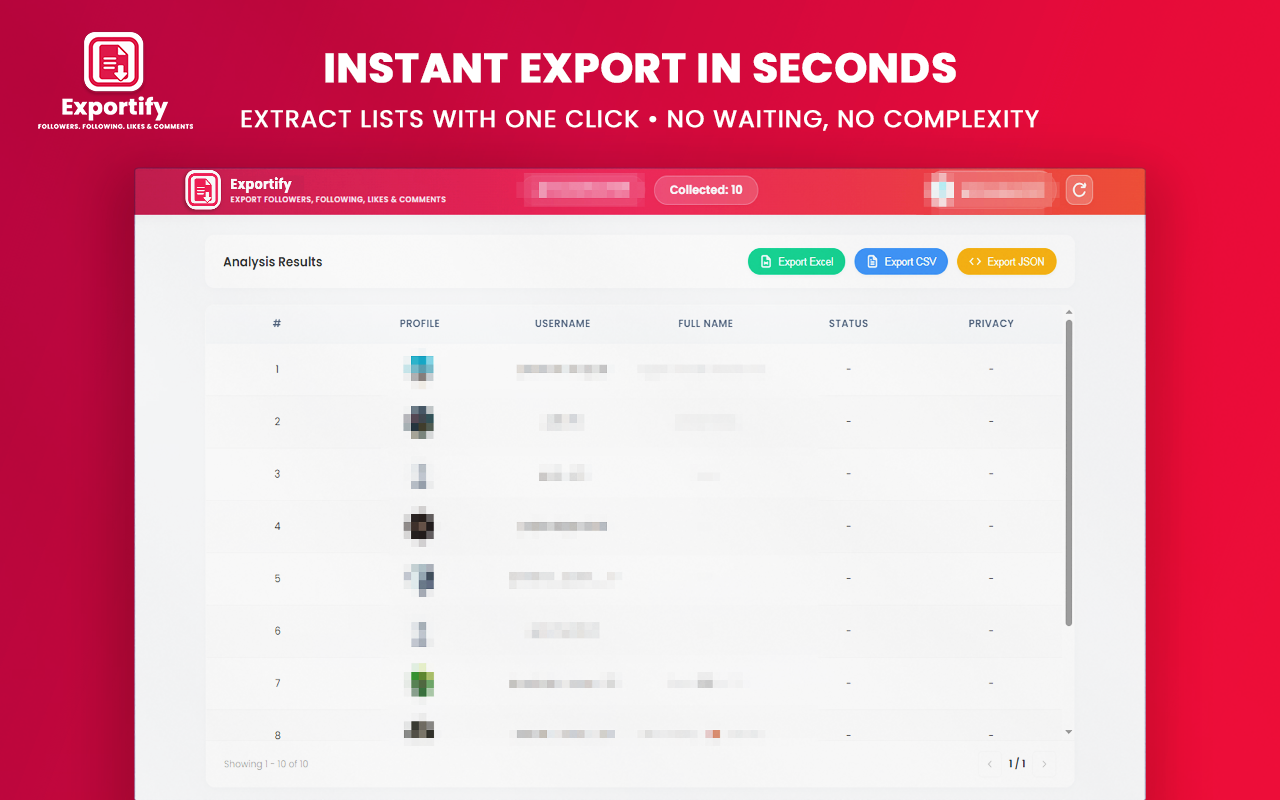
1. Followers & Following Export
Whether you are auditing your own community or analyzing a competitor's audience, you can extract full lists of any public profile's followers or following. The extension captures essential user layout data including usernames, full names, profile picture URLs, and verification statuses.
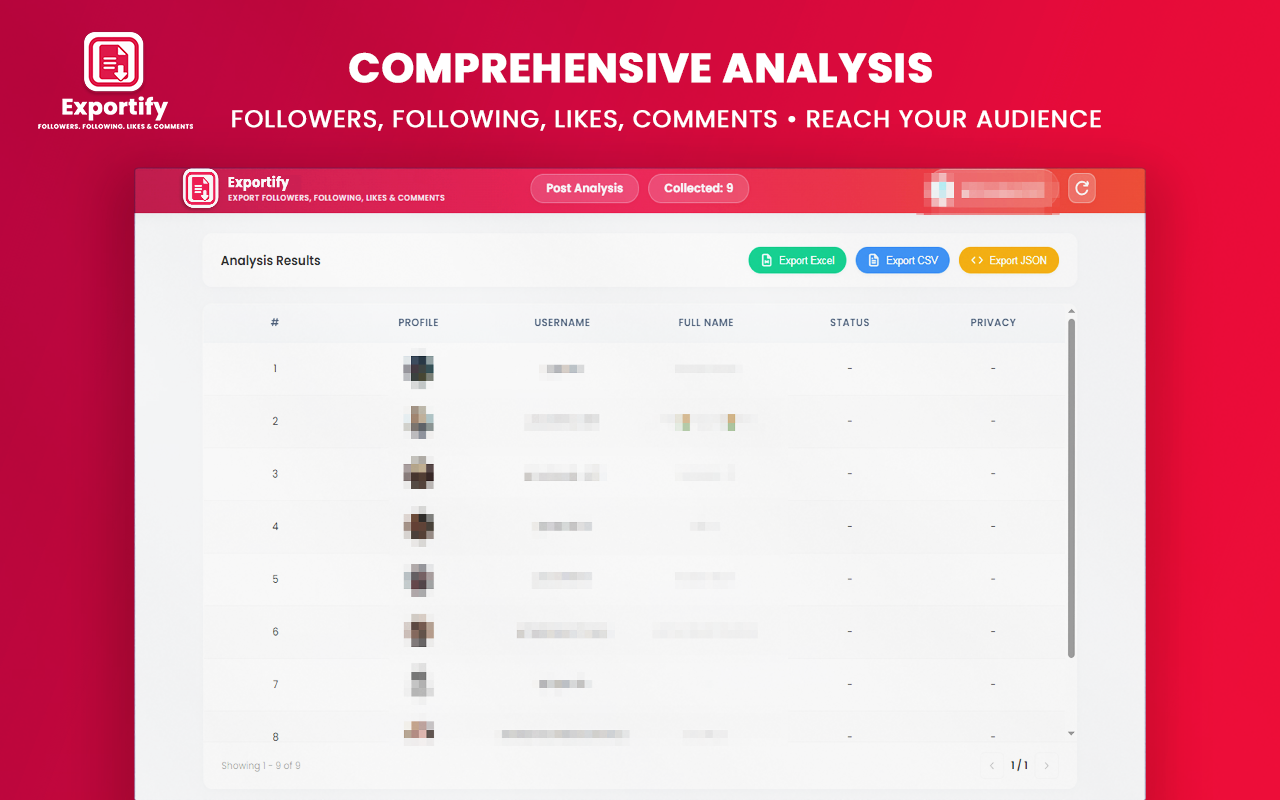
2. Likes & Comments Scraper
Engagement is often a much higher-value metric than a simple follower count. By pasting specific post links into the tool, you can scrape complete lists of users who liked the post or left a comment. This is perfect for running transparent social media giveaways, tracking customer feedback, or doing deep sentiment analysis on marketing campaigns.
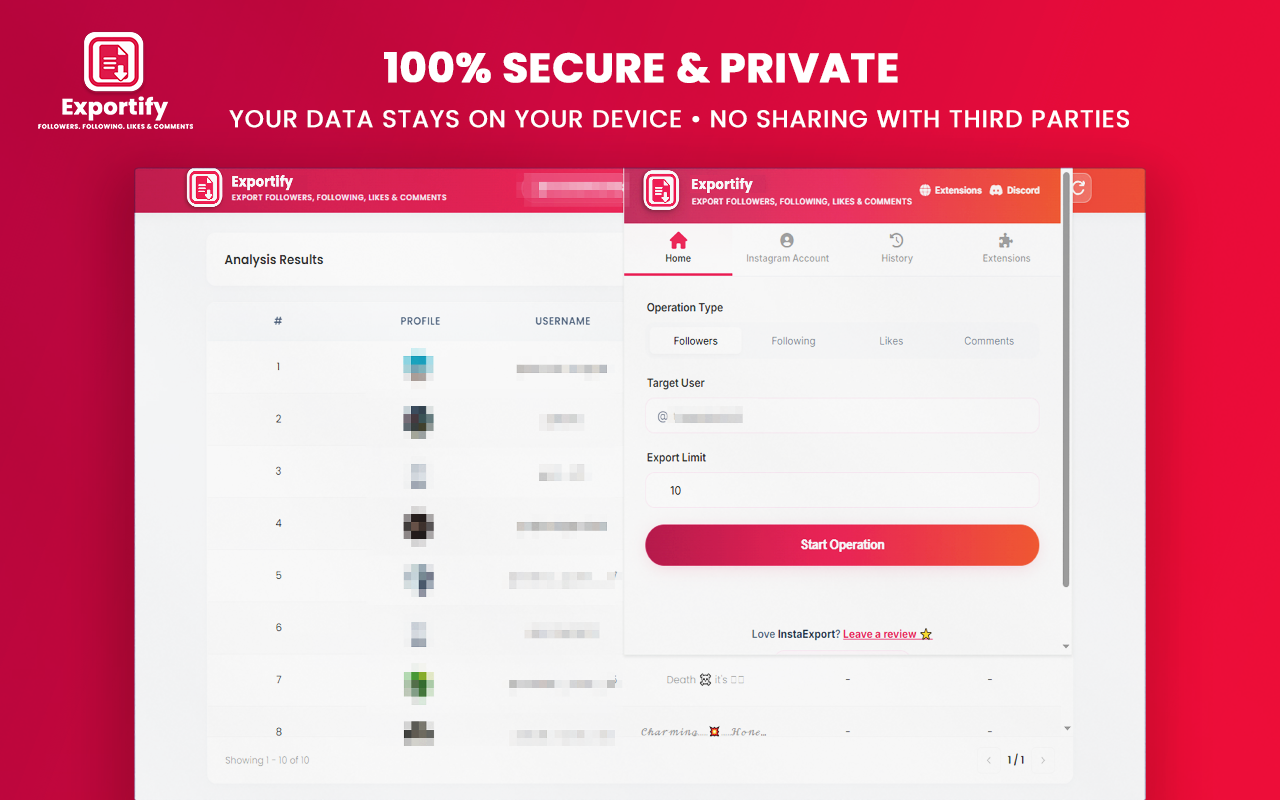
3. Integrated Image CORS Proxy
One common issue with basic data scrapers is that profile picture URLs frequently break or fail to load due to cross-origin security restrictions. Exportify includes a built-in local image proxy that safely bypasses these CORS restrictions, ensuring that all profile pictures render perfectly inside your interactive tables.
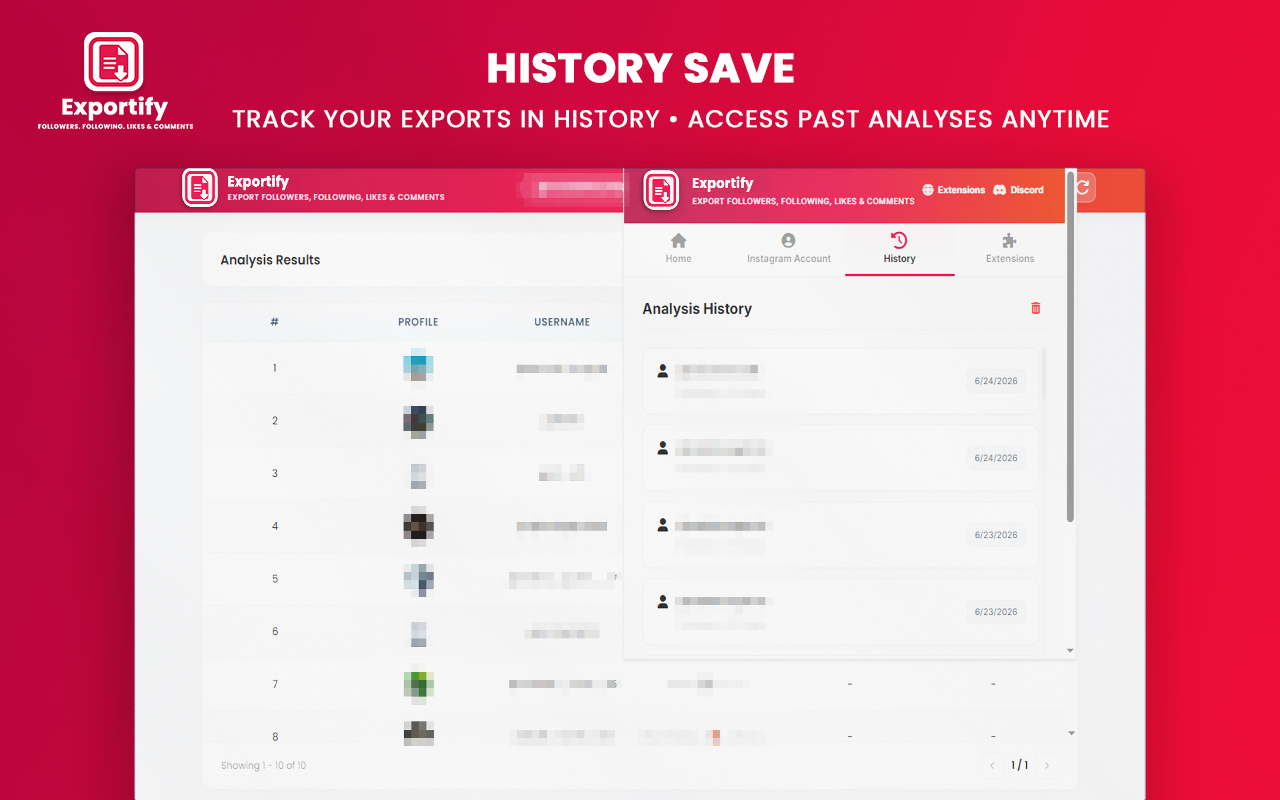
4. Advanced In-Browser Analyzer Dashboard
You do not have to wait until the download finishes to view your data. The extension comes equipped with a live, interactive Analyzer Page layout. This dashboard visualizes your statistics in real time, displays target user profiles, organizes data rows into scannable tables, and automatically caches up to 50 of your recent historical audits locally so you can re-download them cleanly anytime.
Step-by-Step Guide: How to Export Instagram Data Safely
Extracting your data using Exportify requires no technical experience or coding knowledge. You can get your first structured spreadsheet ready in just four simple steps:
Step 1: Install the Extension
Add the Exportify extension to your Google Chrome or Microsoft Edge browser from the official web store. There is zero registration or setup required after installation.
Step 2: Open and Log Into Instagram
Navigate to Instagram.com on your desktop browser and log into your active profile. The extension relies on your existing, active browser layout session to execute requests safely, simulating natural user navigation.
Step 3: Configure Your Extraction Audit
Click on the Exportify extension icon to open the popup interface, or launch the advanced Analyzer Page. Paste the URL of the target profile or post you wish to scrape. Set your preferred limits and intervals within the settings panel to ensure natural rate pacing.
Step 4: Download Your Structured File
Click the start button and watch the live progress bar update on your dashboard. Once the data retrieval process is finished, choose your preferred output format—Excel (.xlsx) for clean corporate marketing sheets, CSV for quick spreadsheet imports, or JSON if you are a developer looking to pipe the structured data rows directly into your own applications. Your data downloads instantly to your local device.
Why Data-Driven Marketers Choose Local Extraction
Shifting your workflow to an in-browser local tool changes the way you handle digital marketing. By ensuring 100% data privacy and removing arbitrary row limits, you gain total freedom over your target market research.
Digital marketers can audit competitor fan bases without spending hundreds of dollars on analytics software. Lead generation teams can instantly compile verified prospecting sheets filled with highly engaged users who actively comment on niche topics. Content creators can download clear spreadsheets of their giveaway entries to filter out duplicates and pick random winners fairly and transparently.
Stop risking your professional profiles with automated cloud bots and quit wasting hours on tedious manual copying. Download a secure, local browser extension today and take complete control of your social data infrastructure cleanly and safely.
To keep your profile metric ratios healthy, scaling your network requires cleaning your feed regularly. Once your targeting pipeline is moving, you can easily clean your profile by learning How to safely unfollow on Instagram to remove non-reciprocal and inactive users automatically.
Ready to Extract Instagram Data Safely?
Get instant access to your social metrics without limits, registrations, or monthly fees.
Install Exportify NowNabil Wassim
Blog Author
Article Info
2026-06-24
5 min read
Nabil Wassim
Tutorial