
Top 5 Competitor Tech Stack Research Hacks 2026: Detect WordPress Plugins in 1 Click
2026-10-09
5 min read
Nabil Wassim
Tutorial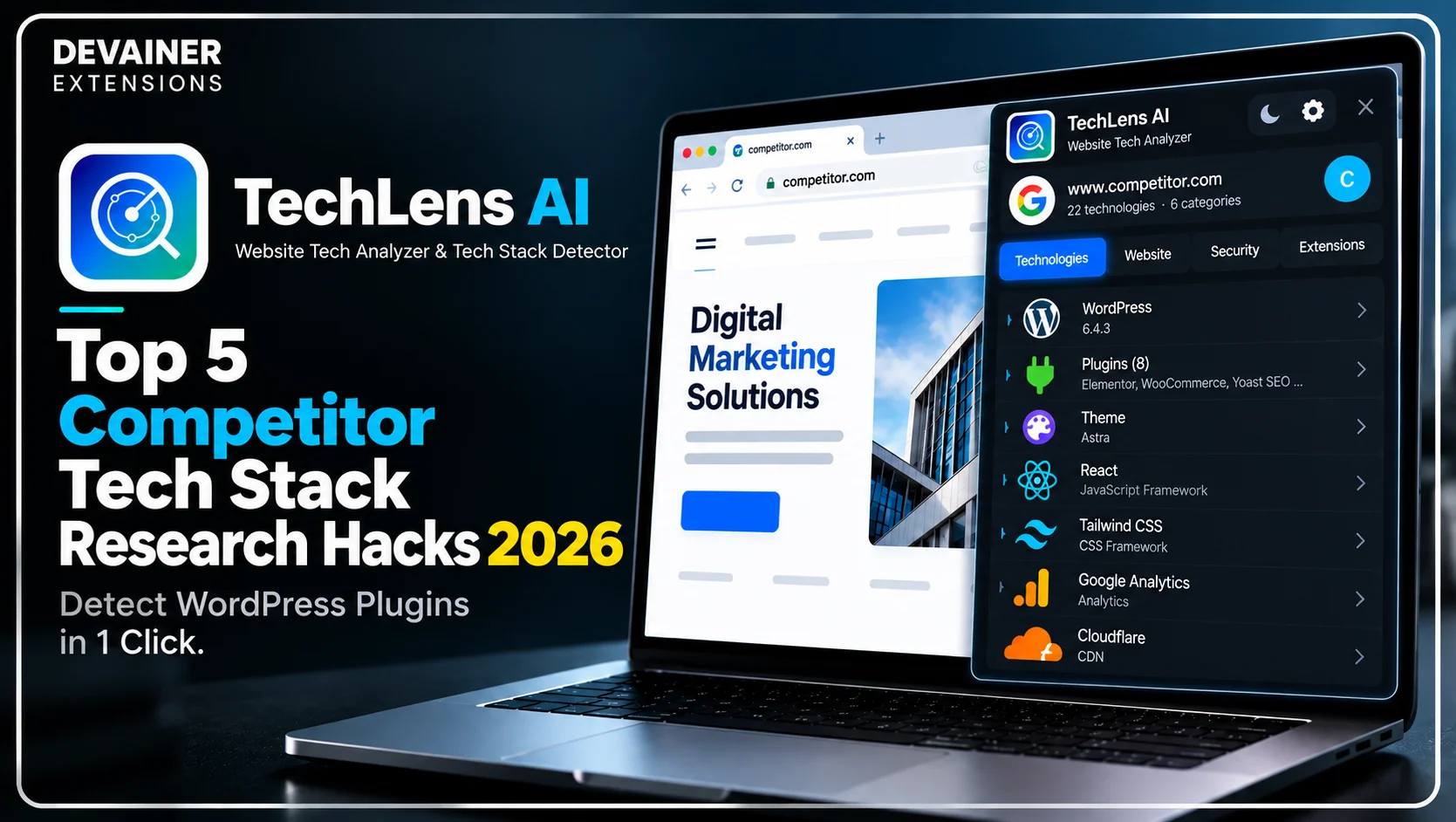
Master the top 5 competitor tech stack research hacks 2026! Instantly detect WordPress plugins, analyze CMS frameworks, and export clean tech metadata using TechLens AI.
Top 5 Competitor Tech Stack Research Hacks 2026: Detect WordPress Plugins in 1 Click
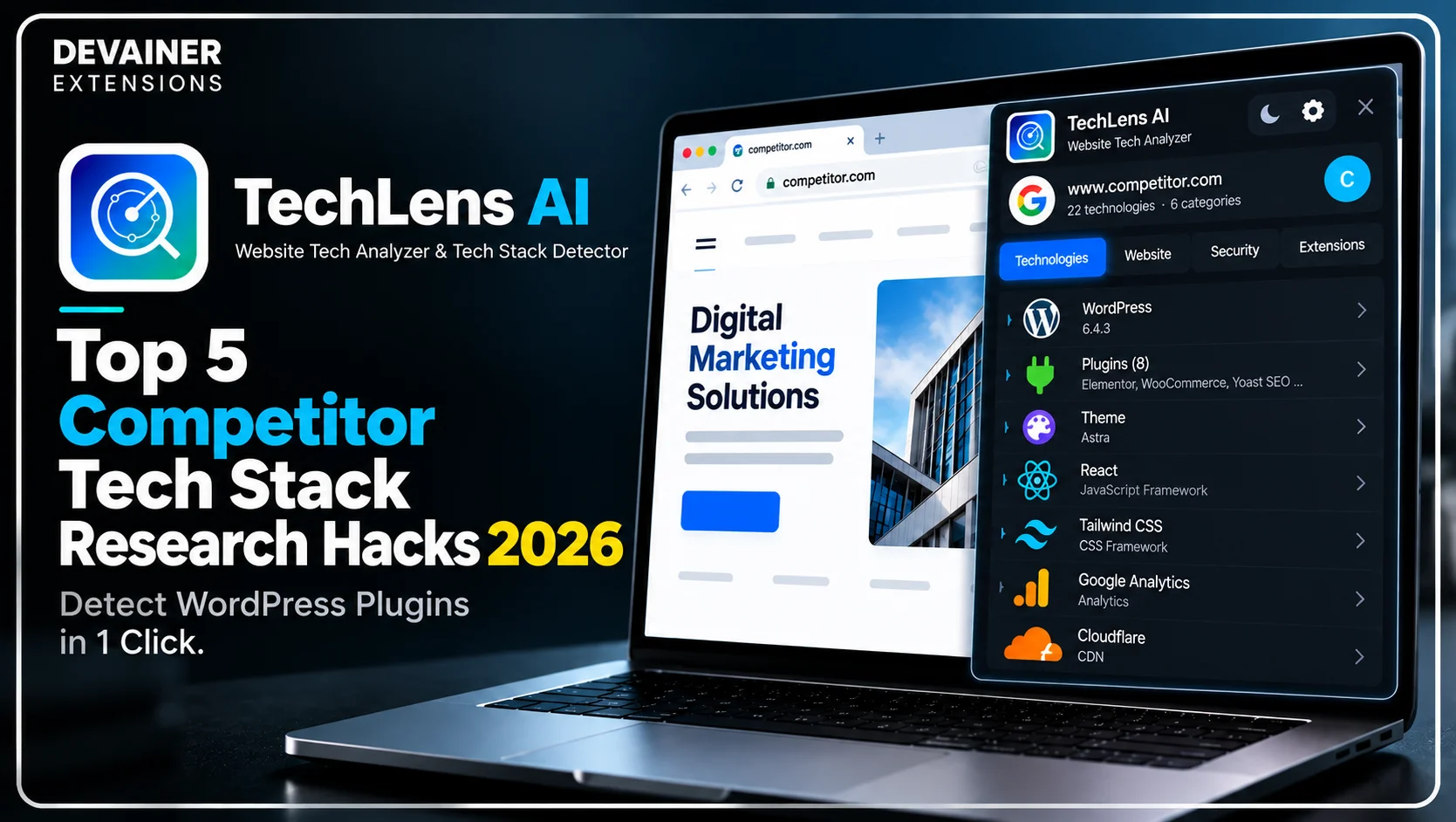
Mastering competitor tech stack research hacks 2026 is the ultimate productivity advantage for web developers, UI/UX designers, e-commerce strategists, and digital agency teams operating in 2026. For years, front-end engineers and digital marketers spent valuable working hours manually opening browser Developer Tools, inspecting obfuscated HTML source code, and digging through script tags just to identify the frameworks driving a competitor's high-converting website. This manual inspection process is tedious, inefficient, and prone to human error.
In today's fast-moving software landscape, building superior web experiences requires automating technical research workflows.
When development teams utilize automated technology detection software, they immediately uncover the exact CMS frameworks, analytics tools, UI libraries, and WordPress plugins powering successful competitor platforms.
In this comprehensive 2026 developer productivity guide, we will analyze five essential technical research hacks, evaluate how client-side processing guarantees research privacy, and detail a practical 3-step inspection blueprint using TechLens AI - Website Technology Analyzer & Tech Stack Detector.
The Hidden Productivity Bottlenecks of Manual Code Inspection
Before adopting automated stack analysis extensions, development leads must inspect the operational losses caused by manual source code inspection. Relying on manual devtools inspection drains engineering hours while yielding incomplete software inventories.
1. Developer Burnout and Lost Engineering Bandwidth
A web developer attempting to reverse-engineer a competitor's website stack manually spends hours sifting through bundled JavaScript files and CSS stylesheets. This repetitive manual digging creates cognitive fatigue and pulls developers away from core tasks like writing clean code and building user features.
When administrative research consumes primary development time, project delivery schedules stall and client launch deadlines get pushed back.
2. Incomplete Framework Detection and Obfuscation Errors
Modern web platforms utilize minified code, bundlers, and CDN optimization layers that hide underlying software dependencies from basic HTML inspection.
Attempting manual source code analysis often results in missed analytics scripts, undetected UI frameworks, and incomplete plugin lists. Automating technology detection ensures complete, accurate stack inventories without manual digging.
Hack 1: One-Click Deep WordPress Theme and Plugin Detection
WordPress powers a massive segment of the commercial web, making it a primary target for competitive engineering research.
Revealing Hidden CMS Dependencies Instantly
When a competitor launches a high-speed e-commerce portal or a sleek corporate blog, understanding their exact plugin setup provides an immediate engineering blueprint.
Using TechLens AI - Website Technology Analyzer & Tech Stack Detector, you simply open the target website and click the extension icon to reveal active WordPress themes and installed plugins.
TechLens AI provides direct links to official plugin repositories, allowing your team to evaluate and test the exact software solutions used by industry leaders.
Hack 2: Multi-Category Framework Mapping Across 22 Categories
Modern web applications rely on complex, multi-layered software ecosystems that extend far beyond the core CMS.
Auditing Full Software Ecosystems in Seconds
A complete technology stack includes hosting infrastructure, CDN networks, UI component libraries, payment gateways, and conversion tracking suites.

TechLens AI analyzes target websites across 22 distinct technology categories simultaneously.
In a single click, developers obtain a structured inventory showing whether a competitor utilizes React, Vue.js, Tailwind CSS, Cloudflare, or specific analytics pipelines.

Identifying the frameworks, plugins, and infrastructure behind a competitor's website is just the beginning of effective technical research. Understanding how these technologies work together can help developers evaluate competing platforms and make better decisions about their own projects. For a practical walkthrough, explore our guide on how to analyze any website tech stack with TechLens AI, covering CMS detection, JavaScript frameworks, WordPress plugins, hosting infrastructure, and other essential website technologies.
Hack 3: Evaluating Security Grades and Server Header Protections
Inspecting a competitor's or client's website should include evaluating underlying infrastructure security.
Spotting Infrastructure Weaknesses and SSL Configurations
Beyond detecting front-end libraries, TechLens AI evaluates core security parameters. The extension assesses HTTPS encryption status, security headers, clickjacking protections, and potential server-level data leaks.

Evaluating security configurations allows webmasters to spot misconfigurations on their own sites and patch vulnerabilities before deployment.
Hack 4: 100% Client-Side Privacy with Zero URL Harvesting
Maintaining complete research privacy is essential when agency teams analyze prospective client domains or conduct sensitive competitor research.
Eliminating Third-Party Research Leakage
Legacy cloud lookup tools send audited URLs to remote web servers, creating public logs of your research targets.
TechLens AI operates under a strict Privacy-First (Local) Architecture. It executes all network inspection natively within your open Chrome browser tab with zero external server logs.
Your browsing history, audited URLs, and analysis records remain 100% private, preventing competitors or cloud platforms from tracking your research.
Hack 5: 1-Click Multi-Format Data Exporting for Dev Documentation
Converting raw website inspections into clean technical documentation is crucial for agency proposals and developer handoffs.
Exporting Structured Metadata to Excel, CSV, JSON, and TXT
TechLens AI features a 1-Click Data Export engine supporting Excel, CSV, JSON, and TXT formats.
Developers can export complete technology inventories into JSON files for internal documentation or download CSV spreadsheets to share with project managers and clients.
Having multi-format export capabilities ensures seamless integration into any development workflow.
Deep Dive: Accelerating Agency Workflow ROI with Automated Audits
For web design agencies and software consultancies, speed and technical accuracy directly dictate client profitability.
Standardizing Technical Discovery Phase
During the initial discovery phase of a web project, developers must audit the client's existing web assets.
Replacing manual devtools inspection with TechLens AI cuts discovery phase research time from hours to seconds, accelerating project kickoff times.
Streamlining Competitive Benchmarking
When pitching a prospective client, benchmark their current tech stack against top industry competitors.
Presenting a side-by-side technical comparison showing superior competitor tooling helps convince clients to upgrade their software infrastructure.
The 3-Step Blueprint for 1-Click Tech Stack Research
Implement this practical 3-step operational framework to streamline website tech stack research using local browser automation:
Step 1: Install Extension and Open Target Page
Install Extension: Add TechLens AI to your Chrome desktop browser from the Chrome Web Store.
Navigate to Target: Visit any website, competitor portal, or client domain you wish to analyze.
Run 1-Click Audit: Click the TechLens AI toolbar icon to trigger an instant local technology scan.
Step 2: Inspect Frameworks and Security Metrics
Review 22 Categories: Inspect detected CMS frameworks, JS libraries, UI tools, analytics suites, and CDNs.
Examine WordPress Plugins: Review deep WordPress theme and plugin lists with direct repository links.
Check Security Grade: Evaluate HTTPS encryption, server header protections, and potential clickjacking leaks.
Step 3: Export Structured Files and Build Software Blueprints
Choose Export Format: Select your preferred export format (Excel, CSV, JSON, or TXT).
Download File Instantly: Save the structured technology report directly to your local machine with zero external cloud tracking.
Implement Engineering Insights: Use the exported software inventory to refine your project architecture or client proposal.
Comparing Tech Stack Detection Workflows
To visualize the dramatic efficiency gains achieved through automated browser detection, consider this operational comparison:
1. Local Browser-Based Detection (TechLens AI)
Research Speed: Instant 1-click detection across 22 technology categories.
Research Privacy: 100% Secure. Operates locally in your browser with zero URL logging or data harvesting.
WordPress Inspection: Deep plugin and theme detection with direct repository links.
Operating Cost: 100% Free & Unlimited with zero monthly subscription charges.
Data Exporting: Seamless 1-click export to Excel, CSV, JSON, and TXT formats.
2. Cloud Lookup Websites
Research Speed: Moderate; requires navigating away to external lookup portals.
Research Privacy: High Risk. Logs audited URLs on central cloud servers, risking third-party data tracking.
WordPress Inspection: Basic theme lookup often missing specific plugin details.
Operating Cost: Expensive monthly subscriptions with rigid lookup limits.
Data Exporting: Limited export formats requiring paid subscription upgrades.
3. Pure Manual DevTools Inspection
Research Speed: Extremely slow; requires manually searching source code for hours.
Research Privacy: Safe, as inspection occurs locally in your browser.
WordPress Inspection: Unreliable; minified scripts hide installed plugin details.
Operating Cost: High indirect cost in wasted developer hours and burnout.
Data Exporting: None; requires manual copy-pasting into documents.
Frequently Asked Questions (FAQ)
Q: How many technology categories can TechLens AI detect on a website?
A: TechLens AI instantly detects technologies across 22 distinct categories, including CMS platforms, JavaScript frameworks, UI libraries, analytics suites, CDNs, hosting providers, and payment systems.
Q: Does TechLens AI require a paid subscription for unlimited scans?
A: No! TechLens AI offers 100% free and unlimited website technology audits with zero hidden fees or credit caps.
Q: Can I export the detected tech stack directly into a JSON file for my dev team?
A: Yes! TechLens AI supports 1-click exports to Excel, CSV, JSON, and TXT formats for seamless integration into development documentation.
Q: Why doesn't TechLens AI work on chrome:// or edge:// internal pages?
A: Web browsers restrict extension execution on internal system pages (like chrome://) to protect core browser security. TechLens AI operates on all standard web domains and HTTP/HTTPS URLs.
Ready to Inspect Any Website Tech Stack?
Automate your tech stack research, check security scores, and export clean data in seconds.
Install TechLens AINabil Wassim
Blog Author
Article Info
2026-10-09
5 min read
Nabil Wassim
Tutorial