
HomeBlog100% Private On-Page SEO Analyzer in 2026: Why Local Processing Beats Paid SaaS Subscriptions
100% Private On-Page SEO Analyzer in 2026: Why Local Processing Beats Paid SaaS Subscriptions
2026-10-08
5 min read
Nabil Wassim
Tutorial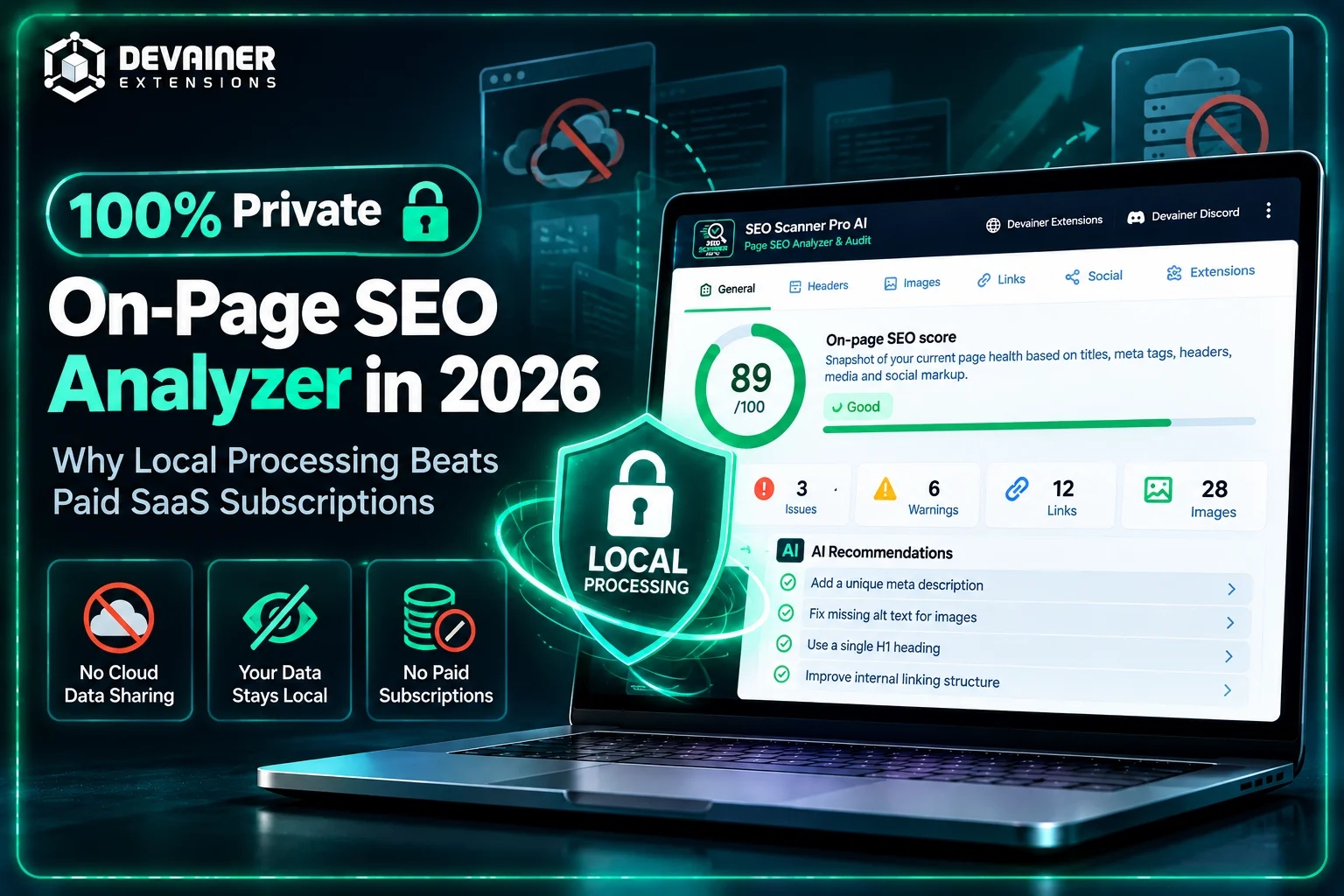
Protect your website data with a 100% private on-page SEO analyzer in 2026. Compare zero-leakage local browser processing with costly cloud SaaS subscriptions.
100% Private On-Page SEO Analyzer in 2026: Why Local Processing Beats Paid SaaS Subscriptions
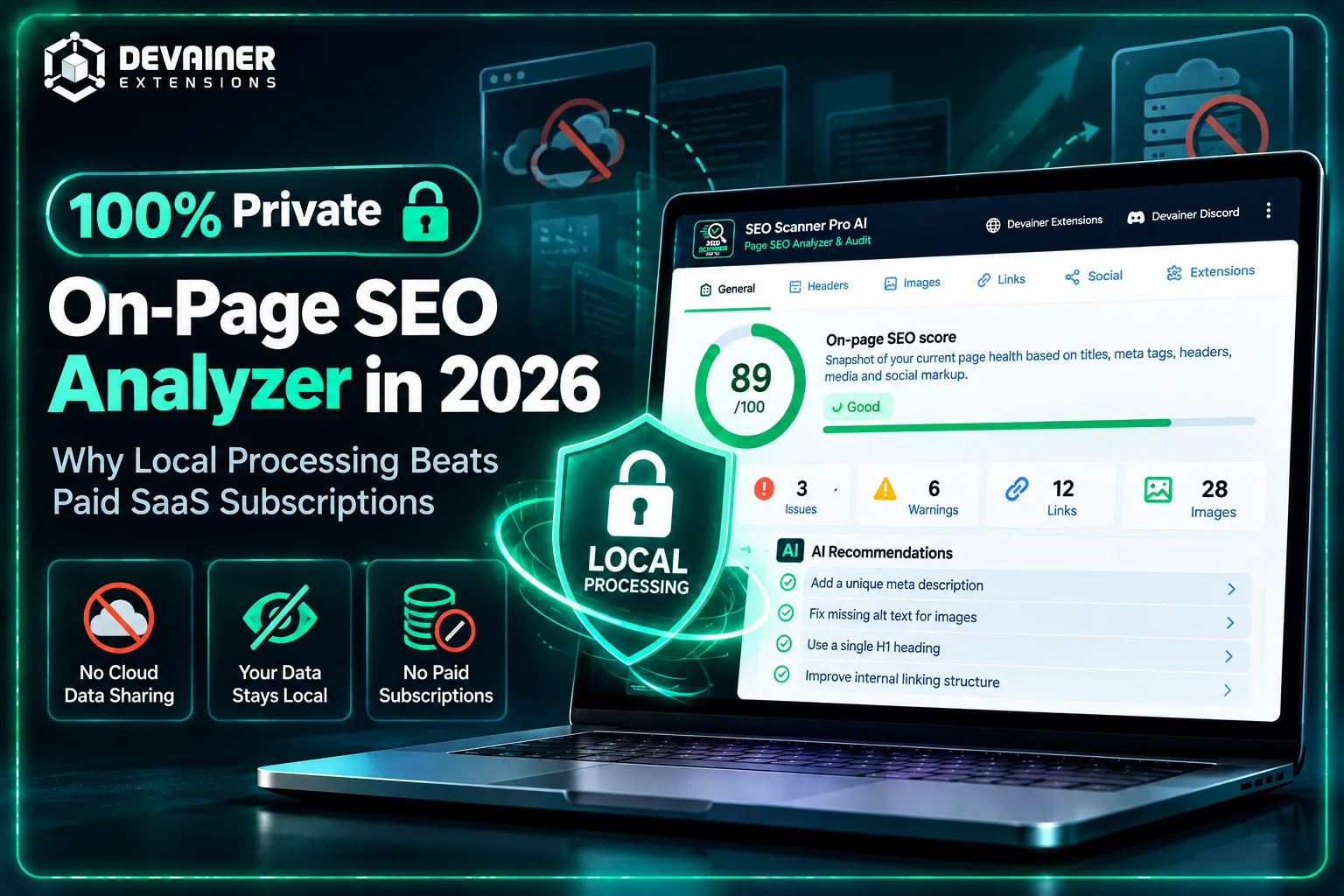
Deploying a 100% private on-page SEO analyzer has become a critical operational requirement for enterprise IT directors, web agency leads, and data privacy officers in 2026. As corporate cybersecurity mandates and international data compliance laws (such as GDPR and CCPA) become more stringent, sending website structures, unreleased staging URLs, and internal landing page metadata to third-party cloud servers presents substantial security risks. For years, marketing teams relied on centralized cloud-based SEO platforms to audit web pages. However, transmitting proprietary site architecture and pre-launch content to external SaaS servers creates unnecessary data leak vulnerabilities.
In the modern digital ecosystem, maintaining strict control over your proprietary web data is just as important as search engine rankings.
When organizations analyze unreleased staging sites or confidential client portals using third-party cloud crawlers, they risk exposure of strategic product launches and proprietary site structures.
In this comprehensive 2026 technology guide, we will examine the data security risks associated with cloud-based SEO software, explore the architectural advantages of client-side browser processing, and demonstrate how SEO Scanner Pro AI delivers enterprise-grade page auditing with zero data leakage.
The Hidden Compliance & Privacy Risks of Cloud-Based SEO Tools
To understand why privacy-conscious organizations are shifting toward client-side tools, engineering managers must analyze how server-based SEO platforms operate behind the scenes.
1. Third-Party Server Telemetry and Staging Site Exposure
Traditional cloud-based SEO platforms require users to submit URLs to central web dashboards or install server-side crawler bots. When an analyst audits a webpage using a cloud platform, that request is transmitted across remote networks to external databases.
This creates a serious security vulnerability: if you are auditing an unreleased staging website, a confidential client portal, or a stealth landing page, those private URLs and content structures are logged on third-party cloud servers.
If the SaaS vendor experiences a data breach or logs search telemetry, your competitors could gain unauthorized insight into your upcoming marketing campaigns before they launch.
2. Soaring SaaS Subscription Overhead and Project Limits
Beyond privacy concerns, cloud SEO platforms enforce steep recurring subscription fees. Enterprise tiers often cost hundreds of dollars per month while imposing strict limitations on the number of projects, crawl credits, or user seats allowed.
For growing marketing agencies auditing hundreds of client pages monthly, per-crawl limits create severe operational bottlenecks and unpredictable recurring costs.
The Client-Side Revolution: How SEO Scanner Pro AI Guarantees 100% Data Security
To eliminate cloud data leaks, modern software architecture prioritizes local browser-level execution. SEO Scanner Pro AI – Page SEO Analyzer & Audit was developed with a strict Privacy-First Architecture, ensuring that all technical page evaluations take place entirely inside your local browser.
1. Zero Data Leakage (100% Local Processing)
Unlike cloud-based auditing dashboards, SEO Scanner Pro AI does not transmit your web URLs, page structures, or audit histories to remote backend servers. Every DOM inspection, heading hierarchy evaluation, and meta tag analysis executes locally on your device.
Whether you are auditing a public live site, a password-protected staging environment, or a local development server (such as localhost), your site data remains completely private and never leaves your browser.
2. Account-Free Unlimited Usage
Most SEO tools force users to register accounts, share corporate email addresses, and enter credit card details. SEO Scanner Pro AI requires no account creation, login credentials, or user tracking.
You install the extension and perform unlimited web page audits immediately with zero recurring software fees.
Core Technical Features of SEO Scanner Pro AI
Despite running entirely inside local memory, SEO Scanner Pro AI delivers comprehensive technical insights that match expensive enterprise software:
1. Real-Time 0–100 SEO Health Score
The moment you launch the extension on any active browser tab, it evaluates page health and generates an instant score from 0 to 100. Color-coded visual indicators highlight technical priorities—red for critical errors, yellow for minor warnings, and green for optimized elements.
2. Complete Header Hierarchy Analysis (H1–H6)

Search engine crawlers rely on clean heading tag structures to interpret content context. SEO Scanner Pro AI automatically identifies missing H1 titles, duplicate headers, or skipped tag tiers (such as jumping directly from H2 to H4).
3. Image & Link Optimization Audits
The extension scans all on-page media assets and hyperlinks instantly, pinpointing images that lack descriptive ALT tags and catching un-crawlable link patterns that hurt indexation.

4. Integrated Social Media Tag Previews
Ensure your content renders perfectly across social networks before publishing. The extension includes a built-in preview module for Open Graph and Twitter Cards, showing exactly how your page titles, descriptions, and thumbnails will appear on social channels.

5. Actionable AI Recommendations
Instead of forcing users to interpret raw code errors manually, SEO Scanner Pro AI provides clear, actionable AI suggestions to fix technical issues on the spot.
Privacy and data security are essential when choosing an SEO auditing tool, but improving your daily optimization workflow is equally important. To discover practical ways to speed up technical website analysis, explore our guide on the top 5 on-page SEO automation hacks for 2026, covering instant page health scoring, heading structure validation, image and link auditing, social media previews, and AI-powered optimization recommendations using SEO Scanner Pro AI.
Comparing On-Page SEO Tool Architectures
To help IT decision-makers and marketing leaders choose the most secure software stack, the following analysis compares the three primary page auditing methods across essential security and efficiency metrics:
1. Local Browser Processing (SEO Scanner Pro AI)
Data Security & Privacy: 100% Secure. Runs locally inside your browser with zero remote server logging or URL tracking.
Staging Site Compatibility: Fully compatible with local dev environments (localhost) and password-protected staging sites.
Operating Cost: 100% free with zero monthly subscription fees or hidden project limits.
User Friction: Zero. No account registration, password setup, or login required.
Actionable Guidance: Provides instant AI-ready fix recommendations on the spot.
Social Media Preview: Includes real-time Open Graph and Twitter Card rendering previews.
2. Cloud-Based SaaS Platforms
Data Security & Privacy: Critical Risk. Sends target URLs, page code, and audit histories to central cloud databases.
Staging Site Compatibility: Difficult. Often requires whitelisting IP ranges or modifying firewall settings.
Operating Cost: Expensive monthly recurring subscriptions with strict project and credit limits.
User Friction: High. Requires user accounts, team seat licenses, and credit card setup.
Actionable Guidance: Displays static, complex data tables that require manual interpretation.
Social Media Preview: Often unavailable or requires separate platform subscriptions.
3. Manual Code Review
Data Security & Privacy: Private, but introduces extreme operational slowness.
Staging Site Compatibility: Compatible, but tedious to execute manually.
Operating Cost: Free in tools, but extremely costly in wasted developer hours.
User Friction: High manual effort required to inspect HTML tags line by line.
Actionable Guidance: Requires manual research to write recommendations from scratch.
Social Media Preview: Requires manual testing on external developer portals.
Step-by-Step Deployment: Securing Your Enterprise Audit Pipeline
Follow this simple four-step implementation process to establish a secure, zero-leakage SEO auditing workflow across your team:
Phase 1: Installation & Security Verification
Add Extension: Install SEO Scanner Pro AI to your Chromium browser from the official web store.
Verify Privacy: Confirm that no external background API requests or tracking scripts execute during page scans.
Phase 2: Local Staging & Live Page Auditing
Navigate to Target Page: Open any public URL, private client site, or local staging page in your browser.
Trigger One-Click Audit: Click the extension icon to run an immediate, automated technical inspection.
Phase 3: Review Technical & Social Metrics
Examine Score & Alerts: Review the overall 0–100 health score and resolve red critical alerts.
Validate Heading Structure: Verify that the page maintains a clean H1–H6 tag hierarchy.
Check Open Graph Tags: Toggle the Social Media Preview module to confirm that shared social thumbnails display correctly.
Phase 4: Apply AI Suggestions & Re-Audit
Extract AI Recommendations: Review the AI suggestions tab for instant guidance on resolving metadata or heading errors.
Update CMS: Implement the recommended fixes directly inside your website editor or CMS.
Re-Scan Page: Refresh the URL and re-run the extension to verify a 100/100 health score.
Frequently Asked Questions (FAQ)
Q: Why is local browser auditing safer than cloud-based SEO platforms?
A: Local browser processing executes all HTML parsing directly on your device. No web URLs, confidential staging links, or audit reports are ever sent to remote server databases, eliminating third-party tracking and data leakage risks.
Q: Can SEO Scanner Pro AI audit local development sites (like localhost)?
A: Yes! Because the extension runs inside your local browser instance, it can audit local development environments (e.g., localhost), password-protected staging servers, and private intranets effortlessly.
Q: Does SEO Scanner Pro AI store my browsing history or audit logs?
A: No. The extension operates under a strict zero-tracking policy. It does not record your browsing history, save target URLs, or collect personal analytics. Audits are stored temporarily in volatile local browser storage only.
Q: Is SEO Scanner Pro AI really completely free to use?
A: Yes. The tool offers 100% functionality with no account creation, no monthly subscription fees, and no per-crawl credit caps.
Protect Your Web Data with Private SEO Audits
Eliminate third-party data tracking and expensive SaaS subscriptions. Audit your web pages safely inside your browser using SEO Scanner Pro AI — 100% free, private, and local.
Install SEO Scanner Pro AINabil Wassim
Blog Author
Article Info
2026-10-08
5 min read
Nabil Wassim
Tutorial